.png)


PrestaShop Display Recently Purchased Products Popup Notification
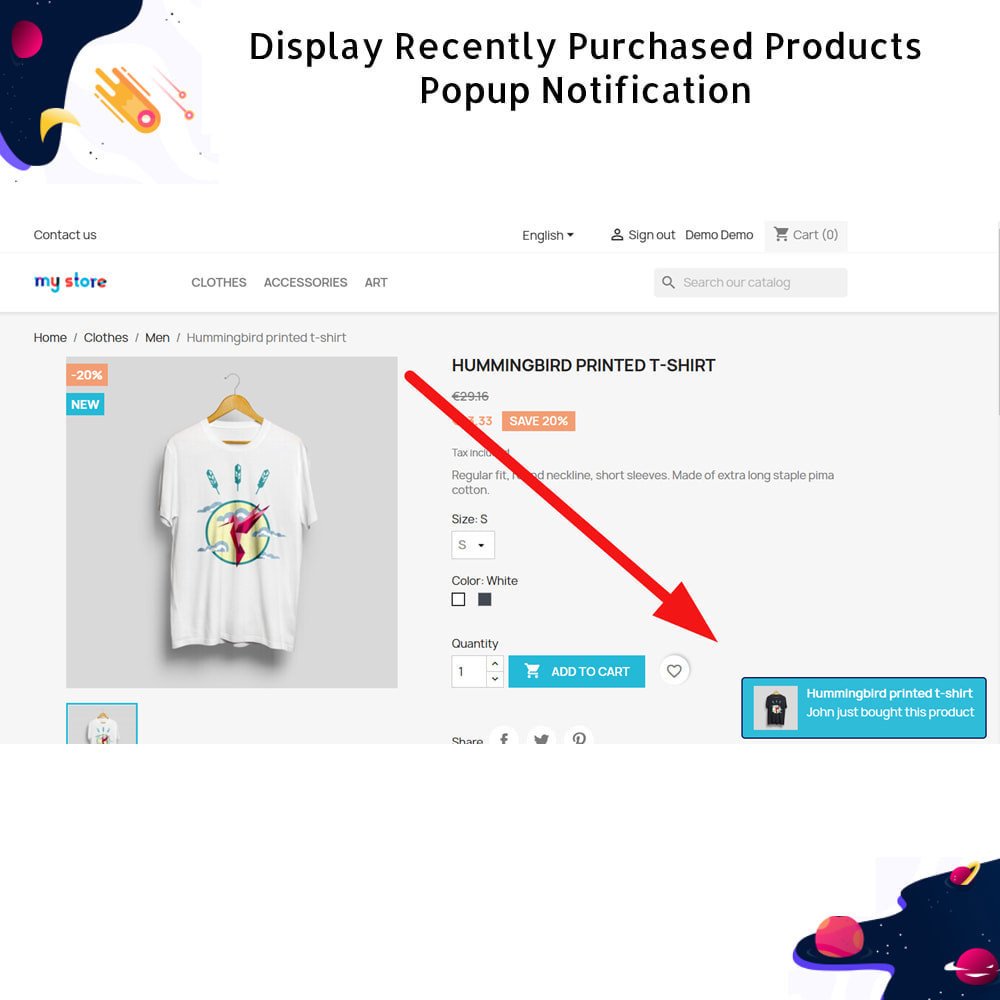
The Recently Purchased Products Module for PrestaShop allows you to create urgency among potential buyers by displaying fictitious purchase activity on your store. This innovative marketing solution aims to convert hesitant visitors into customers by leveraging social proof.
The Recently Purchased Products Module for PrestaShop allows you to create urgency among potential buyers by displaying fictitious purchase activity on your store. This innovative marketing solution aims to convert hesitant visitors into customers by leveraging social proof.
 Return policy
10-day module exchange guarantee
Effectively boosts sales by displaying real-time pop-up notifications of recent purchases, encouraging new visitors to make buying decisions faster.
Helps reduce bounce rates by keeping visitors actively engaged and showcasing that the store is lively and trusted by other buyers.
Creates a powerful sense of urgency and FOMO (Fear of Missing Out) that motivates customers to complete their purchase before stock runs out.
Promotes product discovery by drawing attention to trending or best-selling products that customers may not have otherwise noticed.
Builds trust and credibility through social proof by showing that other people are actively purchasing items from the store.
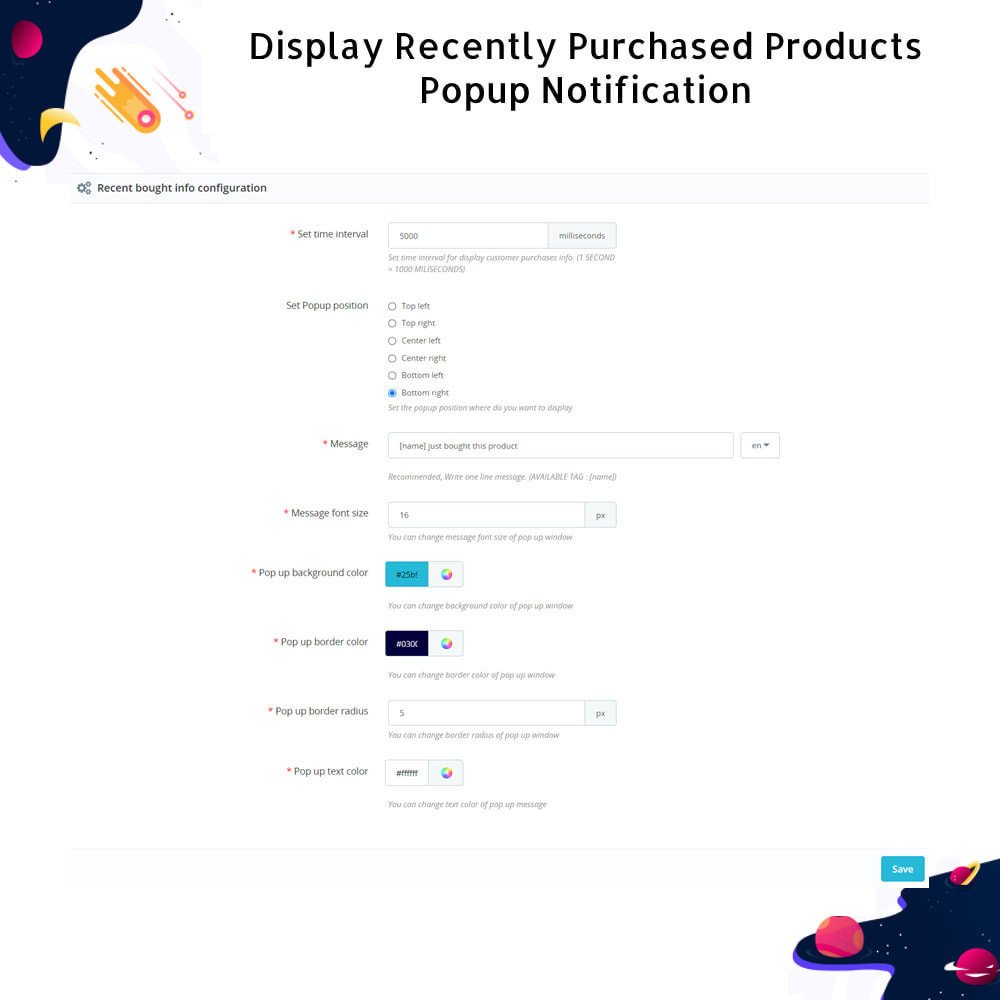
Provides flexible control over how frequently the pop-up appears with customizable interval timing to suit your marketing strategy.
Allows you to choose the display position of the pop-up window, such as top-right, bottom-left, or any other preferred screen corner.
Enables you to personalize the message content inside the pop-up to reflect your brand’s voice and connect better with your audience.
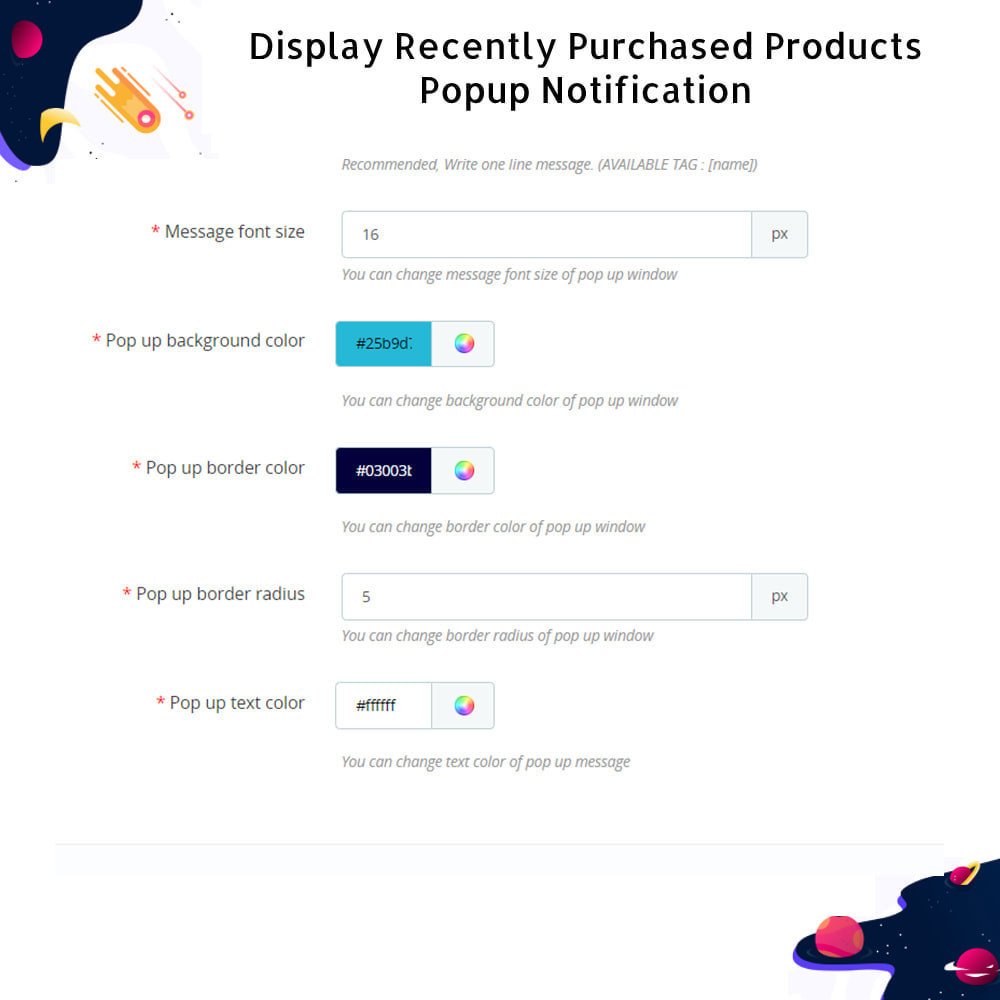
Offers complete customization of font size, background color, text color, and border styling to seamlessly match your store’s design.
Includes full multilingual support to ensure a smooth and localized experience for international customers visiting your store.
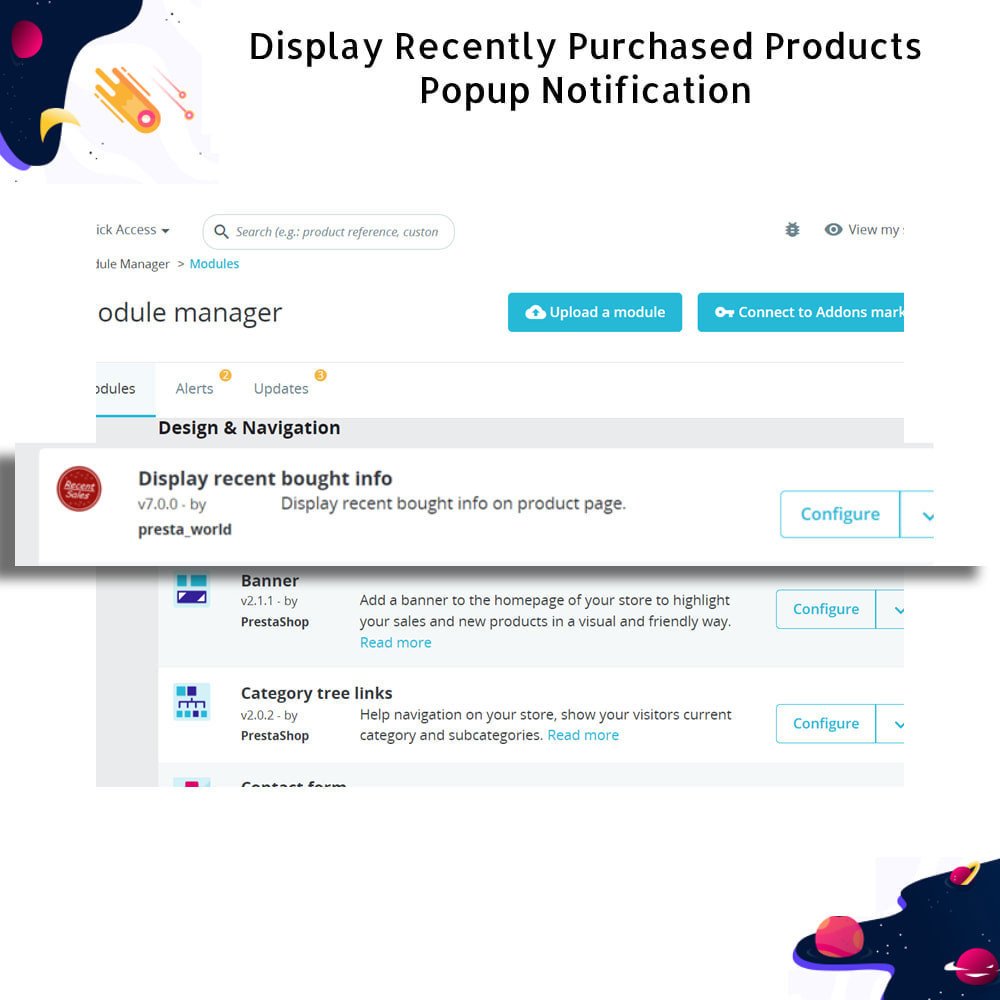
Simple and fast to install through the PrestaShop admin panel with easy configuration to start displaying pop-ups instantly.
Easily define how often the pop-up should appear with a customizable time interval setting to control user engagement frequency.
Choose from multiple display positions like top-left, top-right, bottom-left, or bottom-right to best fit your website layout.
Personalize the notification message to align with your brand’s tone, promotional strategy, or preferred communication style.
Customize the font size, background color, border color, and text color to match the look and feel of your online store.
Supports multiple languages, allowing you to cater to a diverse global audience with localized messages.
Fully responsive and lightweight design ensures smooth performance on both desktop and mobile devices without slowing down the site.
Displays recent or simulated purchases to show real-time customer activity and increase trust through social proof.
Provides an intuitive configuration panel in the admin area for easy setup and real-time preview of changes.
Quickly enable or disable the notification system with a simple toggle option in the module settings.
Works seamlessly with all PrestaShop themes, ensuring compatibility without requiring extra customization.
Increases customer trust by showing that other people are actively buying, which serves as strong social proof and reassures hesitant shoppers.
Encourages faster purchasing decisions by creating a sense of urgency, using FOMO (Fear of Missing Out) to drive conversions.
Helps customers discover popular and trending products they may have otherwise overlooked, improving product visibility across your store.
Keeps users engaged longer on your website by showing interactive, real-time notifications, reducing bounce rates significantly.
Enhances the overall shopping experience with dynamic and informative pop-ups that feel lively and personalized.
Supports impulse buying behavior by making the shopping environment feel active and time-sensitive.
Strengthens brand credibility and builds confidence among first-time visitors by showing that your store is trusted and frequently shopped.
Improves the visibility of fast-moving or promotional items, leading to increased chances of cross-selling and upselling.
Creates a competitive atmosphere where customers feel they might miss out if they don’t act quickly.
Offers a non-intrusive way to communicate buyer activity without disrupting the browsing flow, ensuring a smooth user experience.
Download or upload the module ZIP file through the PrestaShop admin panel's “Modules” section.
Click “Install” to begin the installation process and wait for the confirmation message.
Navigate to the module’s configuration page to access and adjust the available settings.
Customize the pop-up timing, position, message content, and design to match your store’s branding.
Enable the multilingual settings if your store supports multiple languages for broader reach.
Save your changes to activate the recently purchased product pop-up on the front office.
Visit the storefront to verify that the pop-up appears according to your configured preferences.
.png)


.png)


 rESTASHOP Store — We Handle It All