Prestashop B2B Contract Based Ordering

€89.99
Tax excluded

This module allows B2B customers to place orders under contracts with fixed pricing, flexible payments, and automated invoicing. It supports custom contracts, volume-based pricing, approvals, and renewals.

Technical Support
Quantity
  Return policy

10-day module exchange guarantee

The B2B Contract Based Ordering module allows B2B customers to place and manage orders under specific contractual agreements. This includes features like fixed or volume-based pricing,flexible payment options, and automated invoicing.

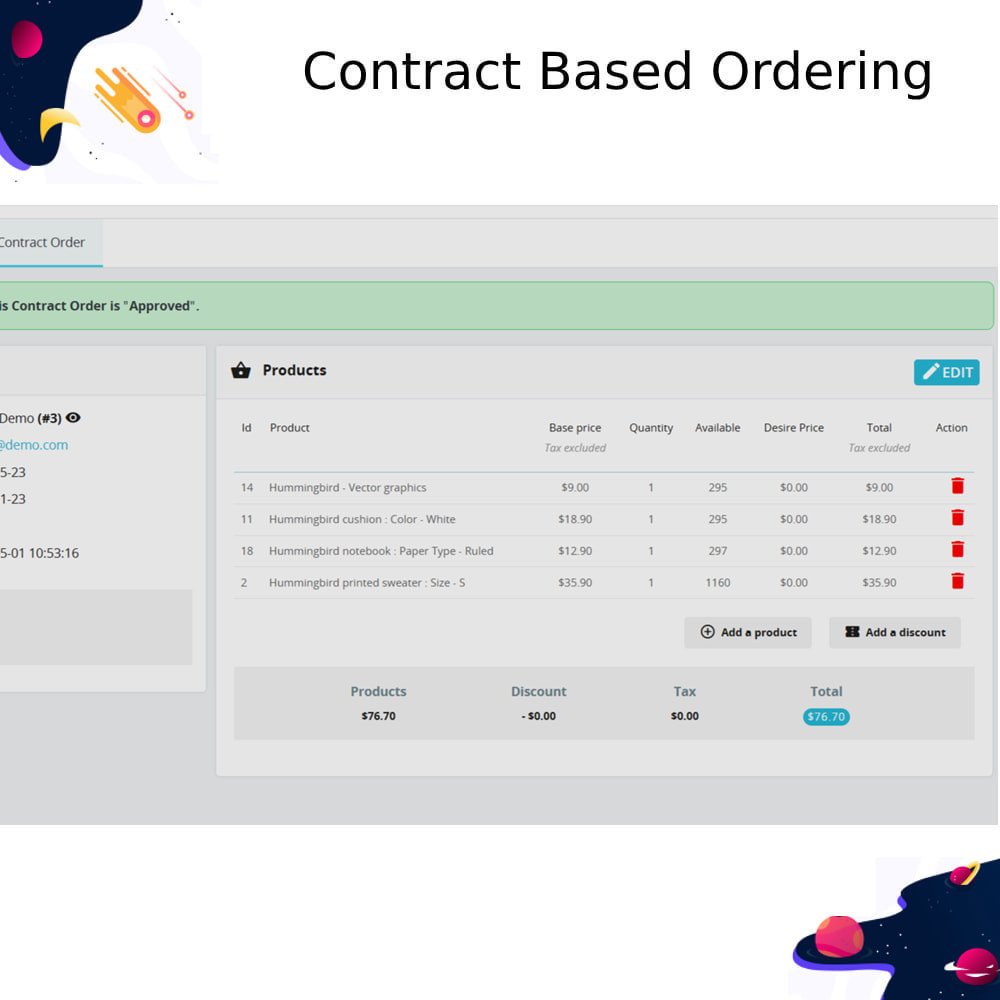
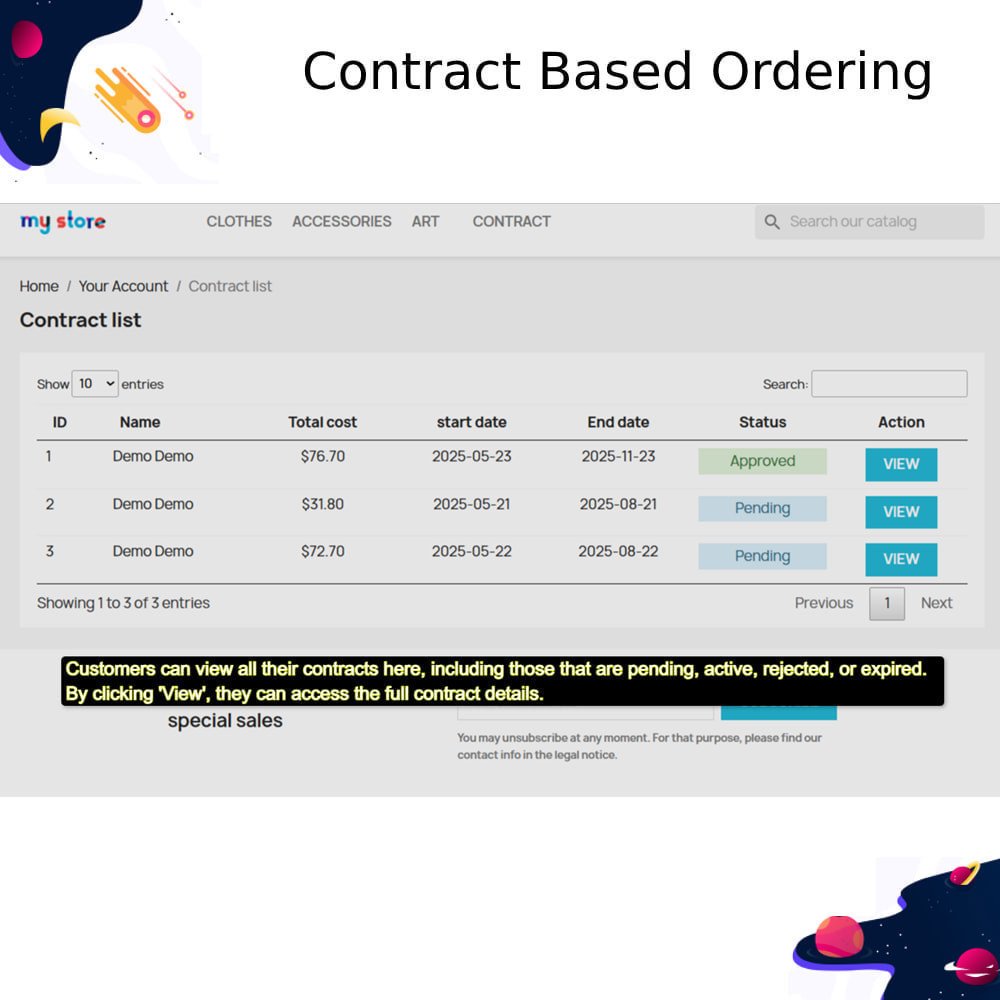
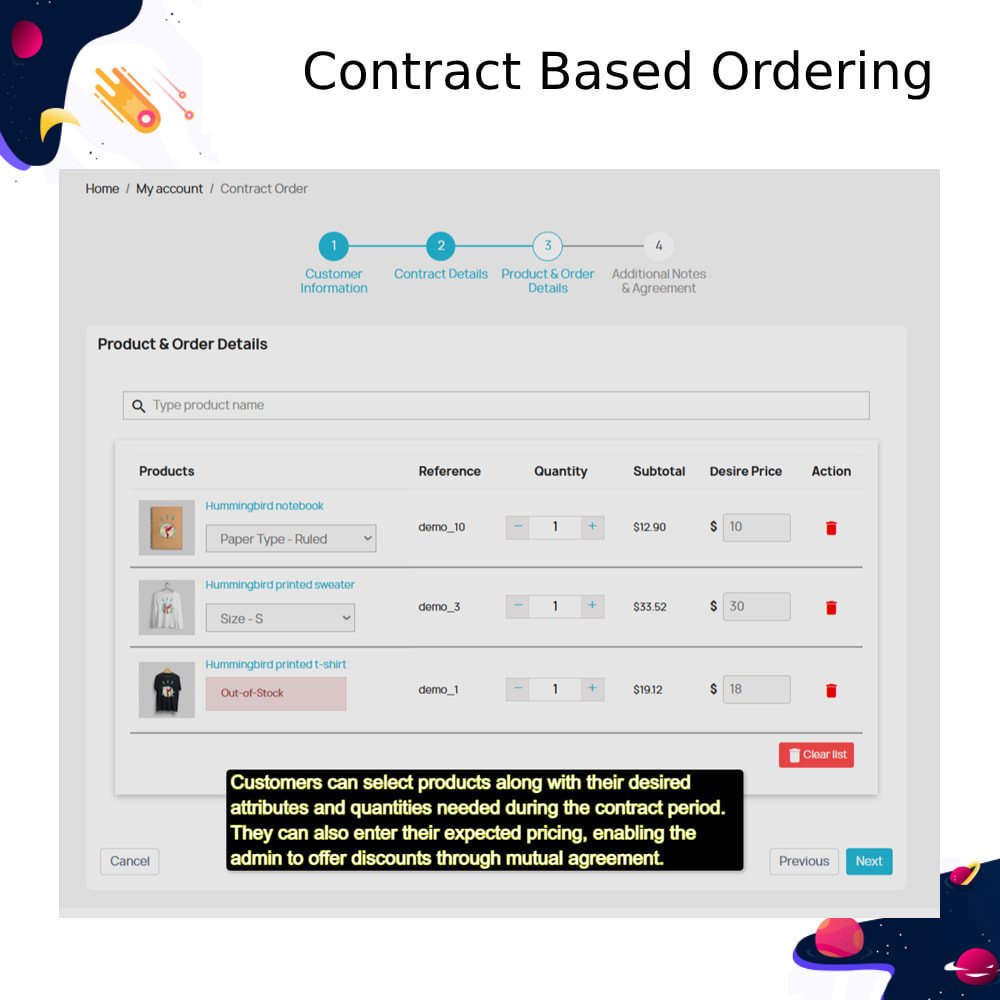
One of the core features of the module is to allow customers who regularly purchase from the store to create contract requests. Through this process, customers can negotiate prices directly with the store admin and receive customized discounts. In turn, the admin benefits from predictable, repeat purchases and the ability to offer net invoice options. This means that customers do not have to pay for each order individually; instead, they can settle all their weekly or monthly contract orders in a single invoice, which streamlines payments and saves time for both parties.

Additionally, the module provides features such as auto-reordering, contract renewals, custom pricing, and automated notifications. These tools enhance the B2B buying experience and improve overall operational efficiency for merchants.


  •  Manage long-term B2B contracts to reduce manual order processing
  • Offer custom pricing per customer with fixed or volume-based discounts
  • Automate recurring orders (addon) to increase efficiency and retention
  • Provide flexible payment terms like Net 30/60/90 and partial payments
  • Tag and track contract orders separately for better reporting
  • Auto-generate invoices and send payment reminders
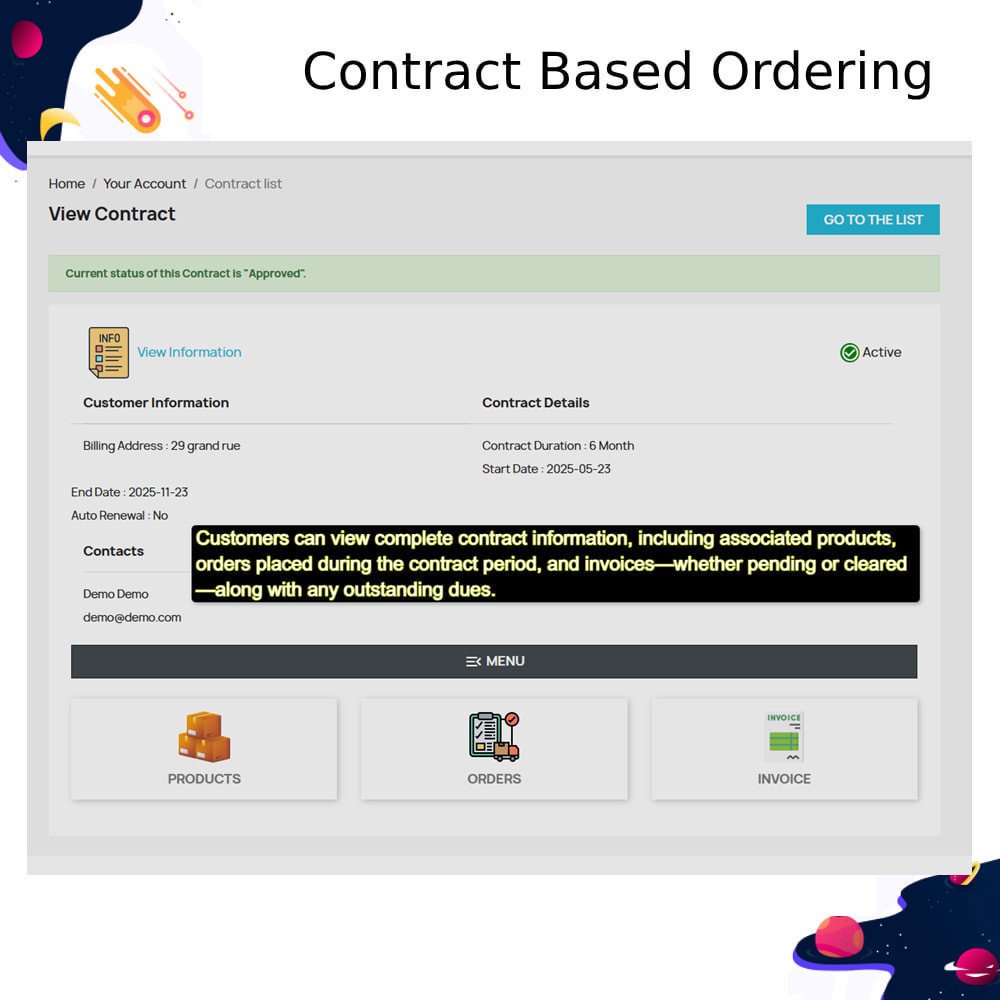
  • Enable customers to manage their own contracts from their account
  • Reduce pricing disputes with predefined contract terms
  • Improve customer satisfaction through transparency and consistency
  • Gain insights through contract-based revenue and performance reports.
  • Enable or disable contract-based ordering across the store
  • Allow specific customer groups to request contracts
  • Restrict contract applications to selected countries
  • Auto-approve contract requests or require manual review
  • Notify admin by email when a new contract request is submitted
  • Notify customers by email upon contract approval
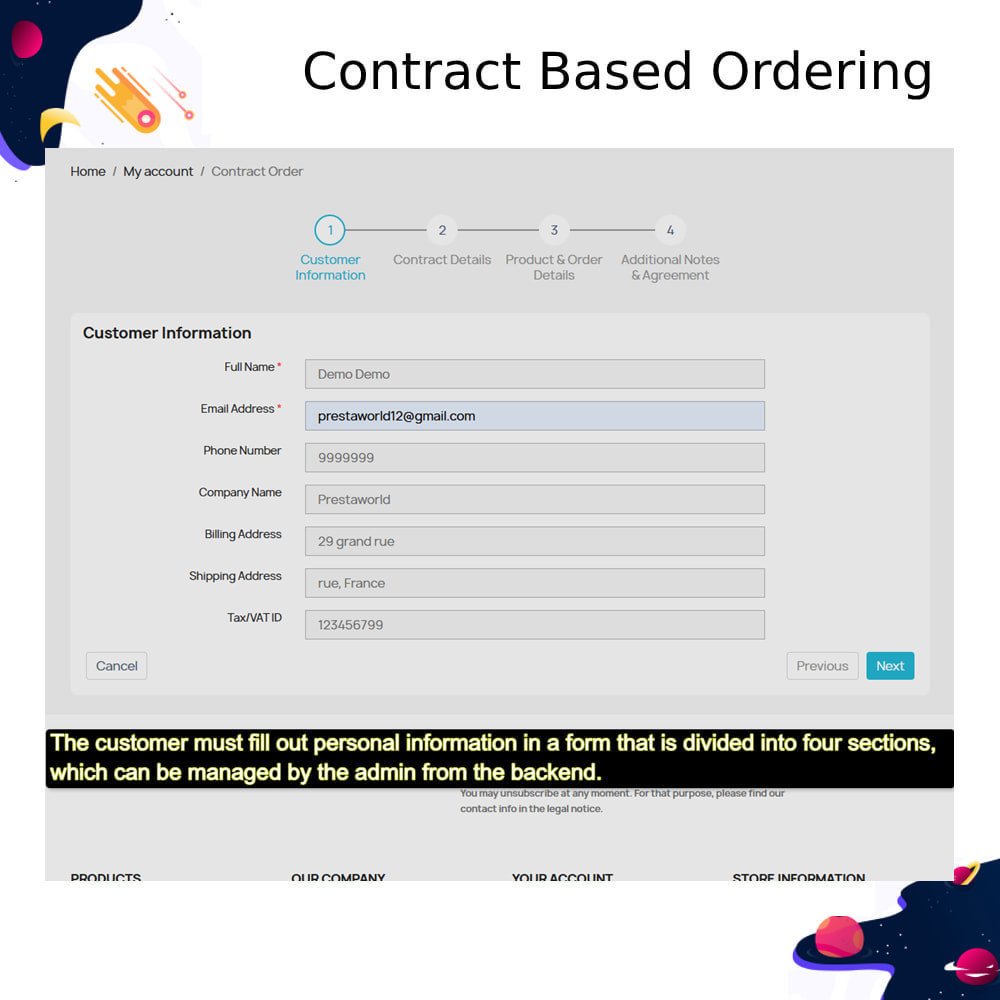
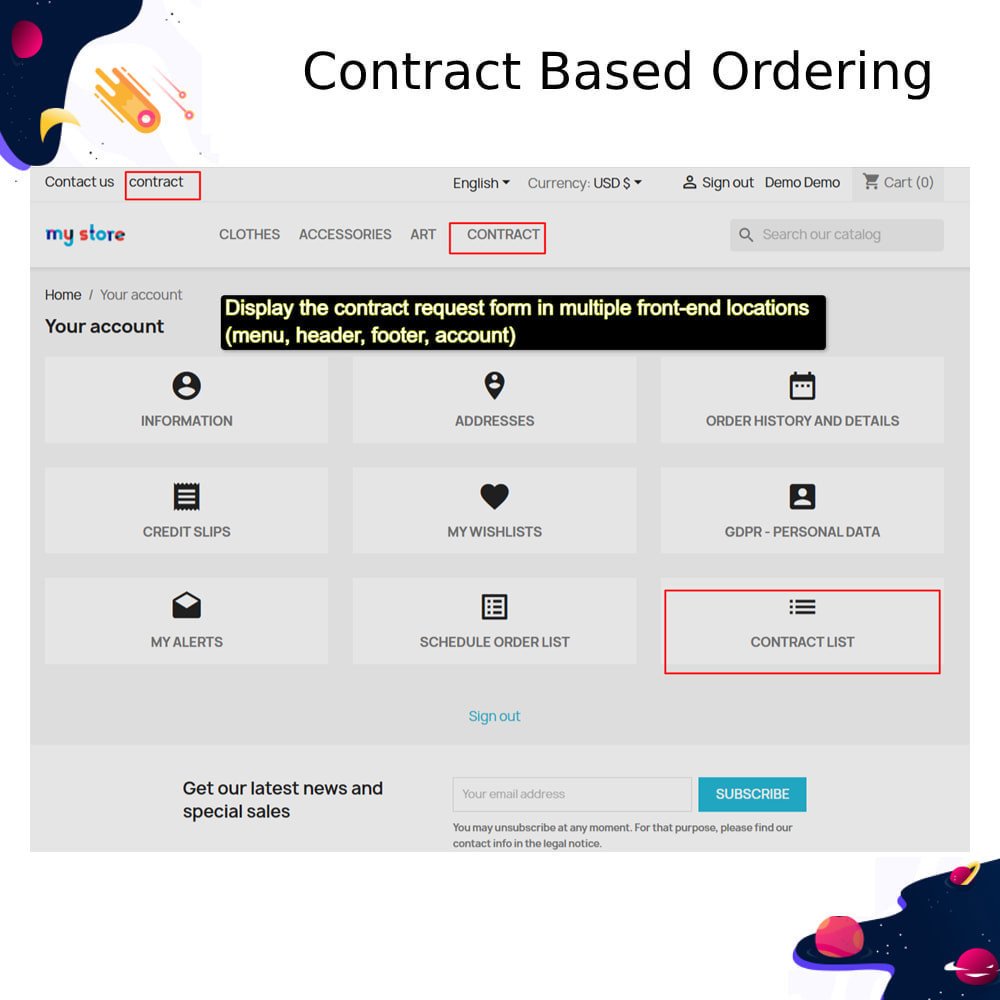
  • Display the contract request form in multiple front-end locations (menu, header, footer, account)
  • Customize form button text and description with multi-language support
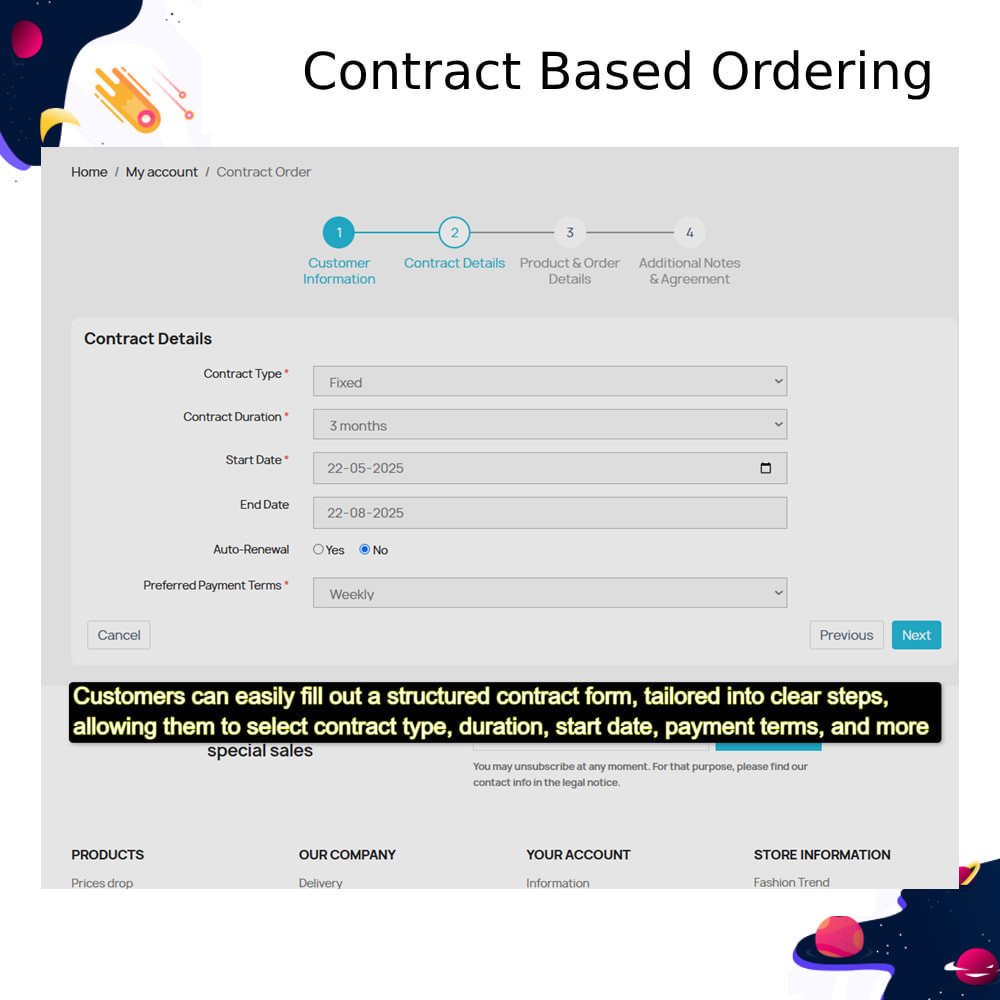
  • Set default contract duration for new requests
  • Enable or disable contract auto-renewal
  • Choose pricing strategy: fixed, volume-based, or tiered
  • Define minimum order quantity (MOQ) per contract
  • Allow recurring orders (addon) and set reorder frequency
  • Configure available payment terms (Full, Net 30, 60, 90)
  • Allow or disallow partial payments
  • Set default and optional payment methods
  • Enable automatic invoice generation and overdue reminders
  • Configure renewal and expiry notification emails for customers
  • Easily request and manage contracts from their account dashboard
  • Access custom pricing based on contract terms
  • Save time with recurring auto-reorders for regular purchases
  • Choose flexible payment terms that match their business cash flow
  • Track all contract orders, invoices, and due payments in one place
  • Receive automated reminders for contract renewal and invoice payments
  • Secure consistent product availability with minimum order commitments
  • Avoid repetitive negotiations with pre-approved pricing and terms
  • Get notified when contracts are approved or updated
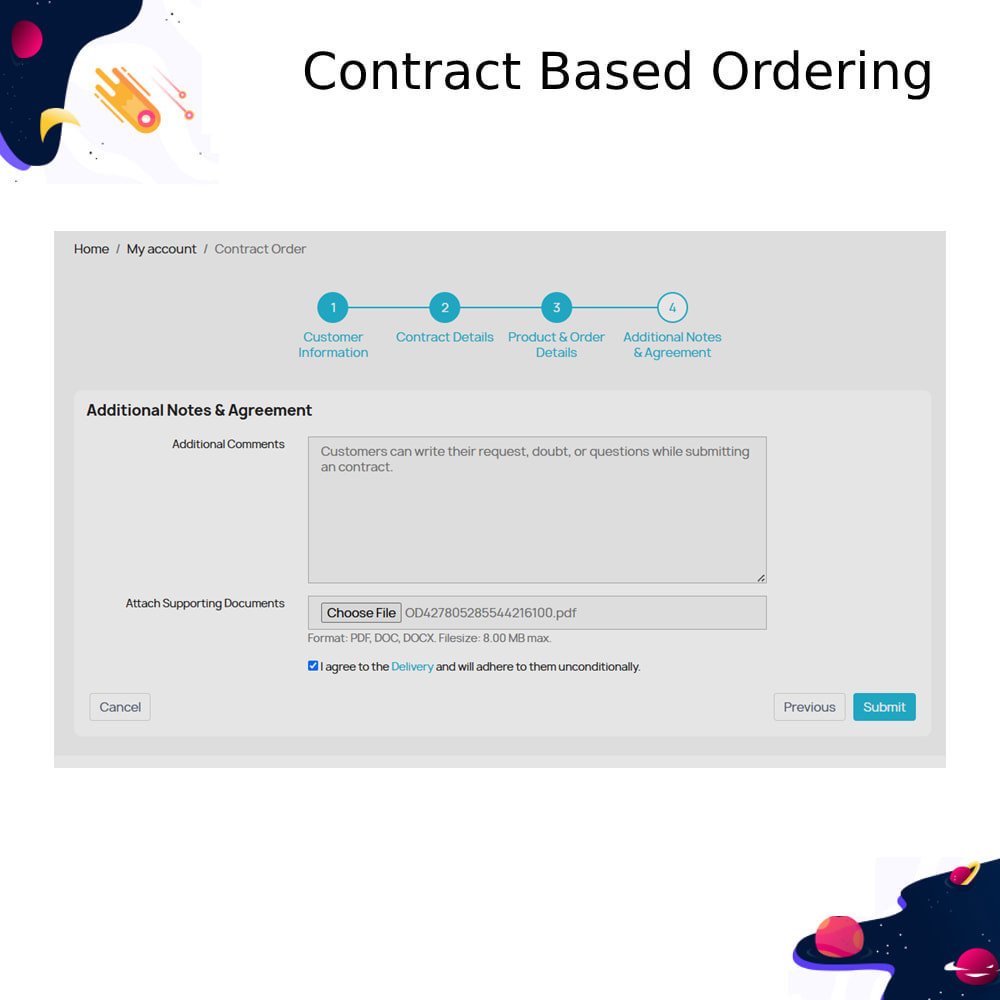
  • Upload supporting documents and notes directly in the request form
  • Upload the Module:
  • Go to your PrestaShop Back Office.
  • Navigate to Modules > Module Manager.
  • Click Upload a module and upload the prestacontractorder.zip file.
  • Install the Module:
  • Once uploaded, click Install.
  • Wait for the confirmation that the module has been successfully installed.
  • Configure the Module:
  • After installation, click Configure.
  • Adjust the settings:
  • Allowed customer groups and countries for contract applicants.
  • Whether contract applications are approved automatically.
  • Email notification preferences.
  • Enable Frontend Options:
  • Choose where the contract request form appears (menu, header, footer, My Account).
  • Set form text, descriptions, and button labels.
  • Admin Setup:
  • Create contract types, durations, and terms.
  • Manage requests and apply pricing rules.
  • Assign contracts to customers or groups.
  • Testing:
  • Simulate a customer creating a contract request.
  • Ensure admin approval flows and auto-emails are working correctly.
  • Test contract-based ordering on the product page.
What does this module do?It allows B2B customers to place orders based on pre-defined contracts, including special pricing, quantity limits, and delivery terms.
Who is this module for? It’s designed for merchants who serve business clients and want to streamline contract-based bulk ordering.
Can I assign different contracts to different customers?Yes, you can assign contracts individually or based on customer groups.
Can each contract have unique pricing and product limits?Absolutely. Each contract supports custom pricing, product access, order limits, and validity dates.
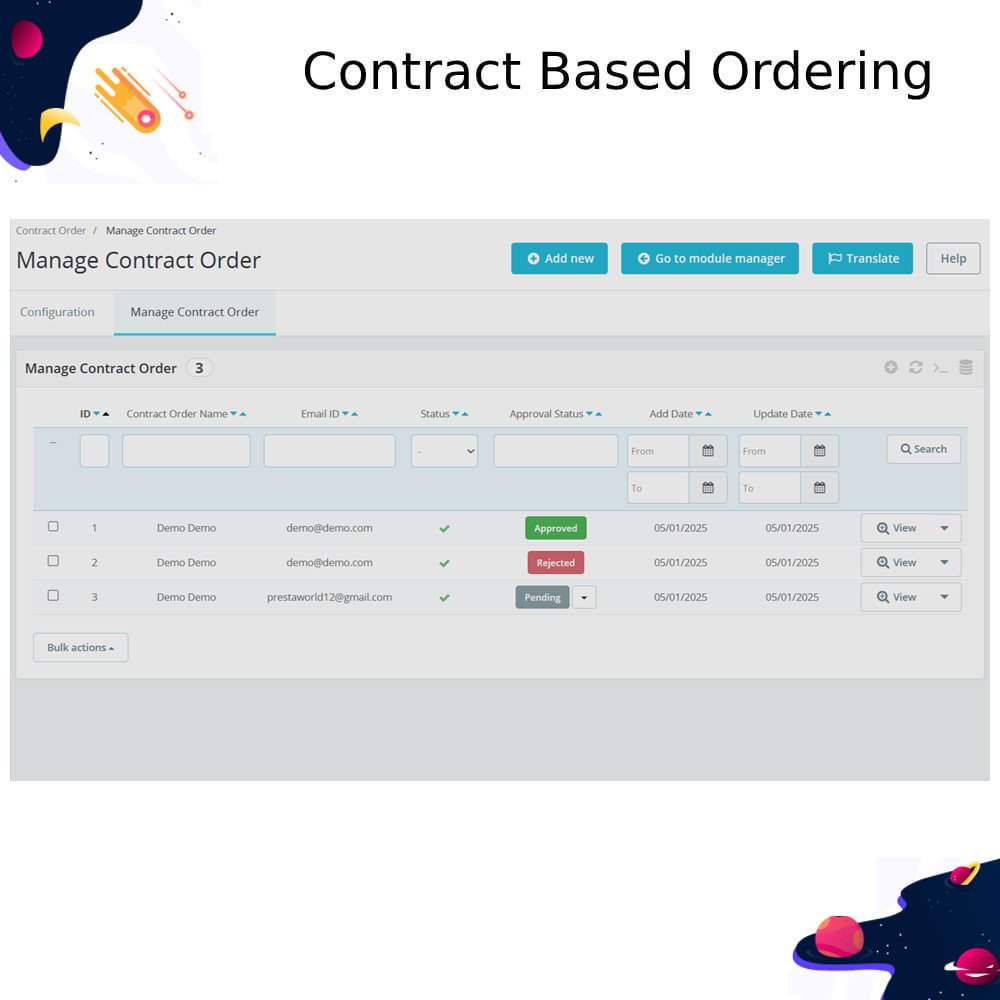
How are contracts created and managed? Admins can create and manage contracts from the back office with a user-friendly interface.

Customer reviews

4.7 Out Of 5
5 star
71.43%
4 star
28.57%
3 star
0%
2 star
0%
1 star
0%

Top reviews


See all reviews

Enhance B2B Ordering Experience Now

Custom Pricing

Bulk Orders

Contract Control

Customer Segmentation

Order Limits

Term-Based Access

Manage Customer Contracts with Flexible Control

Contract-Based Ordering

Easily manage B2B customer orders based on predefined contracts with custom pricing, product access, and purchase limits.

Customer-Specific Pricing

Assign tailored pricing to individual customers or groups, ensuring accurate and contract-aligned rates at checkout for improved B2B pricing management efficiency.

Product Access Control

Limit product visibility and ordering to only those assigned within the customer’s active contract, ensuring accurate access, compliance, and purchase control.

Order Quantity Limits

Define minimum or maximum quantities per product, per contract, to control B2B order volumes and enforce purchasing rules with greater precision.

Contract Validity Periods

Assign start and end dates to contracts to enforce ordering only within agreed timelines, improving contract compliance and business process control.

Multi-Contract Support

Allow multiple contracts per customer or restrict to one active contract at a time as per your policy, ensuring flexibility and better customer segmentation.

Power Up Your rESTASHOP Store — We Handle It All​

Related products