- Home
- PrestaShop
- PrestaShop Hide out of stock product automatically
PrestaShop Hide out of stock product automatically
The Auto-Disable Products Module for PrestaShop offers a seamless way to manage store inventory by automatically disabling products whose quantities reach zero. This tool helps ensure your customers only see available items, improving the accuracy of your catalog.
PrestaShop Hide out of stock product automatically
The Auto-Disable Products Module for PrestaShop offers a seamless way to manage store inventory by automatically disabling products whose quantities reach zero. This tool helps ensure your customers only see available items, improving the accuracy of your catalog.
10-day module exchange guarantee
- Compatible with the latest version of PrestaShop for seamless integration.
- Automatically hides products when stock reaches zero to keep listings up to date.
- Supports bulk activation and deactivation of products for easier inventory control.
- Allows customization for products with combinations or variations.
- Enhances catalog visibility by removing out-of-stock items automatically.
- Improves customer trust by showing only available products.
- Prevents customer frustration by avoiding “out of stock” messages.
- Streamlines the shopping experience with an always-current product catalog.
- Simple installation via module upload and configuration from the back office.
- Flexible settings allow toggling automation and manual controls as needed.
Instantly hides products from the storefront when stock reaches zero, keeping the catalog current without manual updates.
Allows bulk enabling or disabling of multiple products, making large-scale inventory adjustments quick and efficient.
Supports product combinations and variations, enabling precise stock-based visibility control for each attribute.
Offers customizable visibility options for out-of-stock products, such as complete hiding or limited catalog presence.
Continuously monitors inventory in real-time and updates product visibility automatically based on stock changes.
Fully compatible with the latest PrestaShop version, ensuring smooth integration and long-term support.
Prevents customer frustration by eliminating the chance of encountering unavailable items during browsing.
Optimized for performance, operating efficiently without slowing down the website or affecting user experience.
Simple to install, configure, and manage through an intuitive PrestaShop back-office interface.
Provides flexible automation settings, allowing store owners to toggle between automatic and manual visibility control.
- Saves time by automating the process of hiding out-of-stock products, reducing manual workload.
- Keeps the storefront clean and accurate, showing only products that are actually available for purchase.
- Enhances customer satisfaction by preventing frustration caused by unavailable items.
- Builds trust and reliability with customers through consistently updated product listings.
- Improves conversion rates by streamlining the shopping experience and reducing dead ends.
- Supports better inventory management with real-time visibility updates and bulk controls.
- Minimizes the chances of overselling or miscommunication about stock levels.
- Adapts to stores with complex product combinations, ensuring detailed and accurate catalog control.
- Provides flexibility to suit various business strategies with both automatic and manual options.
- Contributes to a more professional and polished online shopping environment.
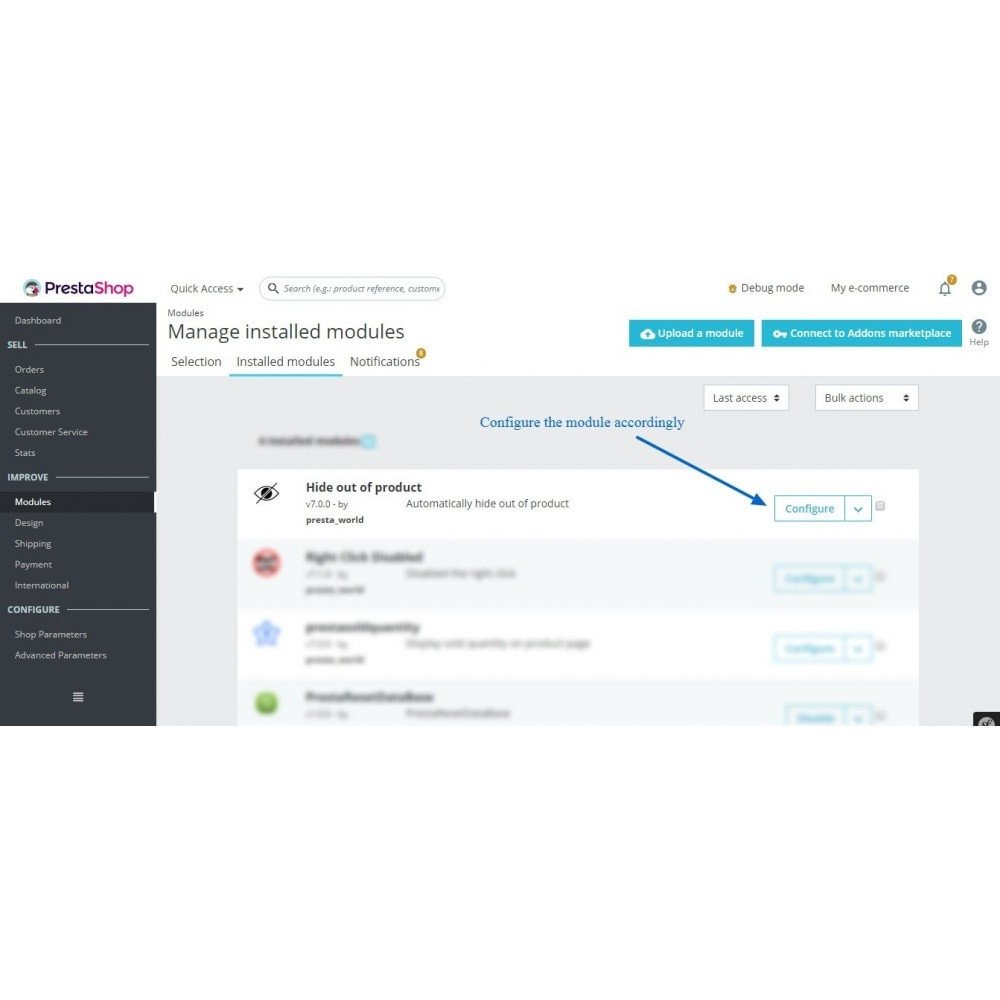
- Upload the module ZIP file from the PrestaShop back office under "Modules > Module Manager".
- Click "Install" to begin the module installation process.
- Access the module's configuration settings after installation is complete.
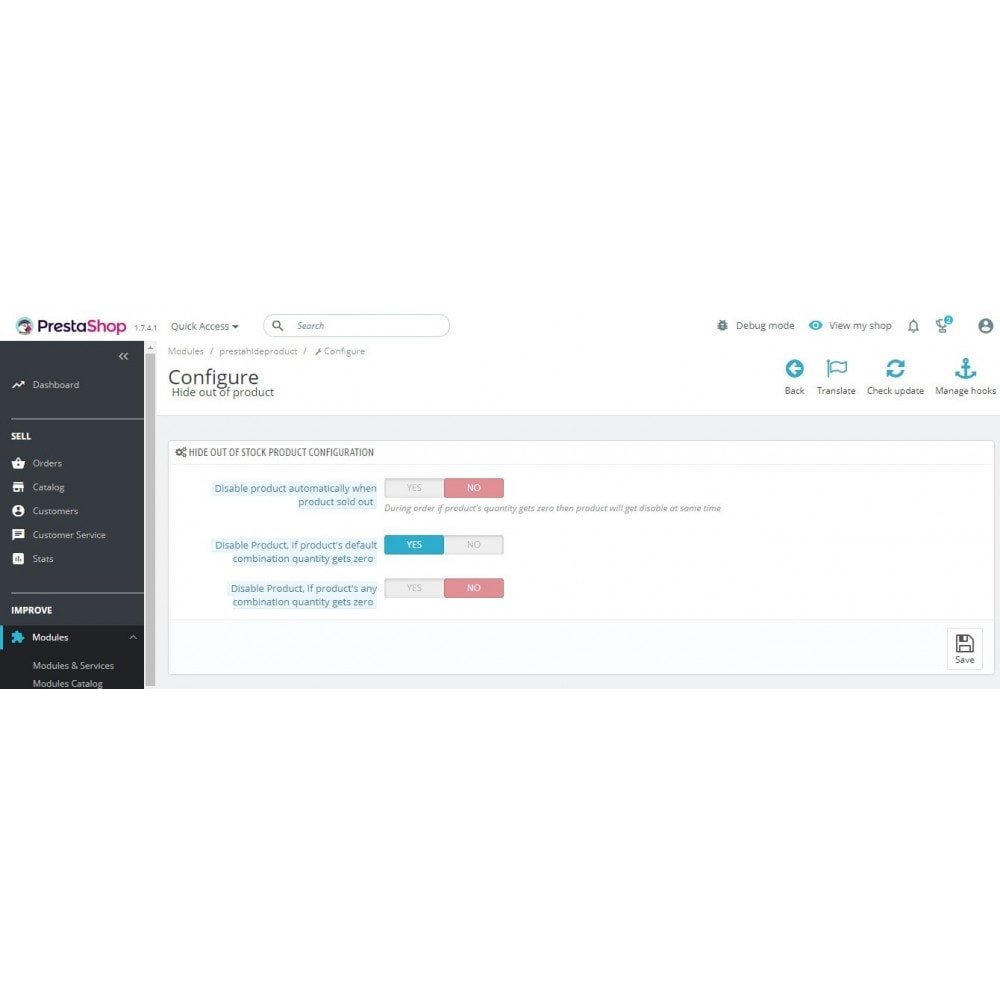
- Enable automatic hiding of out-of-stock products based on your preferences.
- Configure additional options for product combinations and manual controls if needed.
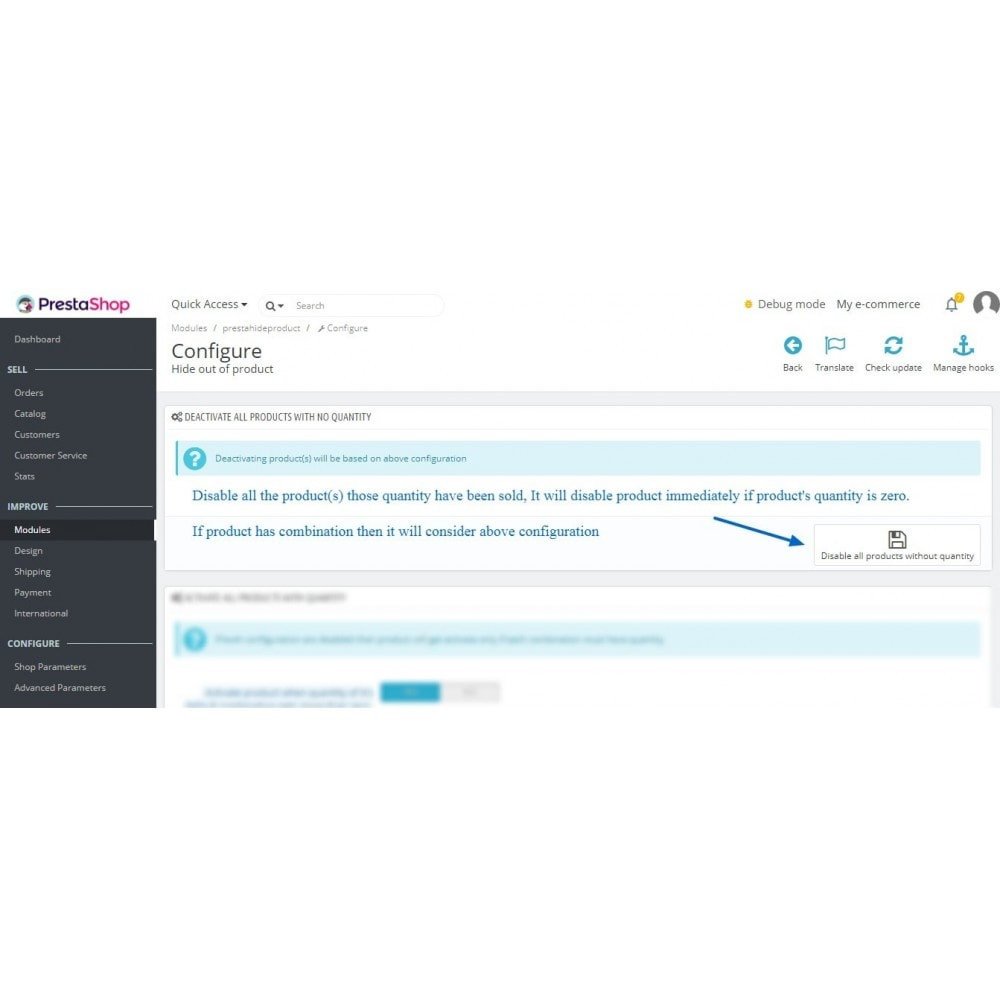
- Use the bulk activation or deactivation tools to manage product visibility more efficiently.
- Save your settings and verify that changes reflect correctly on your storefront.
What does this module do?
Is it compatible with the latest PrestaShop version?
Can I hide product combinations when out of stock?
Does it support manual product activation/deactivation?
Will out-of-stock products be completely removed from the catalog?
Is it difficult to install and configure?
Can I exclude specific products from being hidden?
Does this module impact site performance?
Will customers see out-of-stock products in search results?
Can I re-enable products automatically when stock is updated?
Customer reviews
Top reviews
Mia Rogers
Isabella Murphy
Ethan Lewis
Ethan Lewis
Operational Benefits of Hide out of stock product automatically Module
.png)
Inventory Automation

Catalog Accuracy

Stock Transparency

Manual Control
.png)
Bulk Management

Time Efficiency
Core Features of Hide out of stock product automatically Module
Automatic Stock-Based Hiding
Automatically hides products when stock is zero, showing only available items to improve customer experience and reduce cancellations.
Bulk Product Management
Easily activate or deactivate multiple products in one go, streamlining inventory updates and saving valuable administrative time for store managers.
Combination and Variant Support
Full support for products with combinations or variations, allowing precise visibility control at the attribute level for accurate stock representation.
Customizable Visibility Settings
Flexible settings to fully hide out-of-stock products or adjust their visibility based on your store’s rules and preferences.
Real-Time Inventory Synchronization
Continuously monitors stock and updates product visibility instantly, keeping your catalog accurate and up to date without manual effort.
Seamless Integration
Compatible with the latest PrestaShop versions for smooth installation and operation without conflicts or performance issues.
Power Up Your
rESTASHOP Store — We Handle It All