.png)



PrestaShop Smart Cart Reminder - Popup Notification with Content
The Smart Cart Reminder Module is an innovative solution for PrestaShop that helps retrieve potentially lost sales by reminding customers of their abandoned carts through dynamic pop-up notifications. This feature has been shown to boost conversion rates significantly.
The Smart Cart Reminder Module is an innovative solution for PrestaShop that helps retrieve potentially lost sales by reminding customers of their abandoned carts through dynamic pop-up notifications. This feature has been shown to boost conversion rates significantly.
 Return policy
10-day module exchange guarantee
When a customer revisits your store, a smart pop-up automatically appears, reminding them of the products they had previously added to their cart but did not purchase.
The pop-up includes customizable promotional or motivational messages that encourage customers to complete their purchase, increasing the likelihood of conversion.
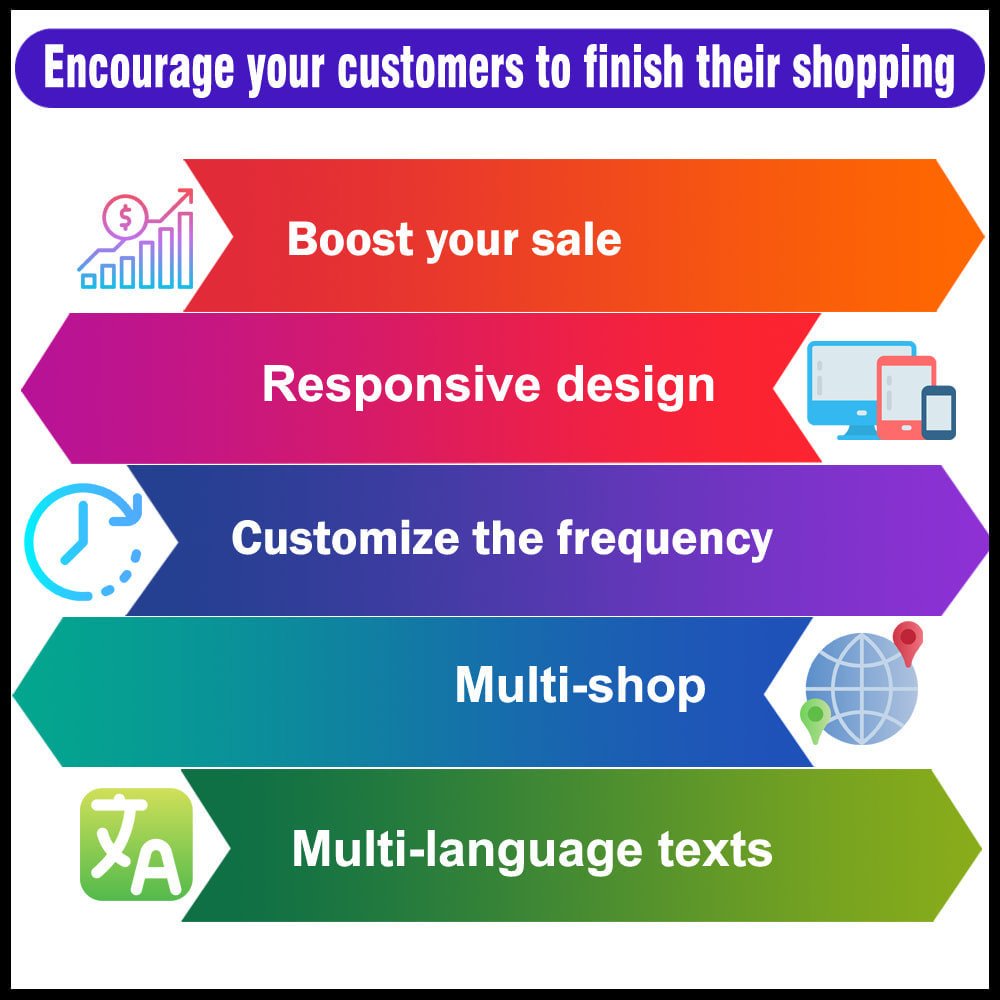
Built with a fully responsive design, the module ensures that the cart reminder popup looks and functions flawlessly across desktops, tablets, and mobile devices.
It supports multiple languages, making it ideal for stores that cater to international audiences or have multilingual customer bases.
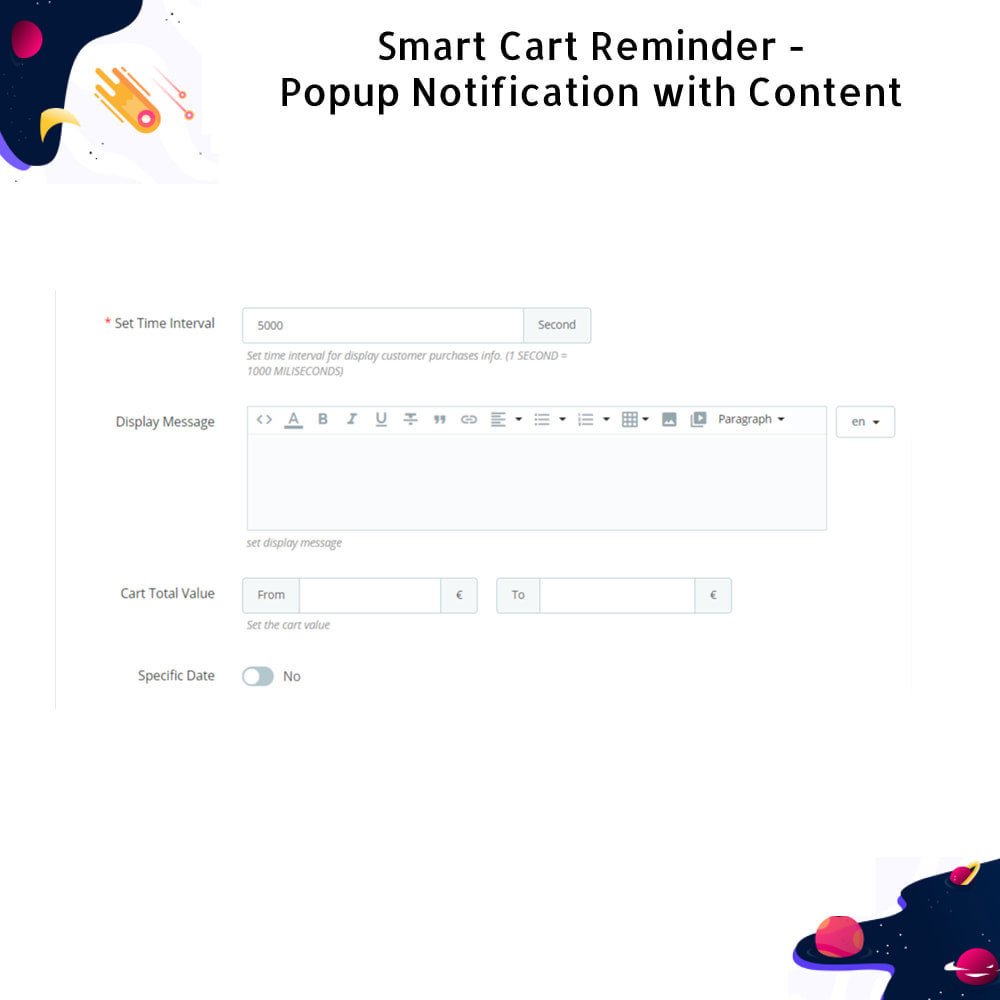
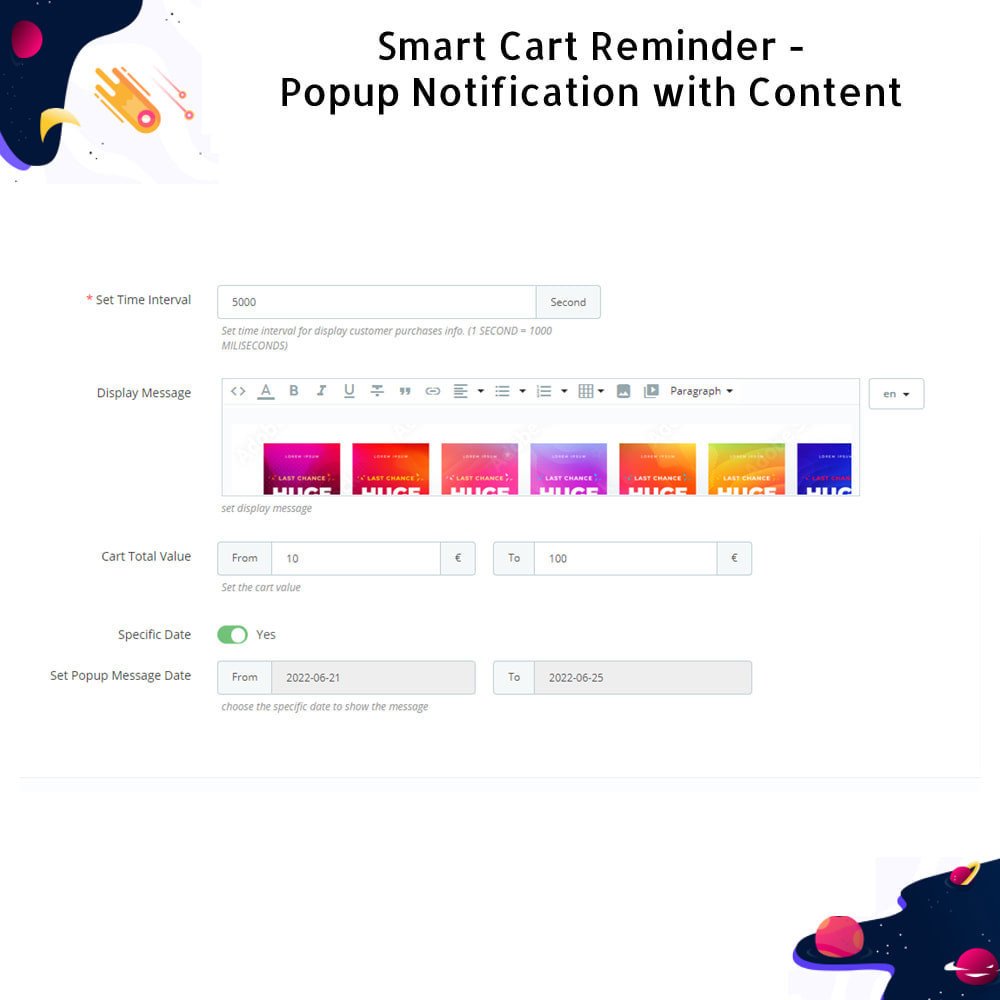
The admin has full control over the timing and content of the pop-up through an intuitive back-office panel, featuring a user-friendly TinyMCE text editor for message customization.
The module dynamically displays a detailed summary of the customer’s cart, including product names, images, individual prices, selected quantities, and the total order value.
Store owners can use the popup to display targeted marketing messages, such as time-limited discounts or promotions specific to the products remaining in the customer's cart.
Allows configuration of minimum and maximum cart total values to precisely control when the reminder should be shown, helping align the strategy with business goals.
The pop-up helps customers remember what they were interested in and encourages them to revisit those items, reducing cart abandonment rates.
A direct button within the popup links users straight to their cart, providing a smooth, fast, and hassle-free path to complete the checkout process.
By highlighting current store promotions or personalized discounts, the popup becomes a powerful tool for influencing buying decisions at the right moment.
The installation process is simple: upload the module ZIP file, activate it from the back office, and configure settings as per your promotional preferences.
Once configured, the pop-up automatically triggers on the front office whenever eligible customers return to the store, guiding them back to an unfinished shopping journey.
Instantly displays a smart pop-up reminder when a customer returns to the store with products still in their cart.
Provides a built-in TinyMCE editor for customizing engaging and formatted messages directly from the admin panel.
Displays complete cart details in the popup, including product names, images, unit prices, selected quantities, and total value.
Fully responsive design ensures the pop-up adapts perfectly to all screen sizes—mobile, tablet, and desktop.
Supports multiple languages, allowing the pop-up to automatically appear in the customer’s preferred language.
Allows setting minimum and maximum cart total values to define when the popup should be triggered.
Enables integration of in-store promotions, discounts, or special deals within the pop-up for better conversion rates.
Simple admin configuration panel with clear settings for popup timing, content, and display behavior—no coding needed.
Includes a direct "Go to Cart" button within the popup, enabling customers to continue shopping or proceed to checkout seamlessly.
Easy one-click installation using a ZIP file upload, with immediate availability and minimal setup required.
Encourages customers to complete their purchase by reminding them of forgotten items in their cart upon return to the store.
Reduces cart abandonment by bringing attention back to pending products with visually appealing pop-up notifications.
Increases conversion rates by displaying personalized messages and promotional offers that influence buying decisions.
Improves the shopping experience by providing direct access to the cart, making it easier for customers to review and finalize their orders.
Saves time for returning visitors who no longer need to manually search for the items they were previously interested in.
Strengthens customer engagement with targeted, timely messaging tailored to their shopping behavior.
Helps store owners implement flexible marketing strategies using cart value rules to trigger pop-ups only when most effective.
Enhances visibility of ongoing sales, coupons, or exclusive deals through direct integration into the cart popup.
Provides a professional and modern shopping experience with mobile-friendly, multilingual design support.
Gives merchants full control over popup content and timing without technical knowledge, streamlining store management.
Download the module ZIP file from the source or marketplace where you purchased it.
Log in to your PrestaShop back office as an administrator.
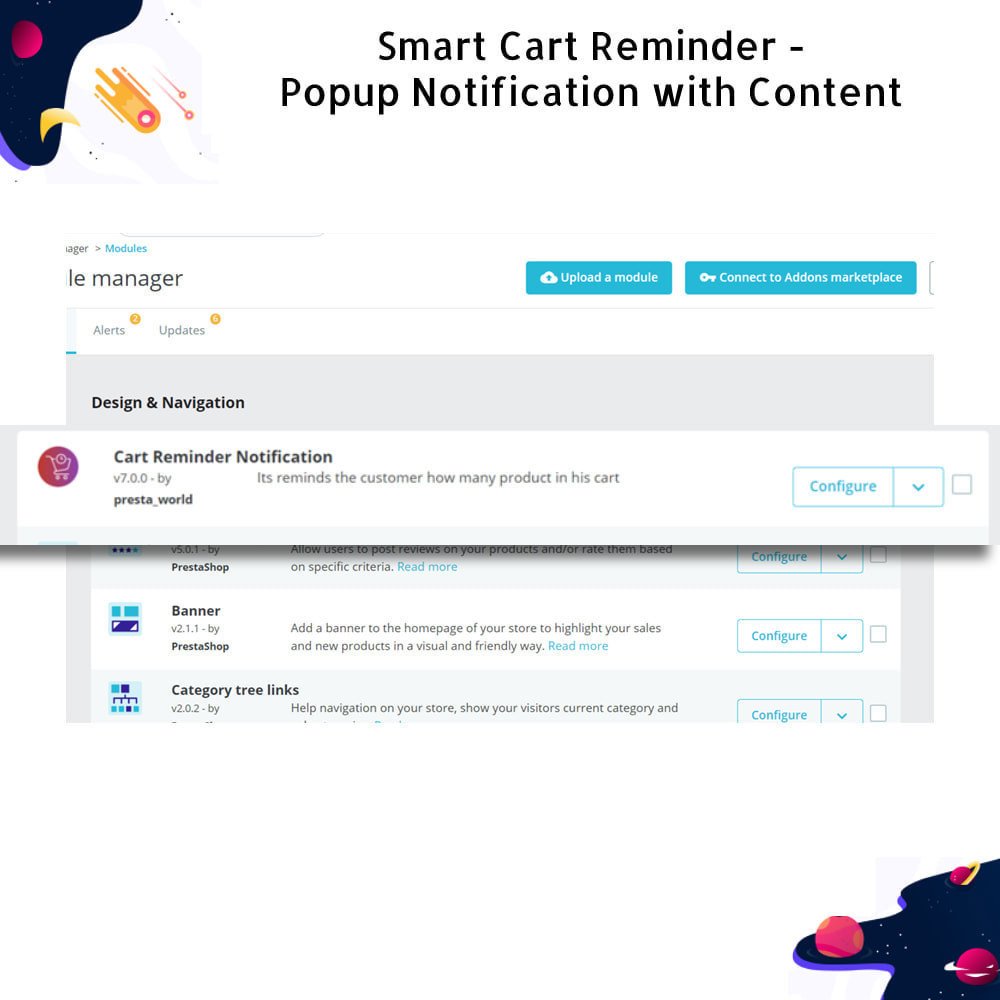
Navigate to Modules > Module Manager and click on the “Upload a module” button.
Drag and drop the module ZIP file or use the file selector to upload it.
Once uploaded, PrestaShop will automatically install the module and display a confirmation message.
Click “Configure” to access the module settings and customize popup content, timing, cart value conditions, and display rules.
Use the TinyMCE editor to create personalized reminder messages, promotional text, or special offers for the popup.
Set minimum and maximum cart value limits if needed, and define how long after return the popup should appear.
Save your configuration settings to activate the popup functionality on the front office.
The module is now live; returning customers who meet your set criteria will see the reminder popup automatically.



.png)
.png)

 rESTASHOP Store — We Handle It All