.png)




PrestaShop Custom Message for Home, Product, Cart & Checkout Page
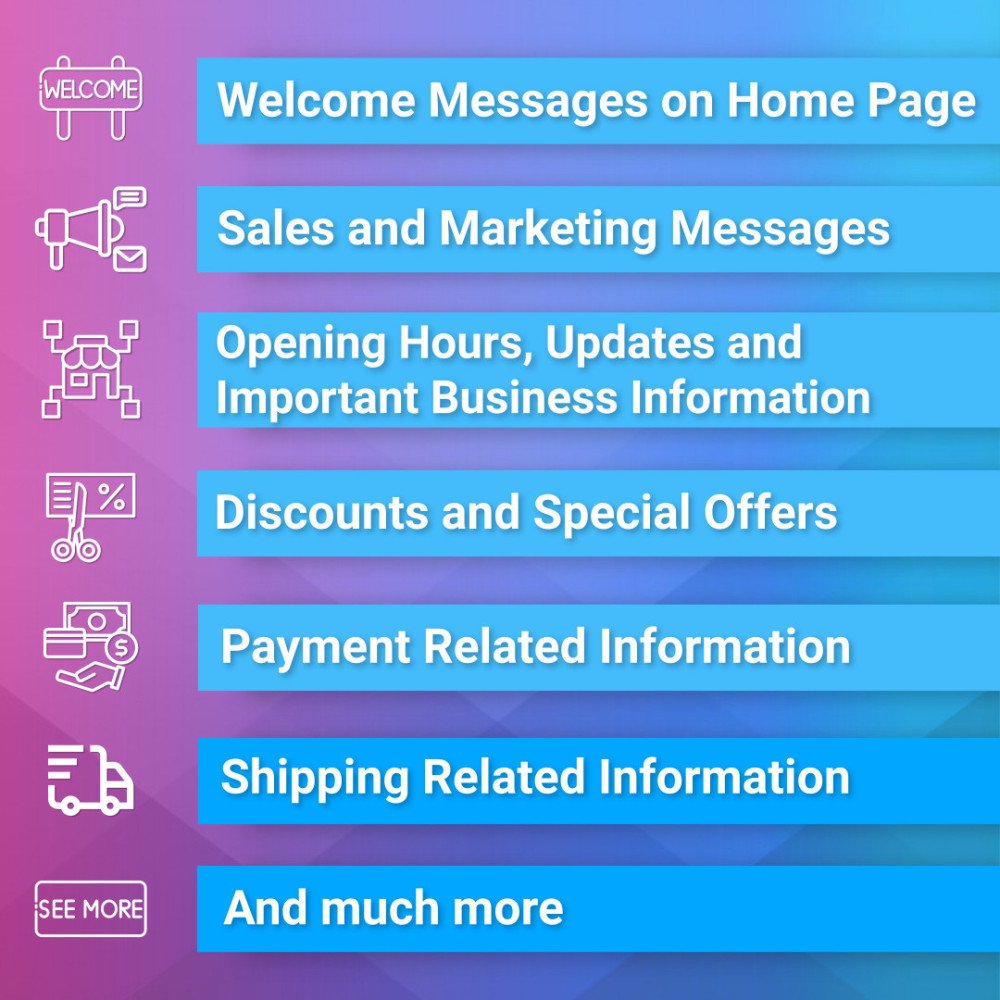
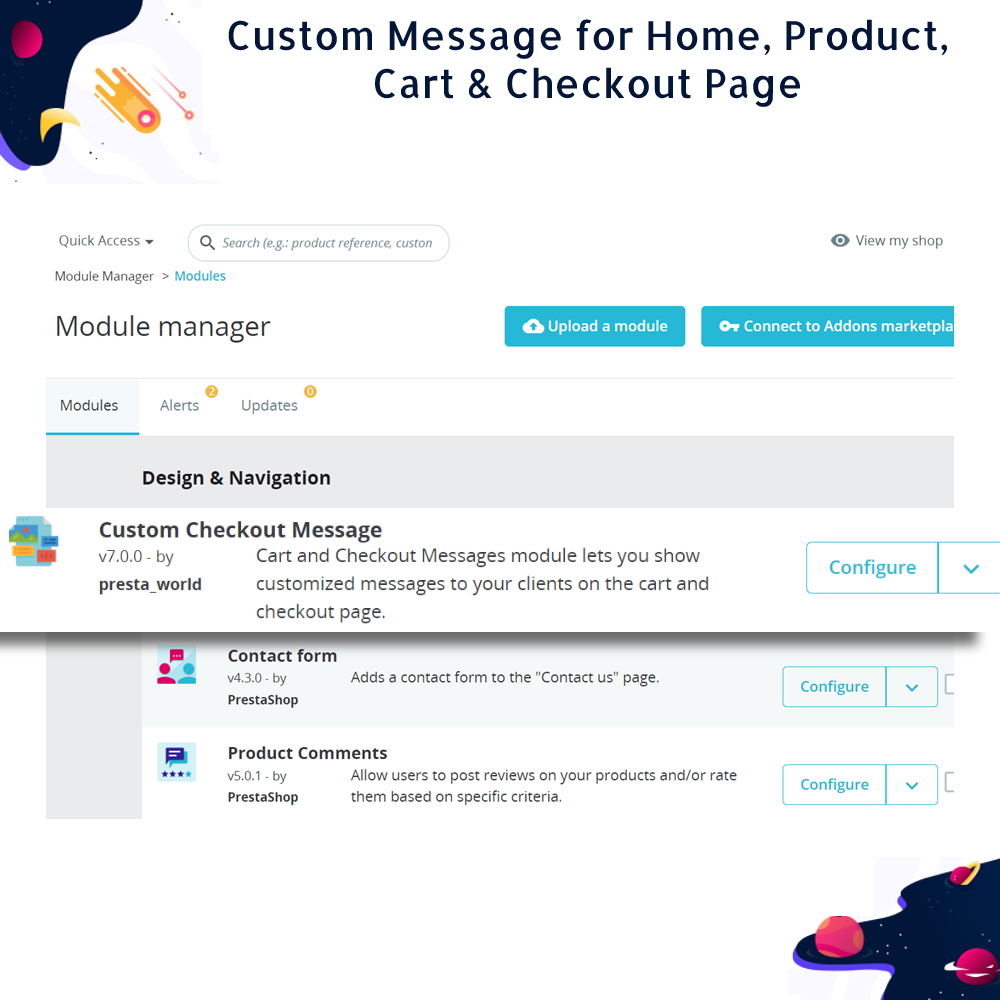
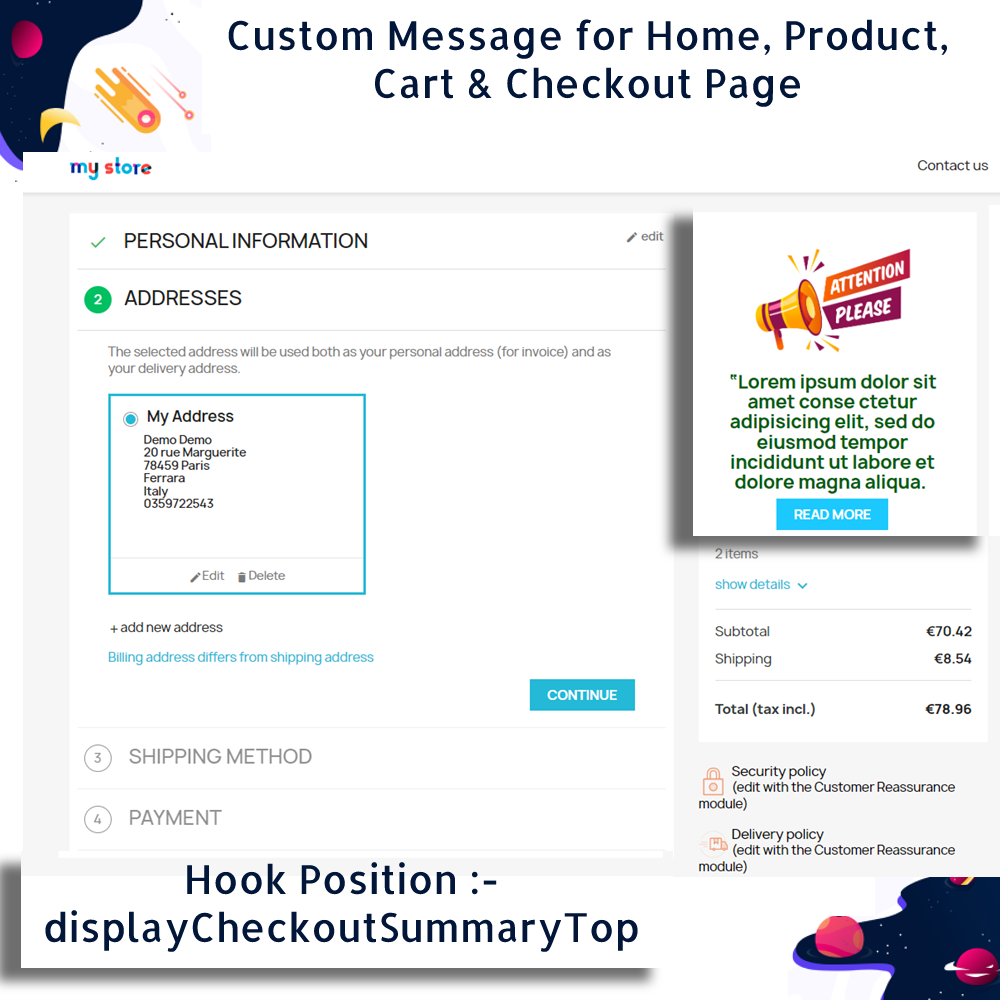
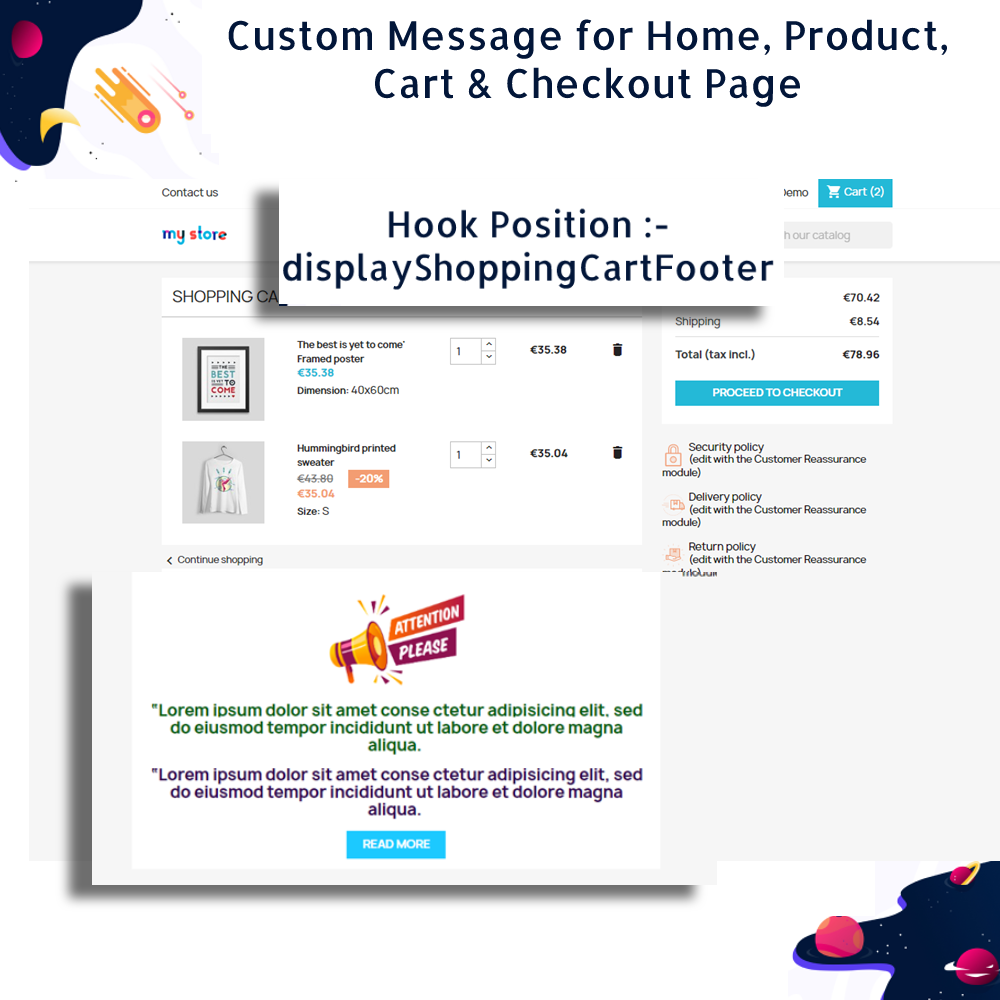
The Dynamic Cart & Checkout Notices Module for PrestaShop enables merchants to effectively communicate with customers through personalized messages displayed on product pages, the shopping cart, and the checkout process. This module is essential for informing customers about current offers, product types, order requirements, and more.
The Dynamic Cart & Checkout Notices Module for PrestaShop enables merchants to effectively communicate with customers through personalized messages displayed on product pages, the shopping cart, and the checkout process. This module is essential for informing customers about current offers, product types, order requirements, and more.
 Return policy
10-day module exchange guarantee
Fully compatible with the latest version of PrestaShop, ensuring seamless integration and consistent performance with modern store setups.
Empowers merchants to create and display dynamic, personalized messages based on specific customer interactions or page contexts within the store.
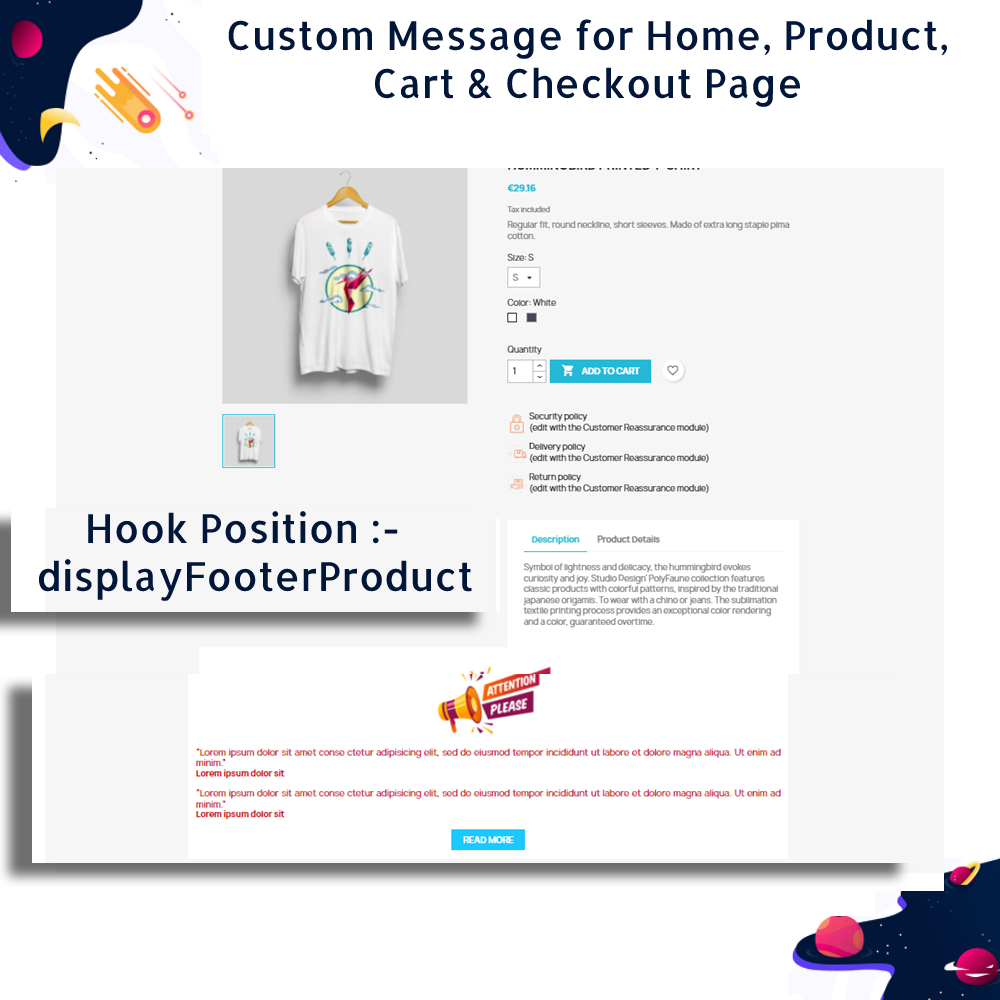
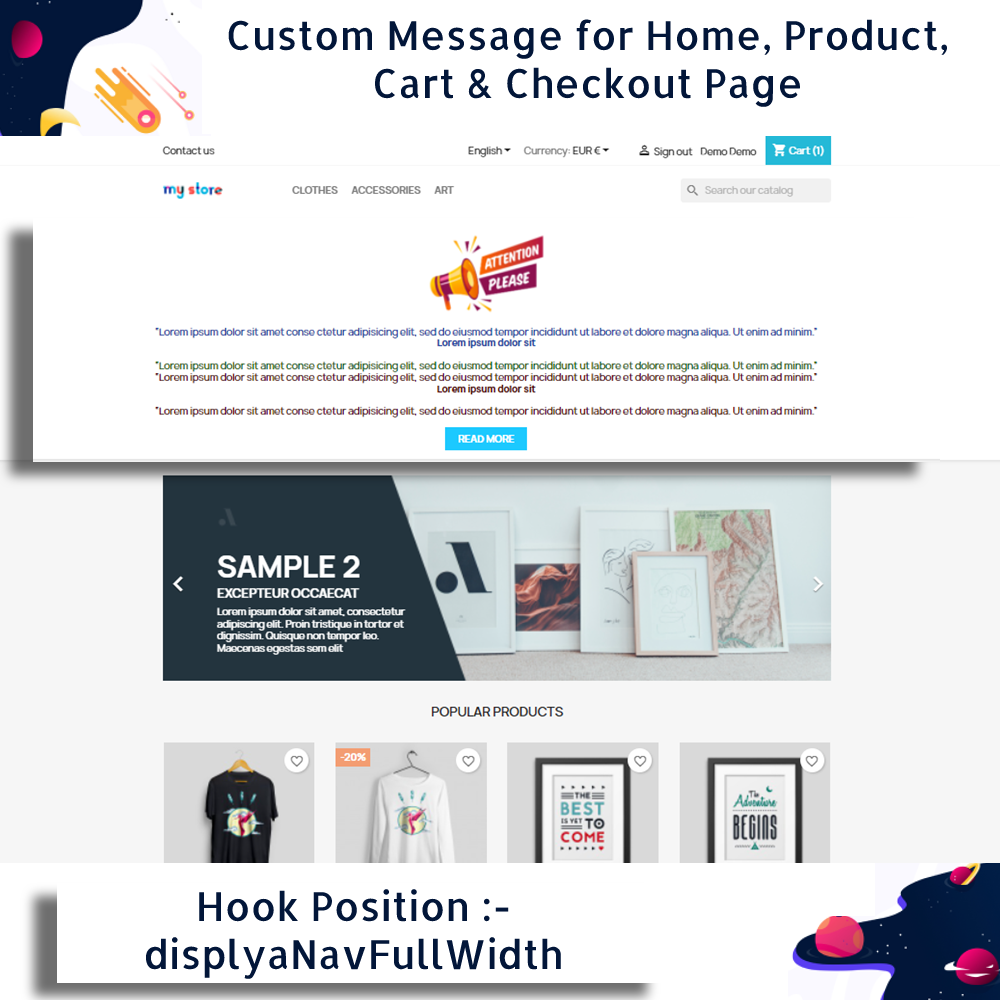
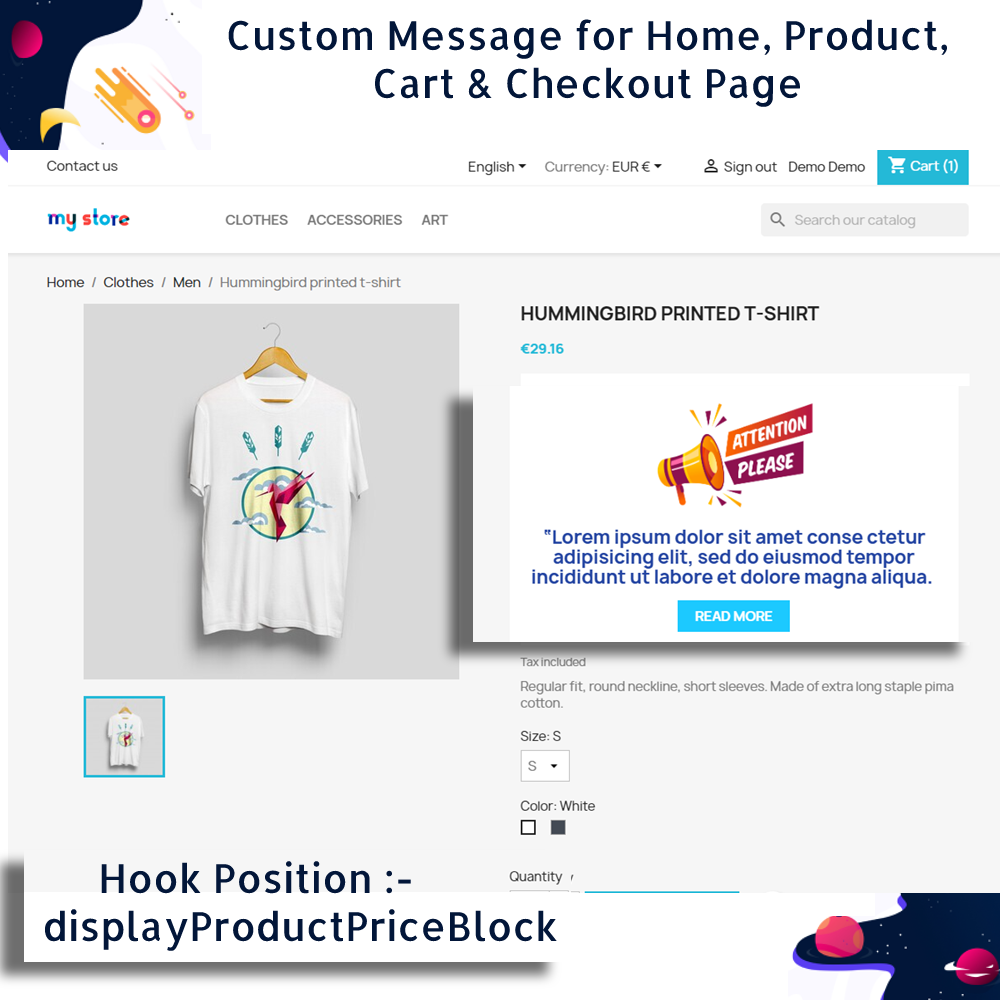
Supports targeted message placement on key pages such as the homepage, product detail pages, shopping cart, and checkout process, enhancing customer engagement throughout the journey.
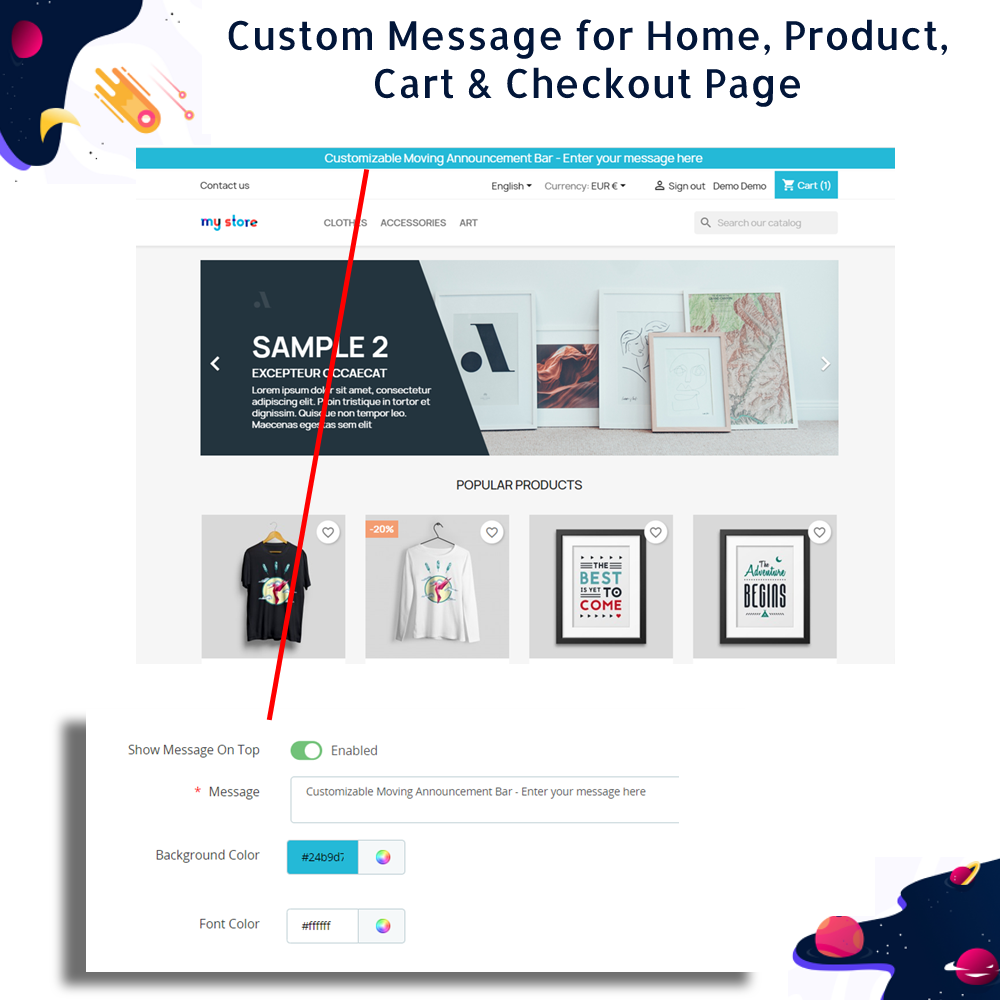
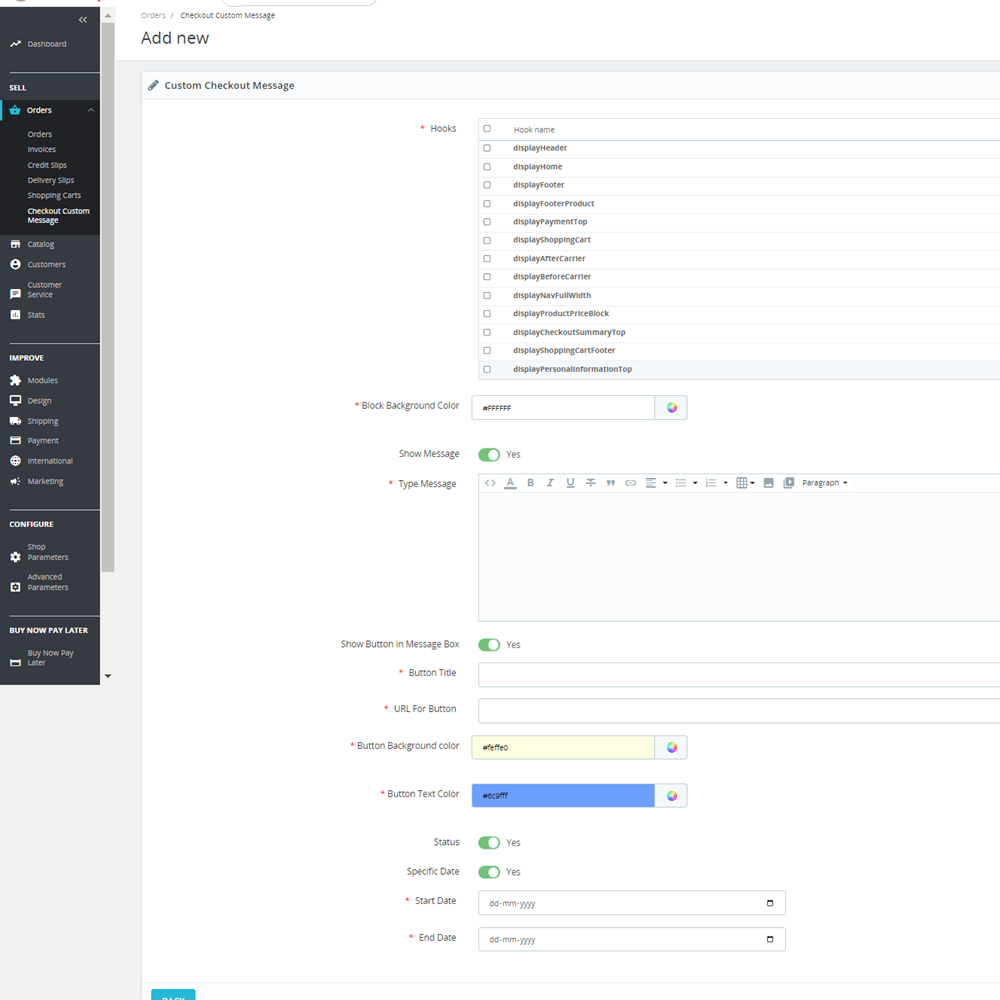
Offers complete design flexibility with customizable text, font styles, background colors, borders, and padding through an intuitive WYSIWYG editor—no coding required.
Enables the use of multimedia content within messages, including images, icons, and embedded videos, to create visually engaging and informative notices.
Allows integration of custom call-to-action (CTA) buttons with personalized text and URLs, helping guide customers to promotional offers, landing pages, or specific product categories.
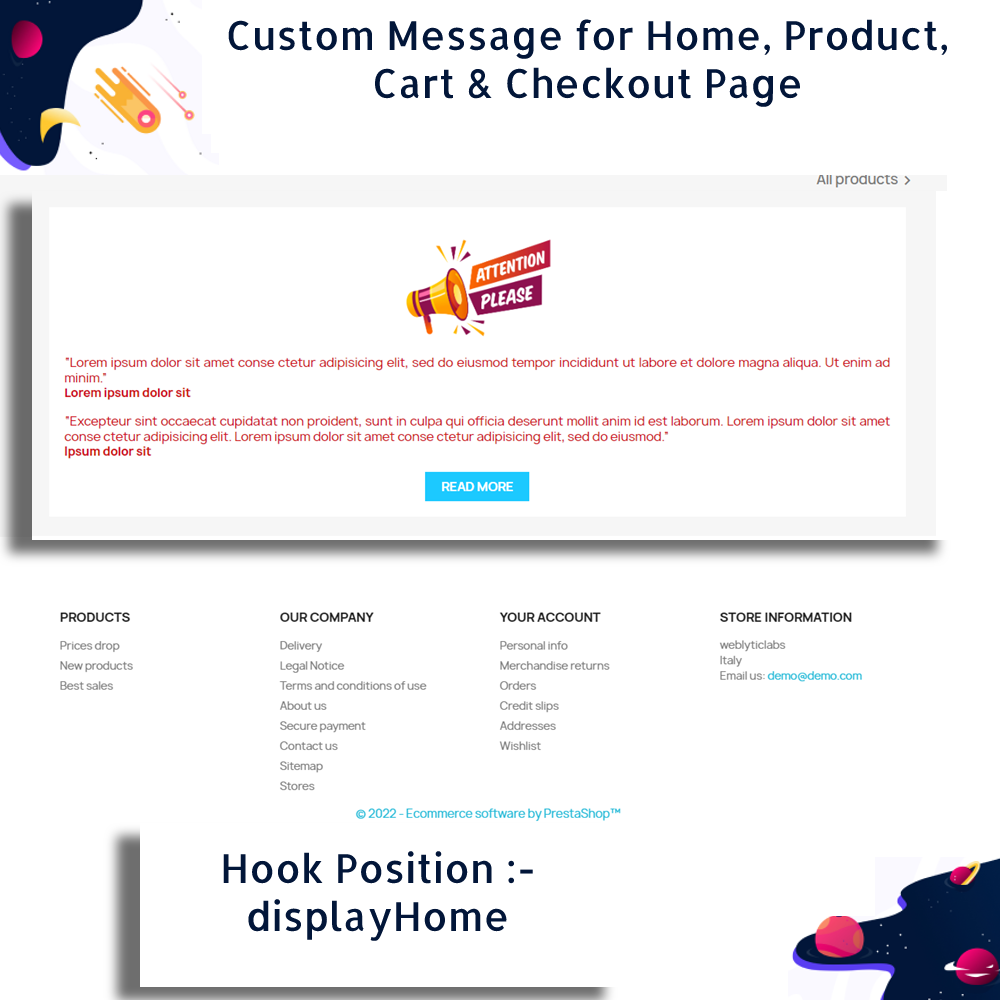
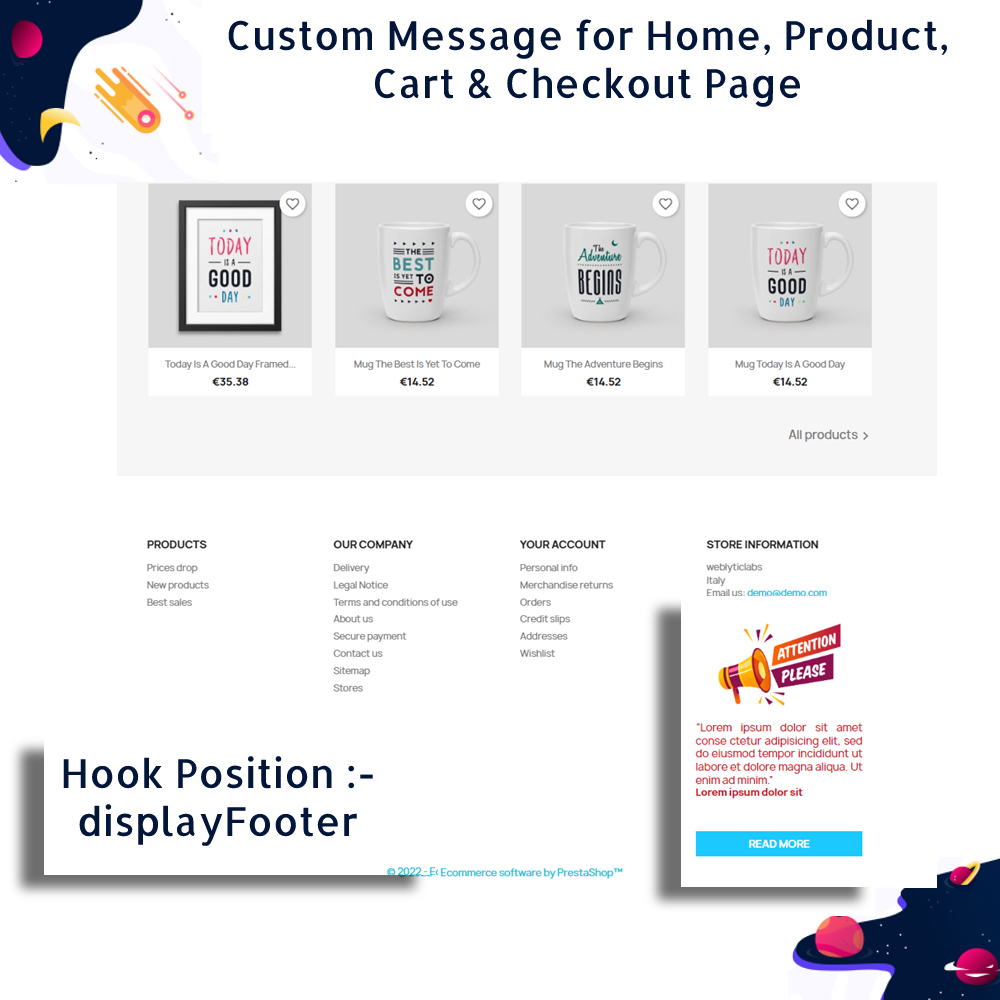
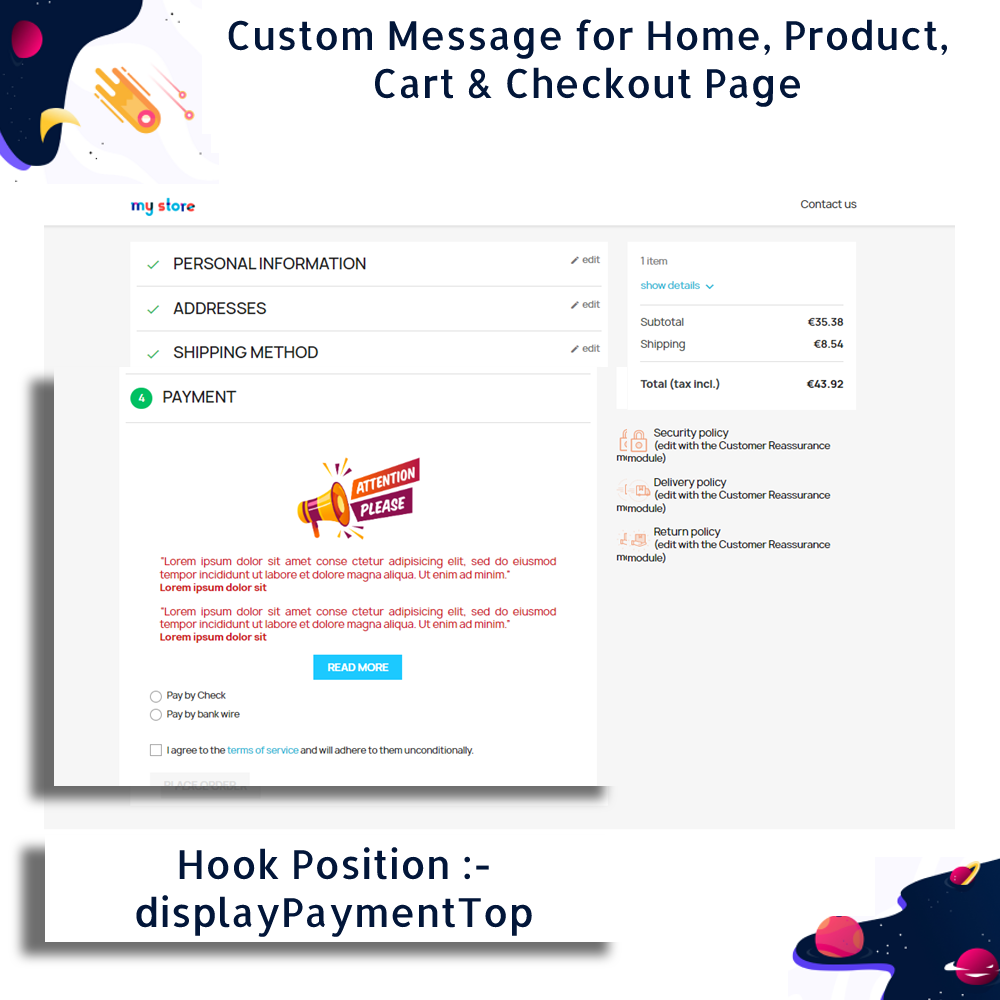
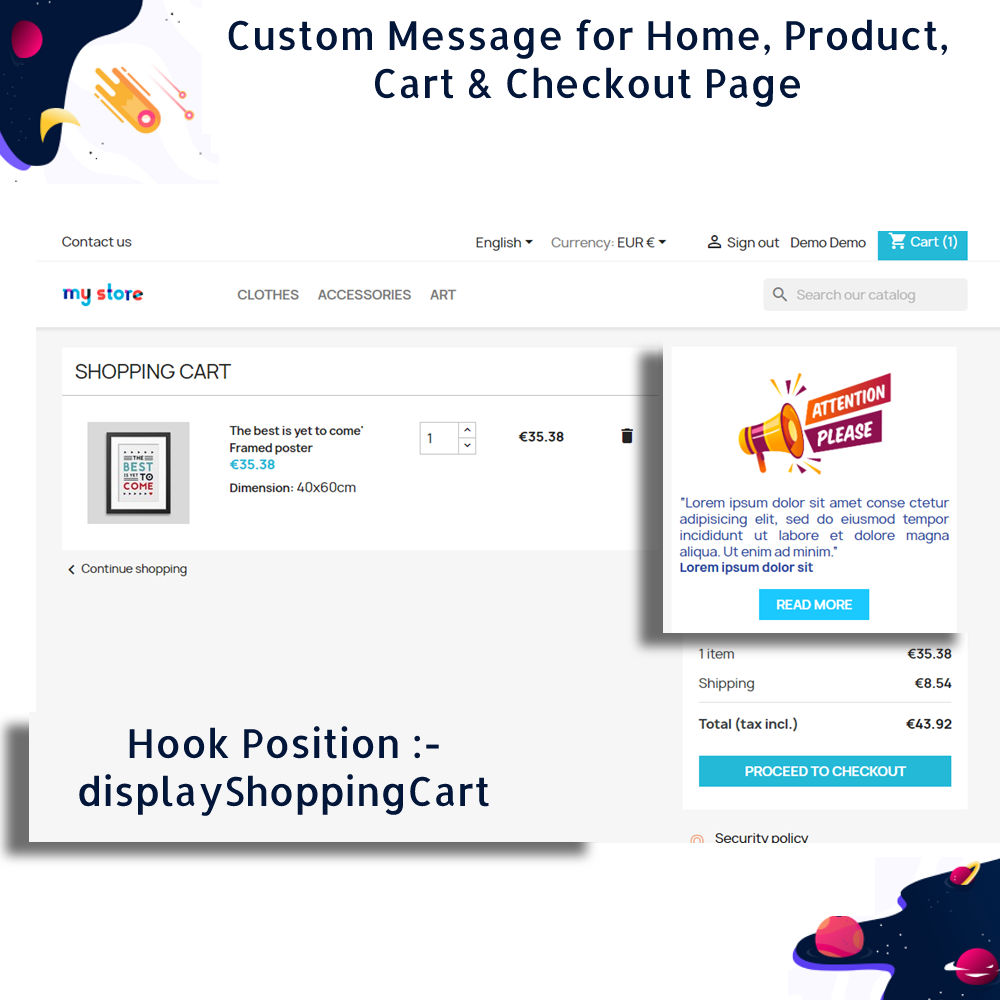
Provides a wide range of predefined PrestaShop hooks like displayHome, displayFooter, displayShoppingCartFooter, displayPaymentTop, and more, giving full control over where the messages appear on your storefront.
Includes robust multilingual support, allowing store owners to display messages in multiple languages to cater to diverse customer groups and international markets.
Improves overall user experience by offering timely, clear, and relevant information, helping customers make informed decisions and reducing confusion during browsing or checkout.
Promotes transparency by communicating essential details such as shipping policies, added fees, or limited-time deals in advance, reducing cart abandonment and building trust.
Increases customer engagement and potential sales by displaying real-time or scheduled promotional messages, flash sale alerts, or discount reminders prominently on key pages.
Easy to install and configure: simply upload the module ZIP file via the PrestaShop back office, adjust the settings to suit your needs, and your messages will automatically display in the selected areas of your store.
Display custom messages on key pages like home, product, cart, and checkout to guide and inform customers at every stage.
Customize message content fully using a built-in WYSIWYG editor with support for text formatting, images, and videos.
Personalize the look of messages with adjustable fonts, background colors, borders, and alignment settings.
Add call-to-action buttons with custom text and URLs to drive users toward special offers, landing pages, or promotions.
Choose from multiple hook positions such as displayHome, displayFooter, displayShoppingCartFooter, displayPaymentTop, and more for precise placement.
Show different messages to different customer segments based on behavior or page context to boost engagement.
Support for multilingual message creation, allowing communication with international audiences in their local languages.
Responsive design ensures that messages look great on all devices, including desktops, tablets, and smartphones.
Schedule or update messages in real time to match active promotions or campaigns without modifying templates.
Lightweight and optimized for performance to maintain fast page loading speeds.
Enhances customer communication by delivering timely and relevant messages across different pages of the store.
Increases conversion rates by promoting discounts, limited-time offers, and important updates at critical points in the buying journey.
Builds customer trust through transparent messaging about shipping, returns, fees, or promotional conditions.
Reduces cart abandonment by addressing concerns or offering incentives directly within the cart and checkout pages.
Improves user experience by guiding visitors with contextual information, reducing confusion and helping them make quicker decisions.
Encourages user interaction and engagement through call-to-action buttons that lead to targeted product categories or landing pages.
Supports personalization by allowing messages tailored to specific user behavior, preferences, or segments.
Strengthens your brand’s identity with visually consistent, professionally styled messages that match your store’s design.
Saves time for merchants by enabling quick updates and edits to promotional content without modifying core theme files.
Reaches a global audience effectively with multilingual support, ensuring all customers receive information in their preferred language.
Download the module ZIP file from your account or the provided source.
Log in to your PrestaShop back office and navigate to Modules > Module Manager.
Click on “Upload a module” at the top right corner of the page.
Drag and drop the ZIP file into the upload area or browse your computer to select it.
Once the module is uploaded, click “Install” when prompted.
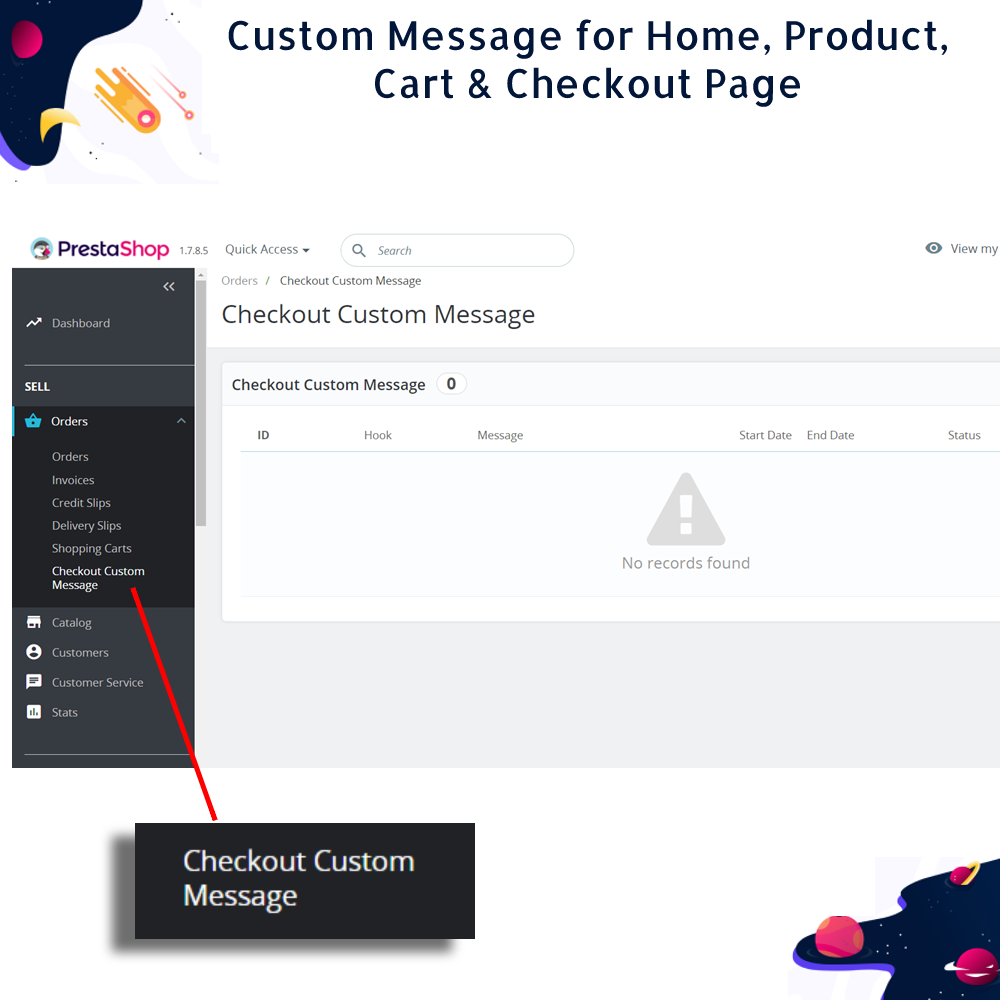
After successful installation, go to the module’s configuration page to customize your message settings.
Choose the desired hooks (page positions) where you want the messages to appear.
Add your content using the WYSIWYG editor and configure styles, links, and any media if needed.
Save your settings, and the custom messages will start appearing in the selected areas of your store.
You can return to the module settings at any time to edit, update, or remove messages based on your campaigns.


 rESTASHOP Store — We Handle It All