.png)


PrestaShop Product Labels and Custom Stickers
The Product Labeling Module for PrestaShop enables merchants to assign multiple labels to products, enhancing product visibility and promoting various campaigns simultaneously. Experience unmatched editing options and control over display choices to optimize your marketing strategy.
The Product Labeling Module for PrestaShop enables merchants to assign multiple labels to products, enhancing product visibility and promoting various campaigns simultaneously. Experience unmatched editing options and control over display choices to optimize your marketing strategy.
 Return policy
10-day module exchange guarantee
Boost product visibility by adding custom labels or stickers to highlight offers, new arrivals, or limited-time deals.
Increase conversion rates through eye-catching visuals that attract customer attention.
Enhance shopping experience with clear, informative, and visually appealing product displays.
Simplify inventory management by using labels to categorize and organize products.
Enable/Disable labels instantly without removing configurations.
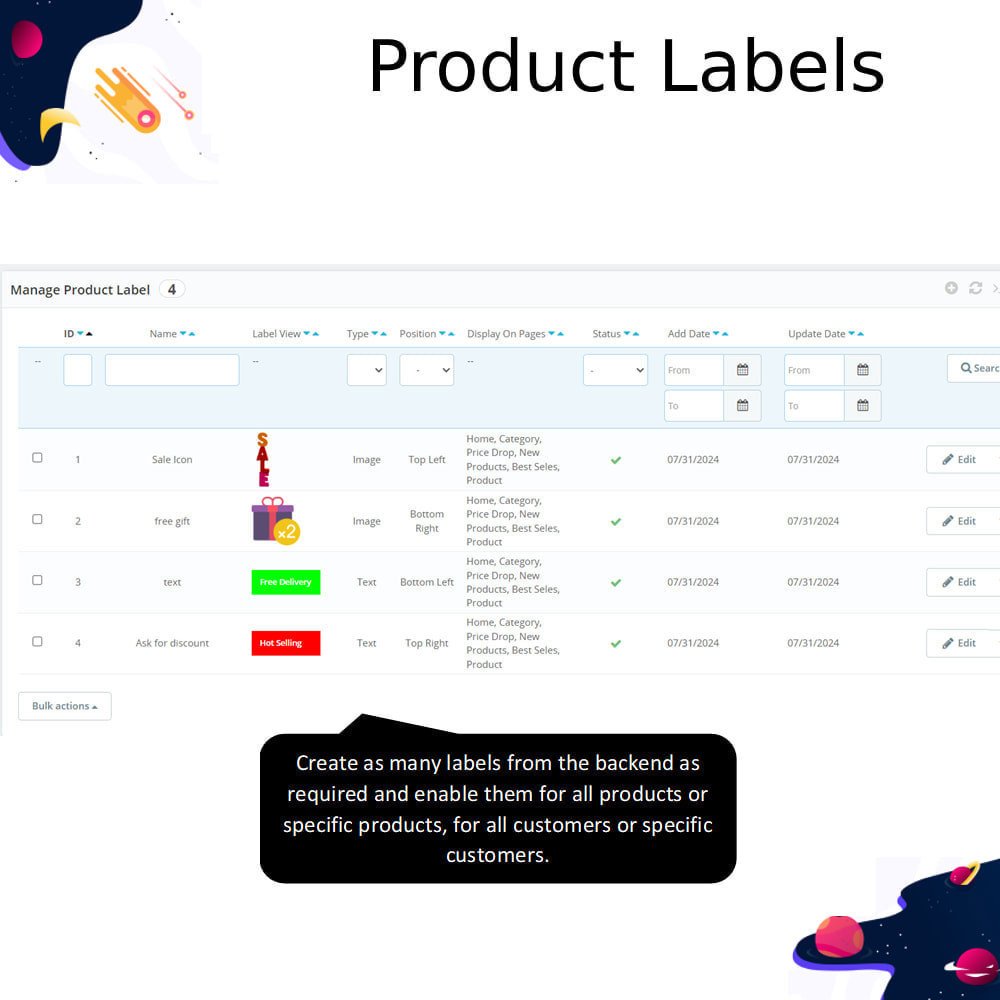
Create custom labeling rules for easy identification and management.
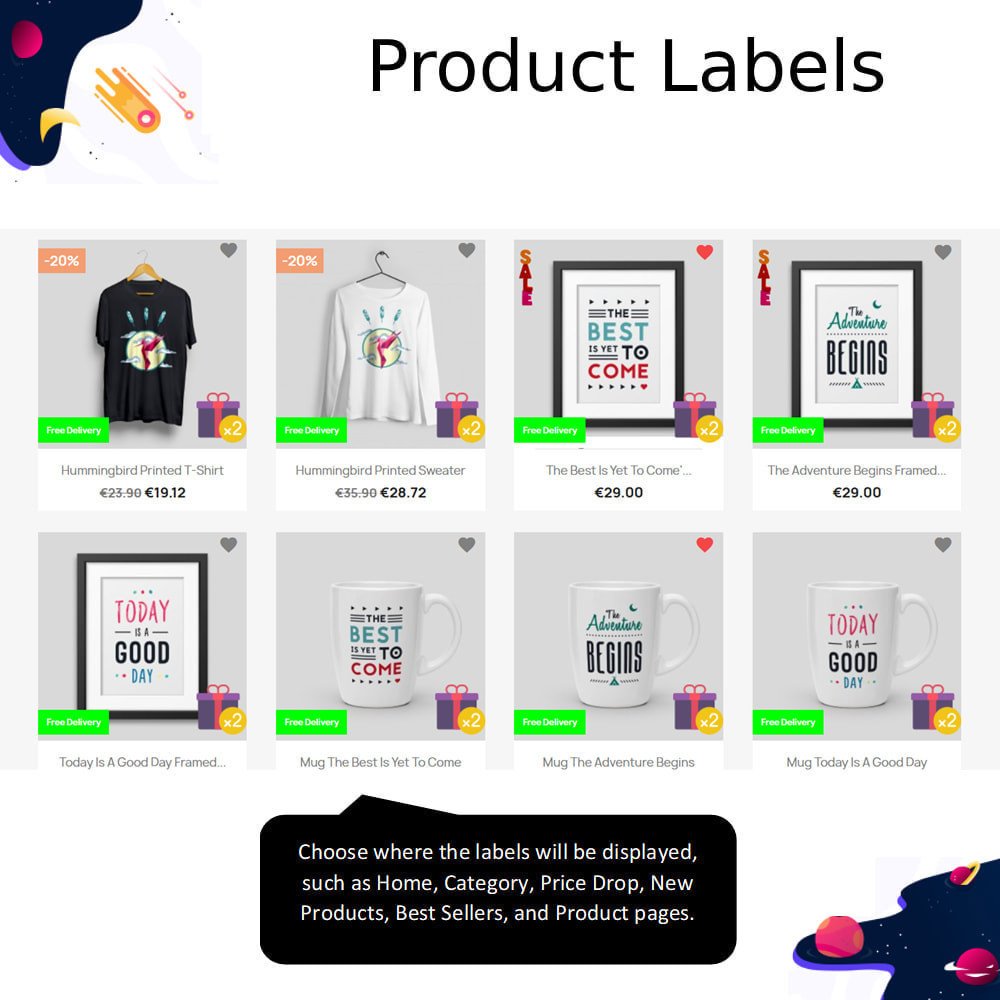
Choose flexible display options to show labels on product pages, category listings, or both.
Add preview text to test label designs before making them live.
Position labels anywhere on the product image (corners, center, etc.).
Select from multiple label types – text, shapes, or images.
Build customer trust with authenticity or quality assurance labels.
Save shopping time by making offers and product variations easy to spot.
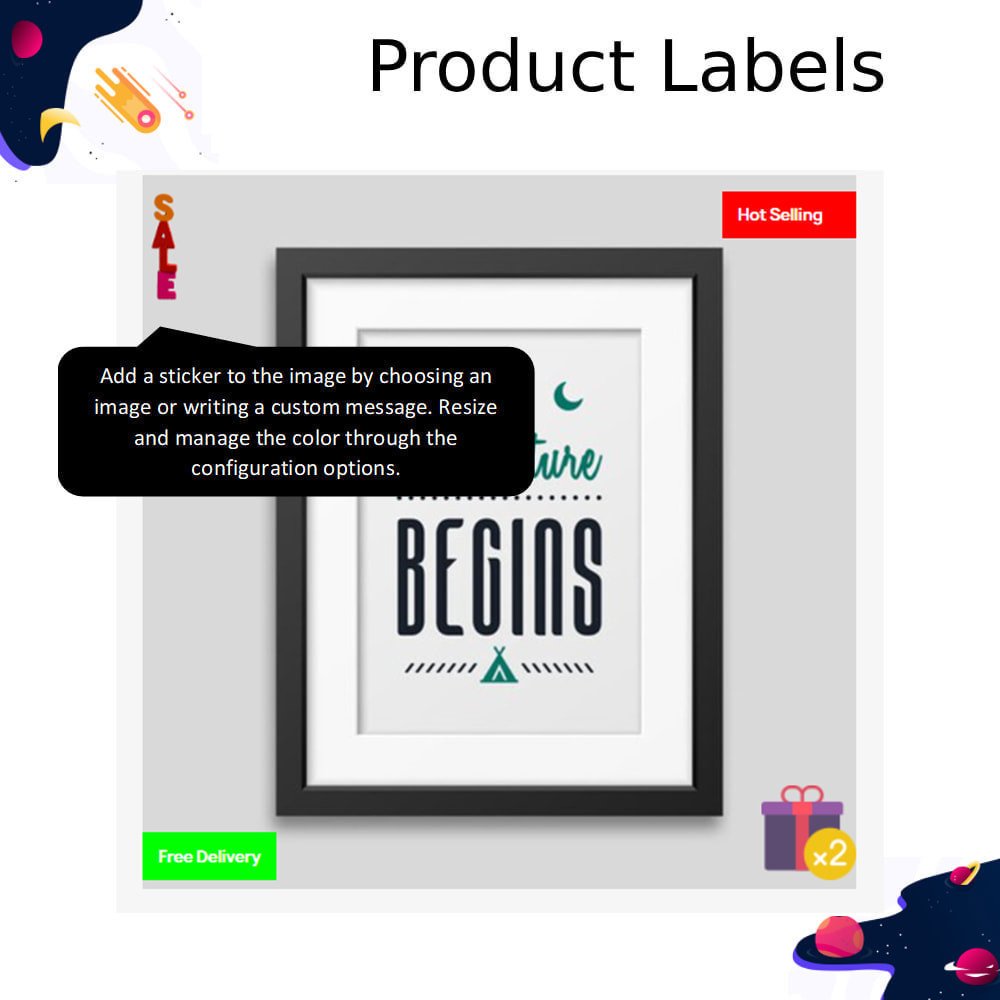
Add custom text, shape, or image labels
Turn labels on or off anytime
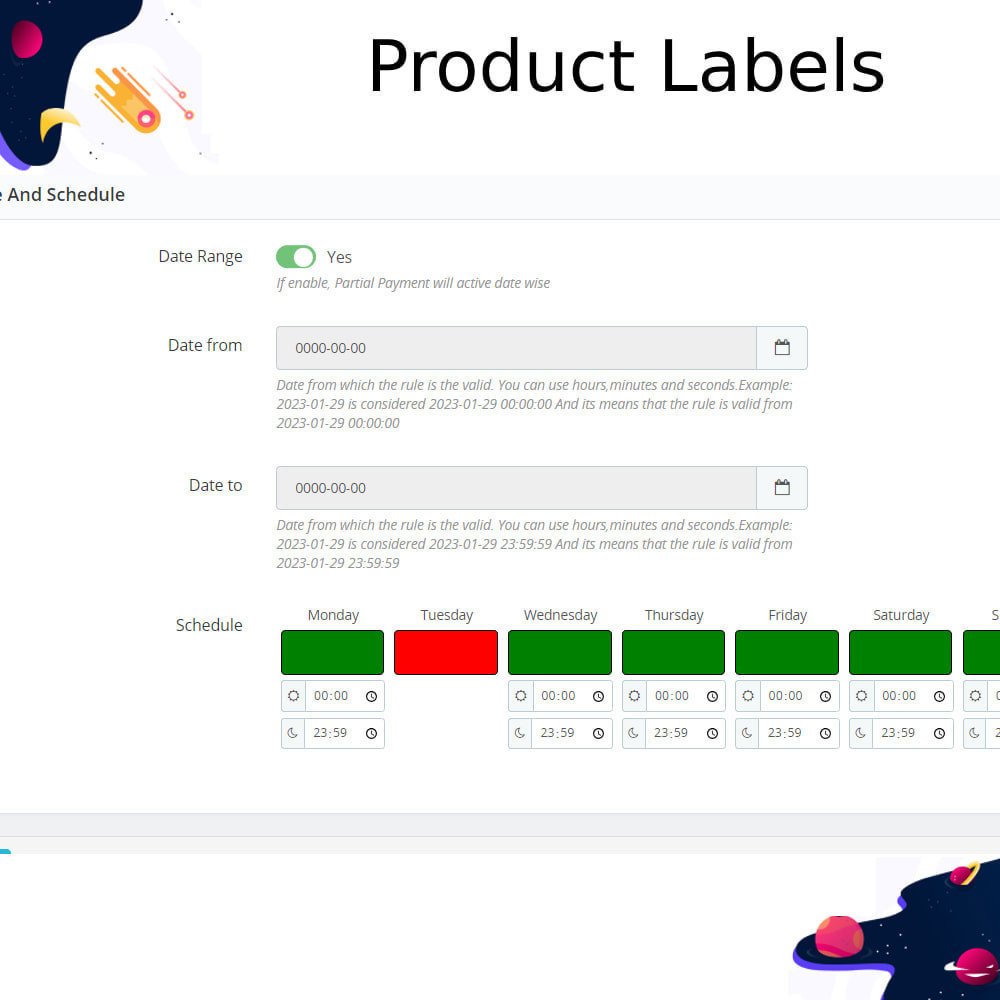
Set rules for when labels appear
Show labels on product or category pages
Preview labels before going live
Place labels anywhere on the product image
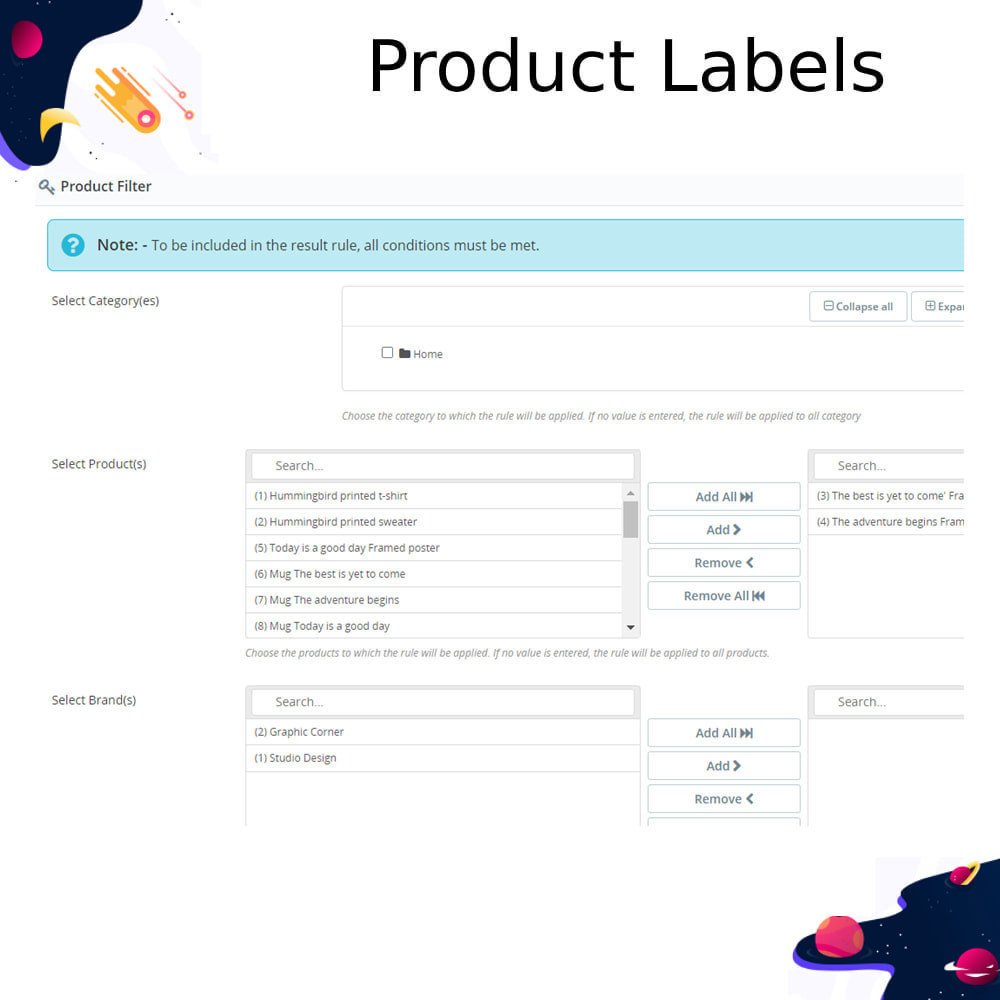
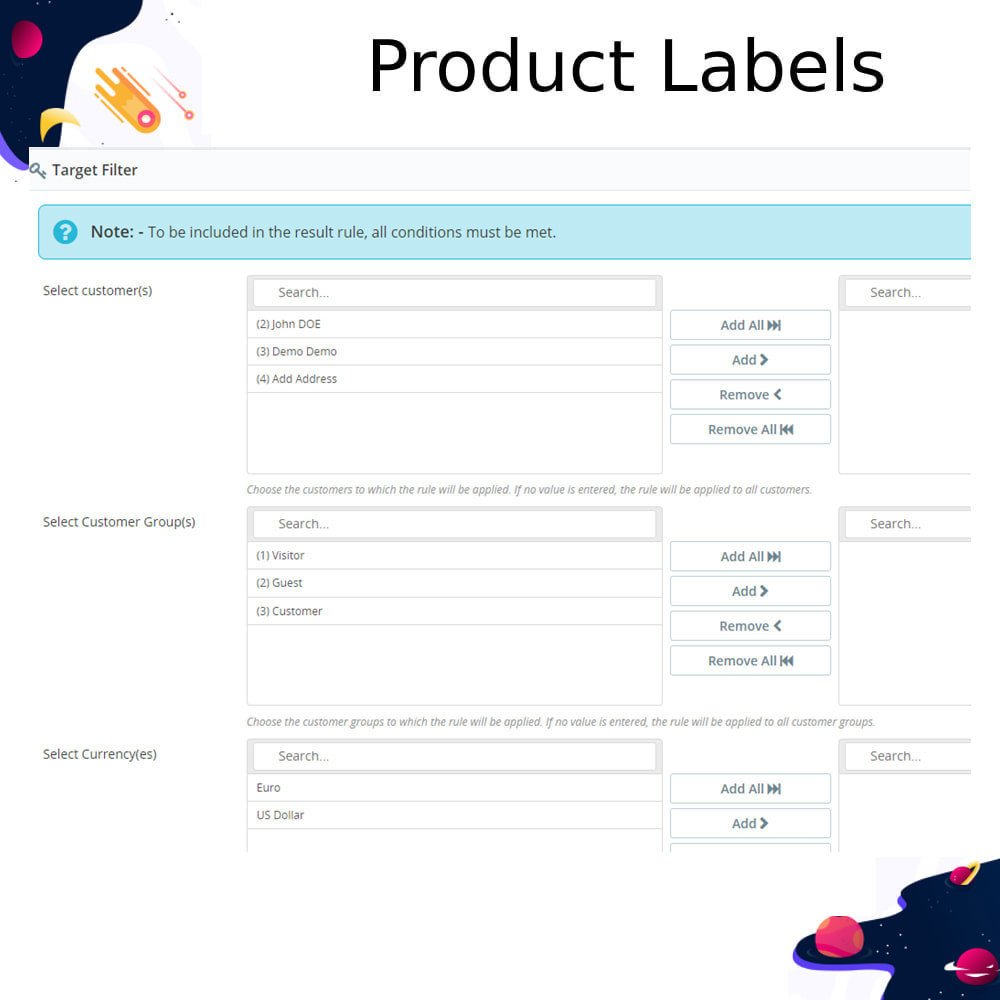
Apply labels to selected products or categories
Highlight offers, new arrivals, or deals
Show trust and quality badges
Makes products stand out and attract attention
Helps customers find offers and deals quickly
Improves the overall shopping experience
Builds trust with authenticity or quality labels
Saves customer time by making products easier to spot
Increases chances of customers making a purchase
Differentiates similar products to avoid confusion
Highlights new arrivals and limited-time promotions
Encourages impulse buying with eye-catching visuals
Helps organize and categorize products better
Improves store branding with consistent label designs
Guides customers toward bestsellers or recommended items
Download the module file to your computer
Go to your PrestaShop back office
Navigate to Modules → Module Manager
Click Upload a module and select the downloaded file
Wait for the module to install automatically
Click Configure to open the settings page
Create and set up your label rules
Choose where and how labels will appear
Save your settings
Check the front office to see labels on products





 rESTASHOP Store — We Handle It All