Prestashop Frontend Order Editing & Modifier

€79.99
Tax excluded

This module will allow customers to edit their orders from the frontend without needing admin intervention. It will improve the user experience by offering flexibility to modify orders before they are processed or shipped.

Technical Support
Quantity
  Return policy

10-day module exchange guarantee

  • Allows customers to edit their orders directly from the frontend.
  • Enables modifications to orders before processing or shipping.
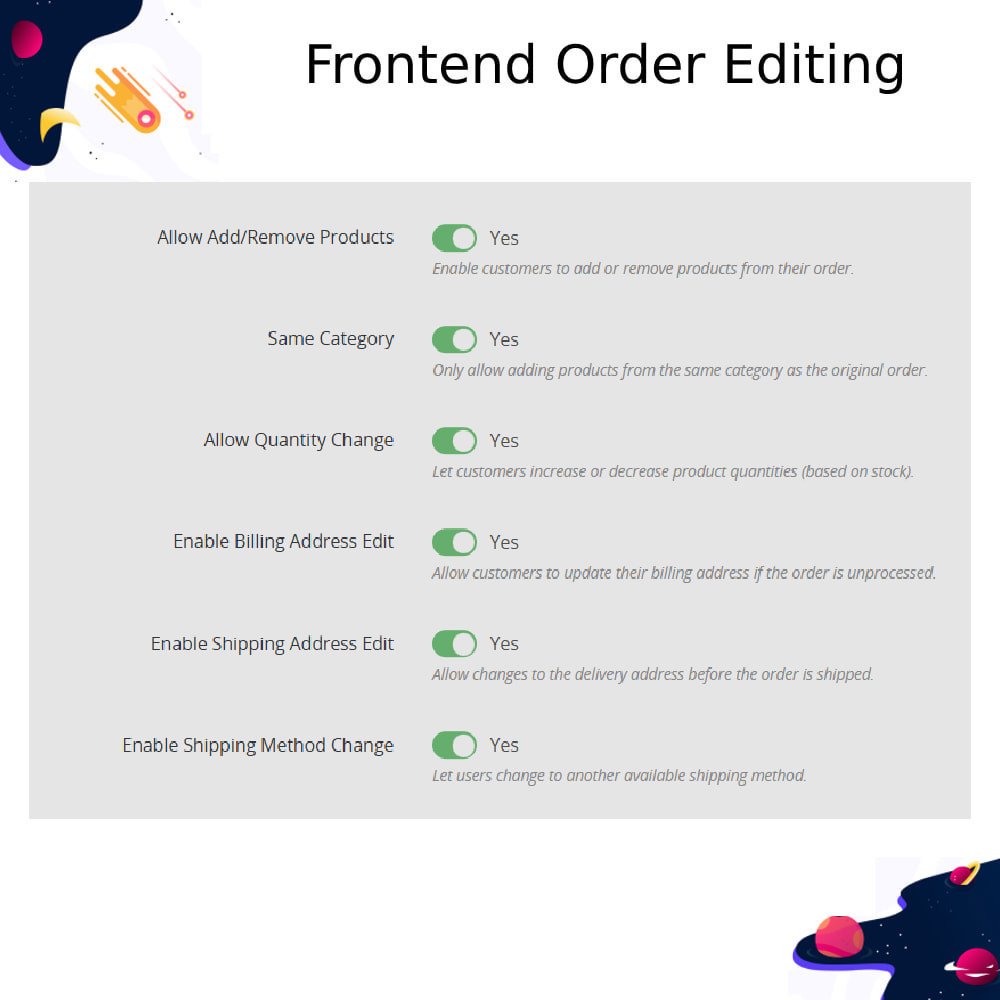
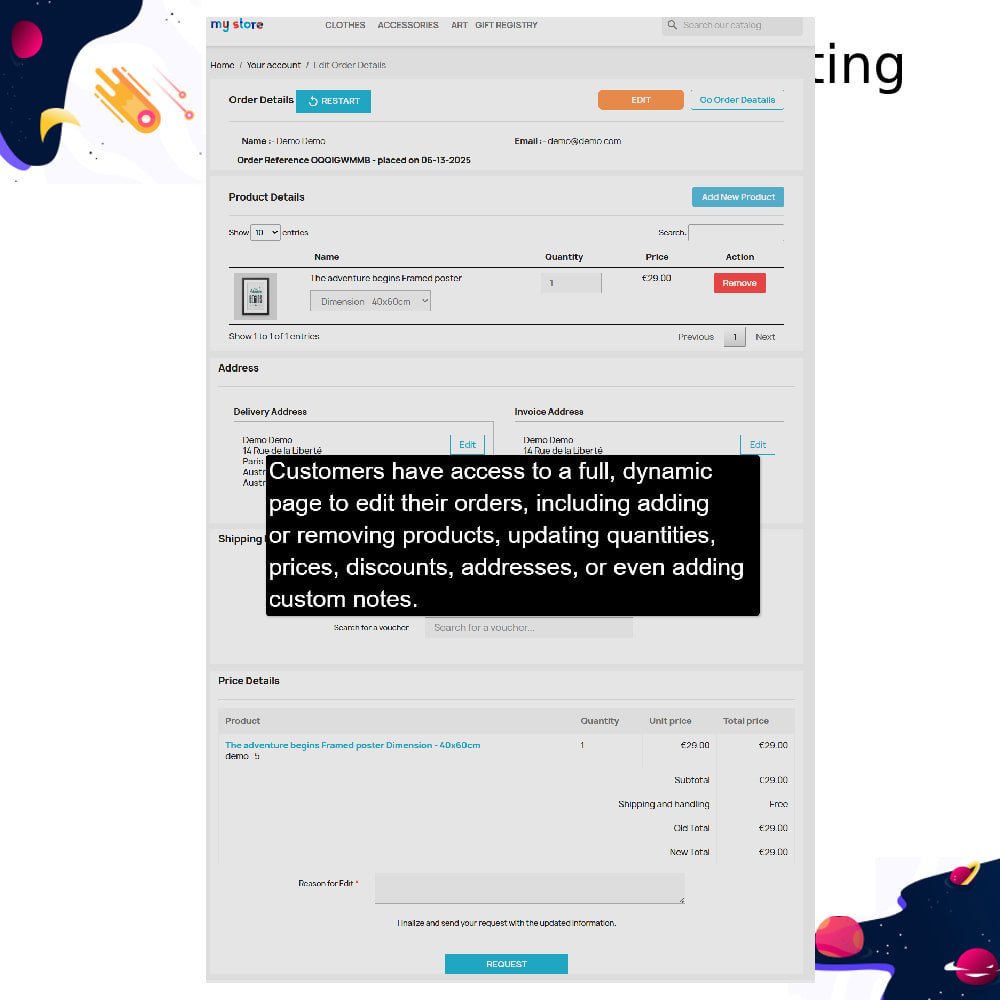
  • Offers flexibility to update product quantities, attributes, or remove products.
  • Supports adding new products to existing orders.
  • Customers can update shipping addresses and delivery options if allowed.
  • Reduces the need for manual intervention from the admin.
  • Improves overall customer satisfaction and shopping experience.
  • Helps in reducing order cancellations by allowing easy corrections.
  • Fully compatible with PrestaShop’s standard checkout process.
  • Simple, user-friendly interface for seamless order modification.
  • Includes optional configuration settings to control which parts of the order can be modified (e.g., products only, addresses only).
  • Secure and compliant with PrestaShop’s security and data handling standards.
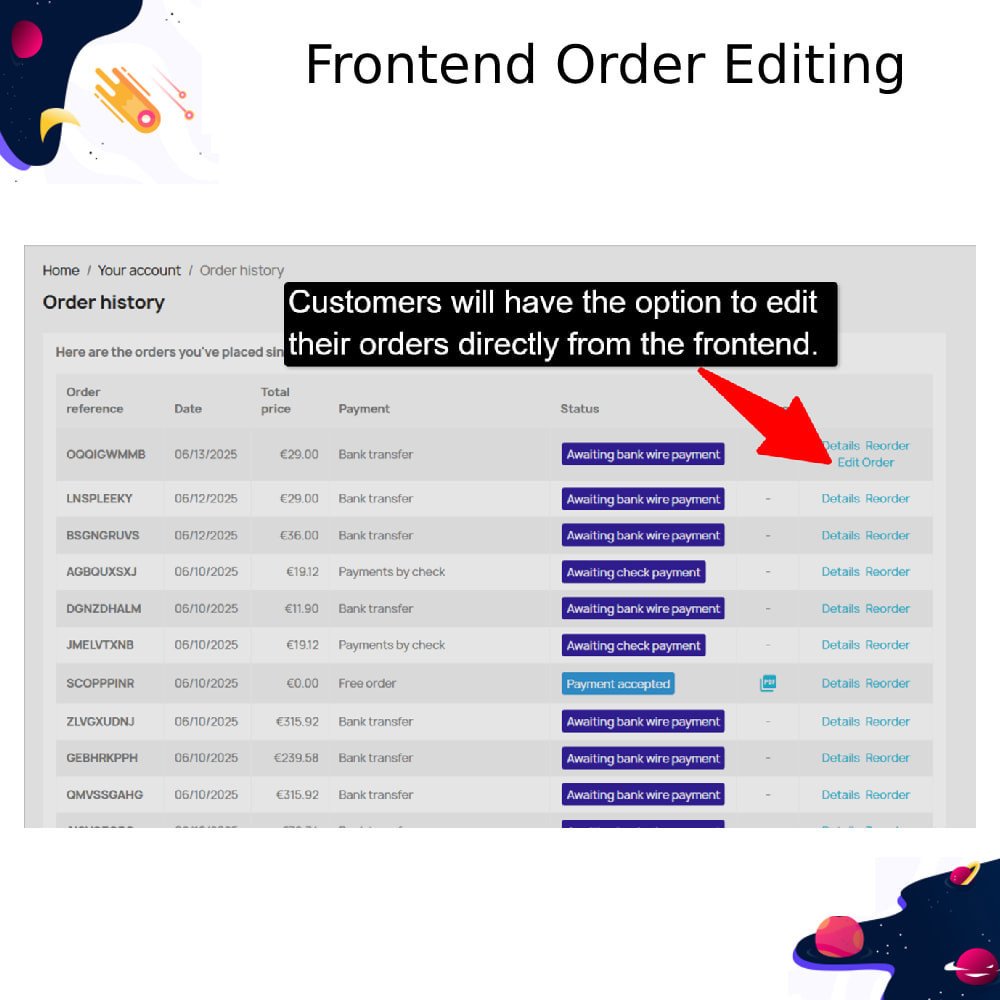
  • Customers can edit their orders directly from their account in the frontend.
  • Modify product quantities before the order is processed or shipped.
  • Update product attributes like size, color, or variations.
  • Add new products or remove existing ones from the order.
  • Change shipping address prior to order fulfillment.
  • Update delivery method before the order status reaches processing.
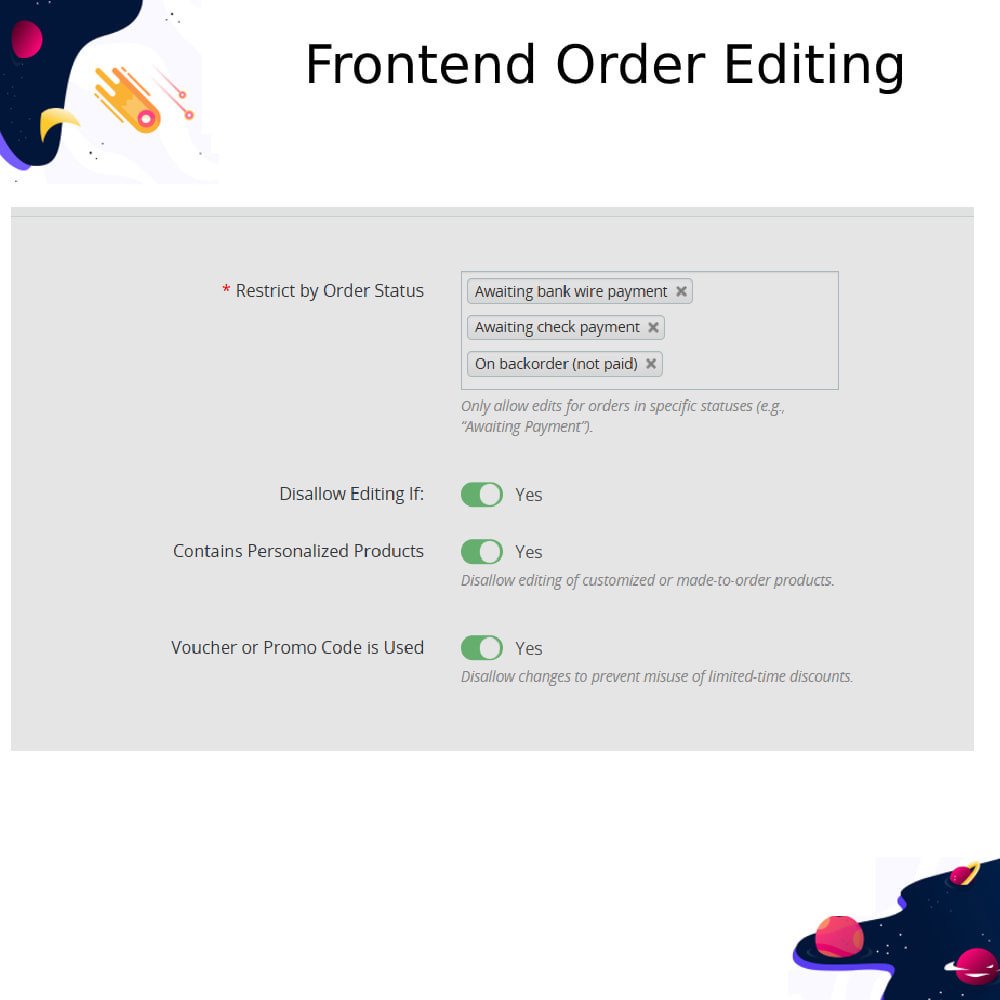
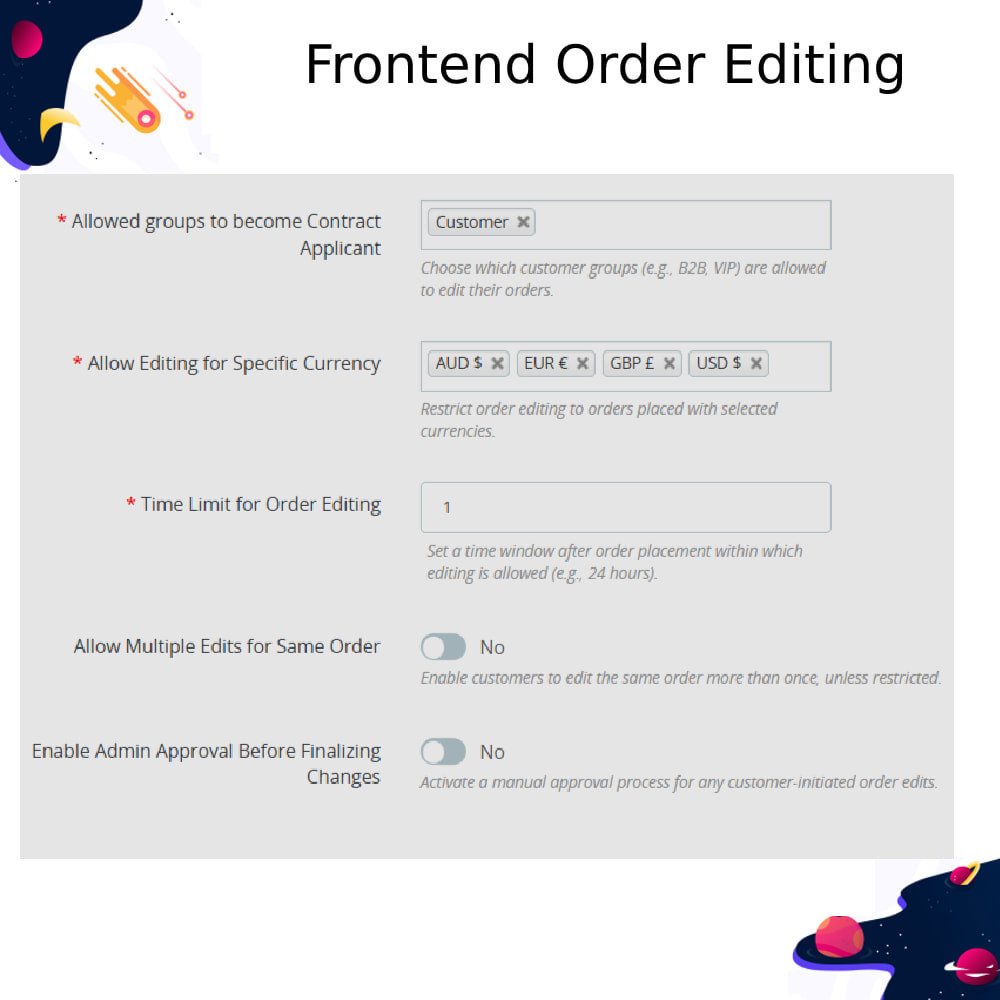
  • Restrict editing based on specific order statuses.
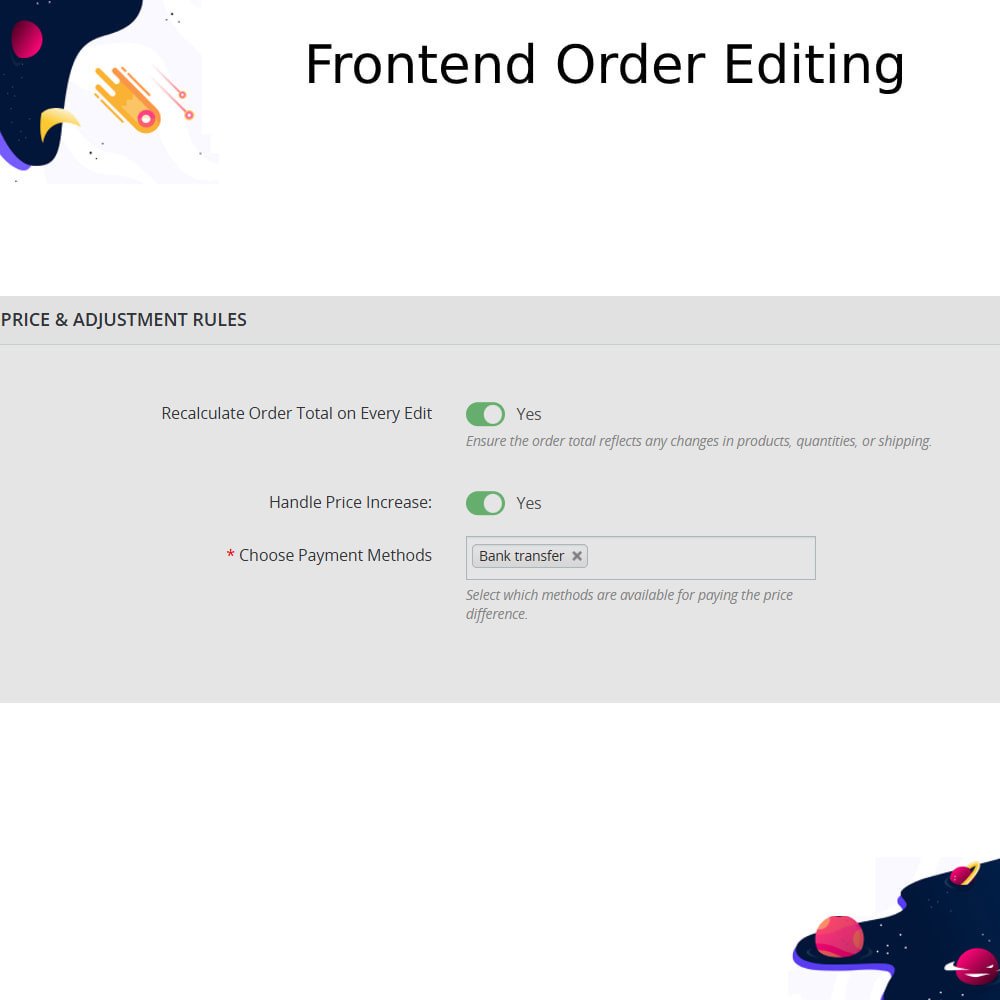
  • Automatic recalculation of order totals after changes.
  • Admin can control which order parts (products, address, delivery) are editable.
  • Secure, customer-only access to order editing options.
  • Fully responsive design for mobile and desktop users.
  • Enhances customer satisfaction by allowing post-purchase adjustments.
  • Reduces customer service workload by avoiding manual change requests.
  • Improves customer satisfaction by allowing self-service order modifications.

  • Reduces order cancellations caused by minor mistakes or missed items.

  • Minimizes manual intervention and workload for your customer support team.

  • Enhances overall shopping experience with greater post-purchase flexibility.

  • Increases customer trust and loyalty by offering transparent editing options.

  • Helps prevent refund and return requests due to editable incorrect orders.

  • Saves time and resources by automating the order change process.

  • Boosts conversion rates by addressing buyer hesitation regarding order mistakes.

  • Supports better order accuracy and fulfillment by ensuring updated information.

  • Gives your store a competitive advantage by offering advanced post-order services.

  • Log in to your PrestaShop Back Office.
  • Go to Modules > Module Manager.
  • Click Upload a module.
  • Select the ZIP file of the Frontend Order Editing & Modifier module from your computer.
  • The module will upload and install automatically. Once installed, click Configure to manage module settings.
Can customers edit their orders after placing them?Yes, customers can edit their orders directly from the "My Orders" section, as long as the order status allows (e.g., before processing or shipping).
What parts of the order can be modified?Customers can change product quantities, update product attributes (like size or color), add or remove items, update shipping addresses, and change delivery methods if permitted.
Can I restrict when orders can be edited?Yes, the module allows you to restrict editing based on order status (e.g., only when status is "Pending") or define which parts of the order are editable.
Will the order total update after editing?Yes, the module automatically recalculates the order total after any modifications are made by the customer.
Is the module compatible with custom themes?The module is designed to work with standard PrestaShop themes. Custom themes may require minor adjustments for styling.
Is the module mobile-friendly?Yes, the frontend interface is fully responsive and works seamlessly on both mobile and desktop devices.
Can I choose which parts customers can edit?Yes, you can configure the module to allow or restrict editing of products, addresses, and shipping options individually from the admin panel.
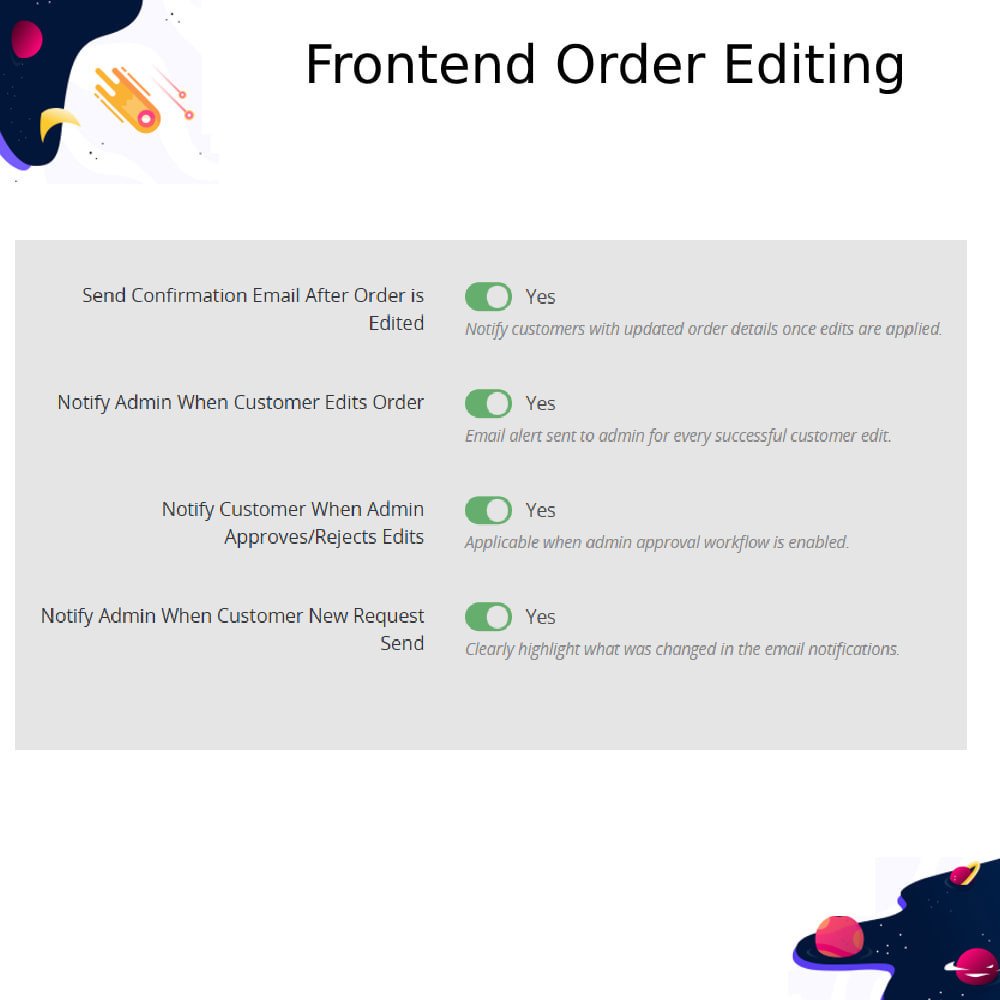
Do admin users receive notifications when orders are edited?Yes, the module can notify admin users when a customer edits their order, ensuring transparency and workflow monitoring.

Customer reviews

4 Out Of 5
5 star
0%
4 star
100%
3 star
0%
2 star
0%
1 star
0%

Top reviews


Operational Benefits of Frontend Order Editing & Modifier Module

Reduces Support Workload

Minimizes Manual Tasks

Automates Order Updates

Optimizes staff productivity

Reduces Cancellations

Lowers Return Rates

Core Features of Frontend Order Editing & Modifier Module

Frontend Order Editing

Allows customers to edit their orders directly from their account before processing or shipping starts.

Product Quantity Update

Customers can easily change product quantities within their existing orders.

Attribute Modification

Enables customers to change product attributes like size, color, or combinations before shipment.

Add/Remove Products

Customers can add new products or remove unwanted items from their placed orders.

Address Editing

Allows customers to update their shipping or billing address before order fulfillment.

Delivery Method Update

Customers can change the delivery option before the order reaches restricted status.

Power Up Your rESTASHOP Store — We Handle It All​

Related products