- Home
- PrestaShop
- PrestaShop Restrict Hide Payment Method by Product Category Group
PrestaShop Restrict Hide Payment Method by Product Category Group
Customize your payment processes to suit your business requirements precisely. Restrict Payment Pro allows you to limit payment methods based on products, categories, brands, suppliers, groups, or cart total as specified by the admin.
PrestaShop Restrict Hide Payment Method by Product Category Group
Customize your payment processes to suit your business requirements precisely. Restrict Payment Pro allows you to limit payment methods based on products, categories, brands, suppliers, groups, or cart total as specified by the admin.
10-day module exchange guarantee
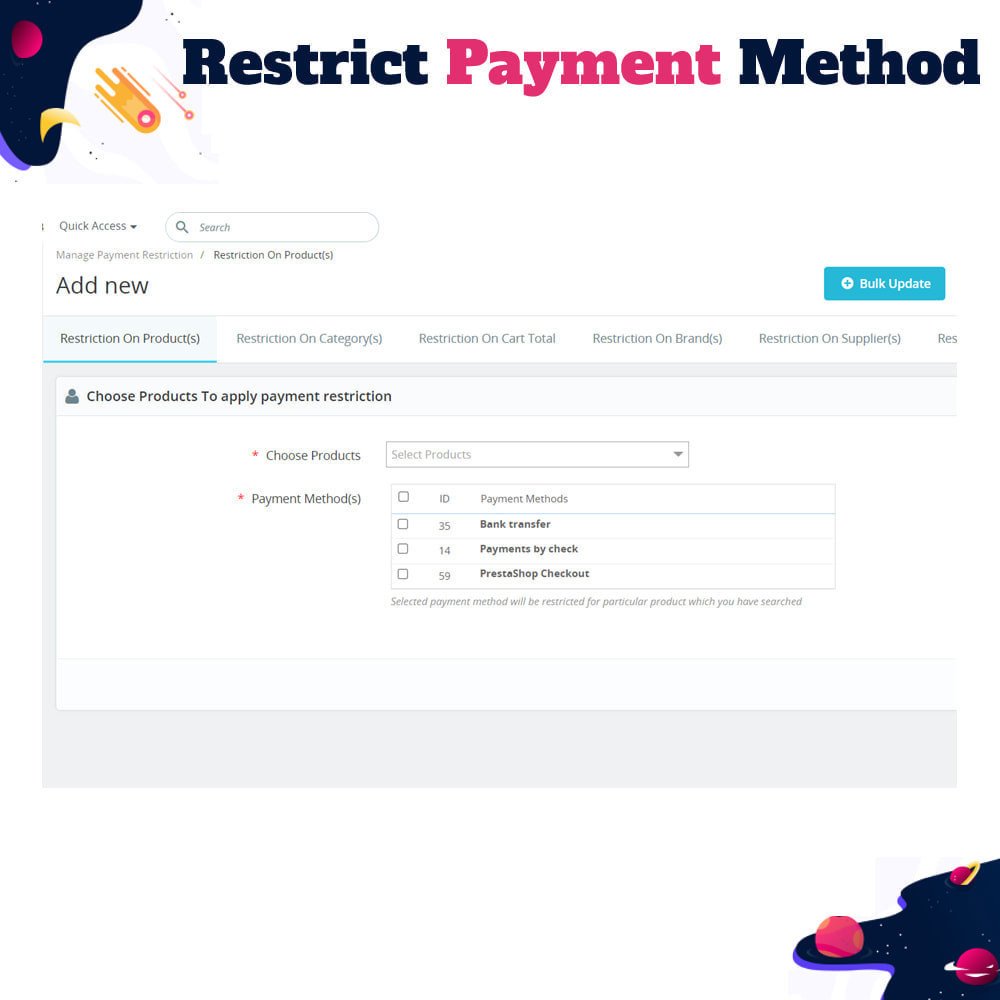
- Limit payment methods for specific products, such as allowing only prepaid options for high-value items.
- Apply payment method restrictions based on product categories to streamline checkout experiences.
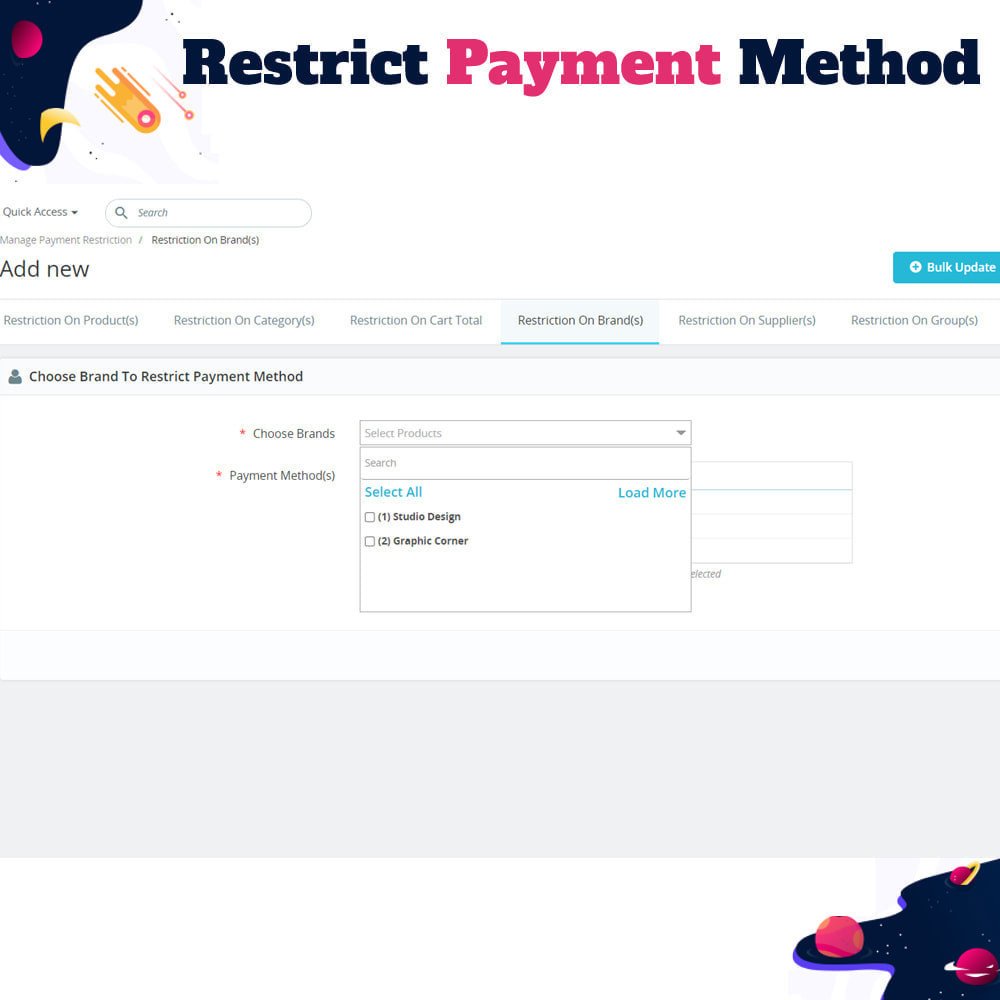
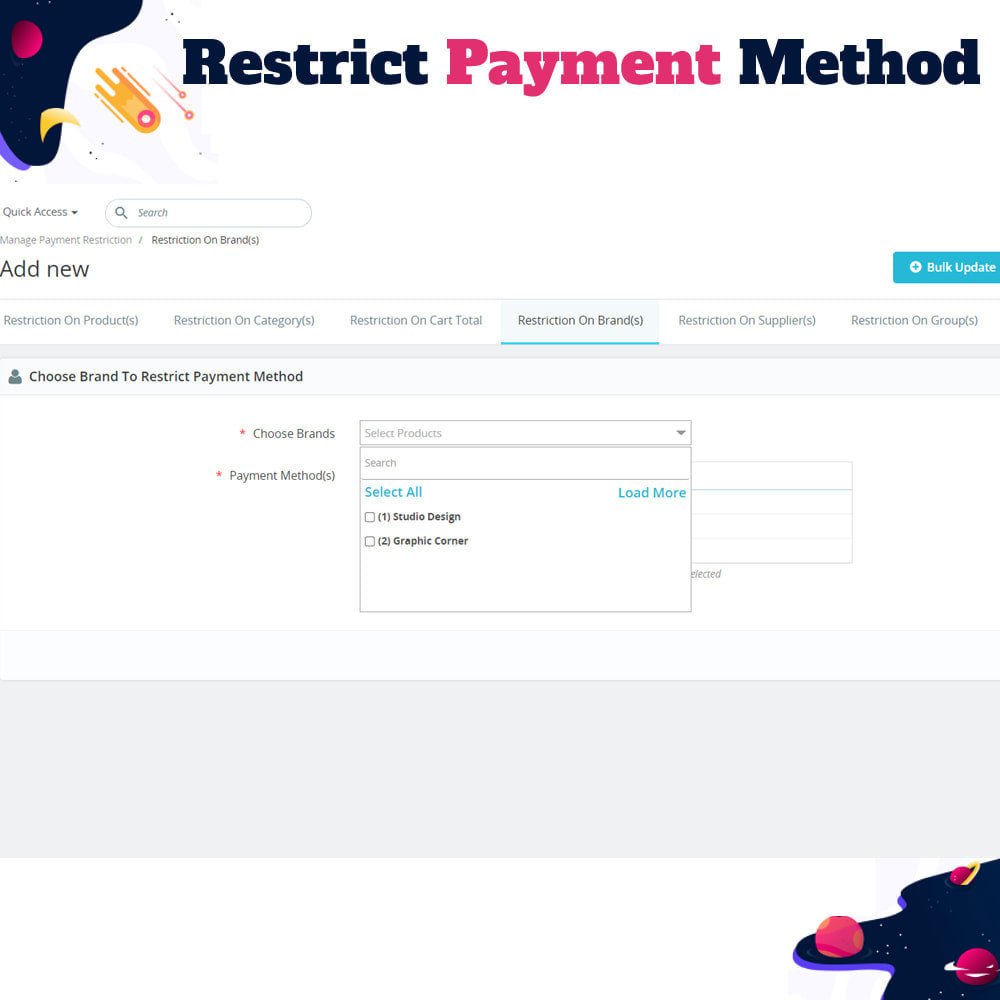
- Configure rules to show or hide payment options depending on the brand of the product.
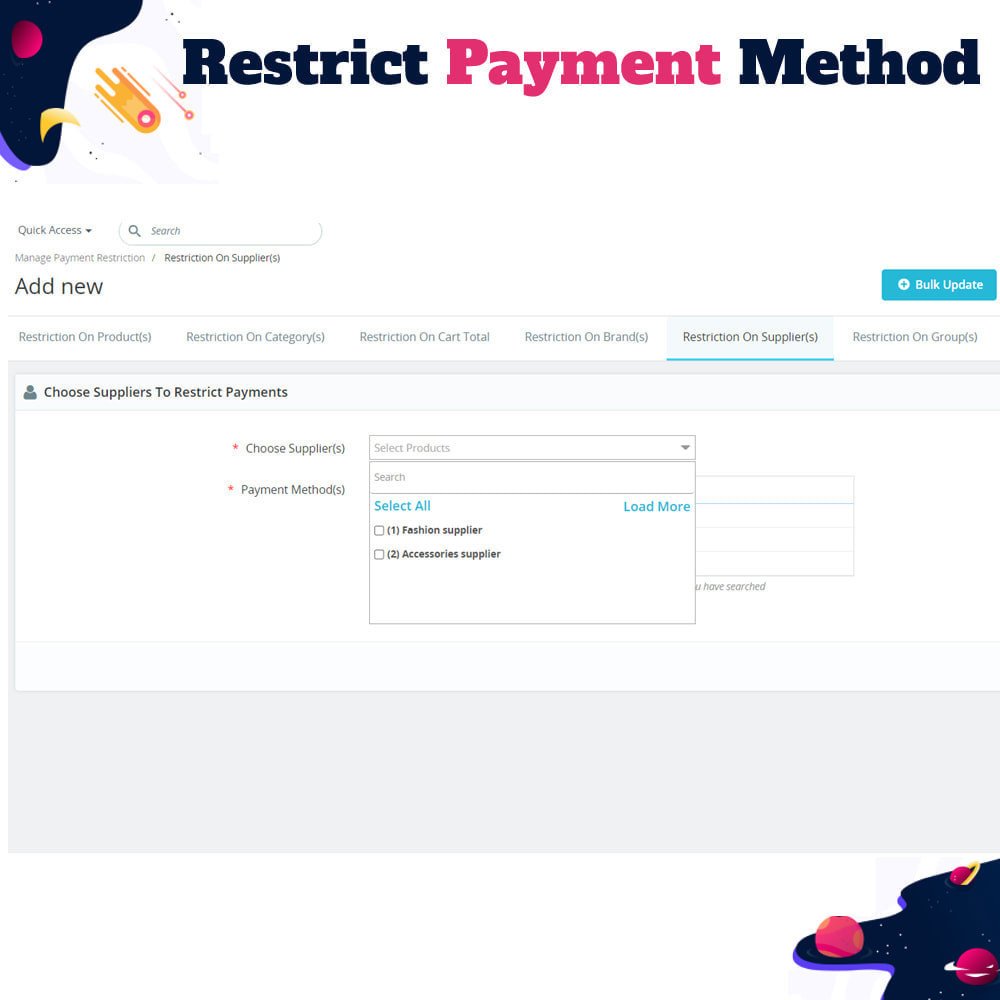
- Set payment restrictions based on the supplier associated with the product.
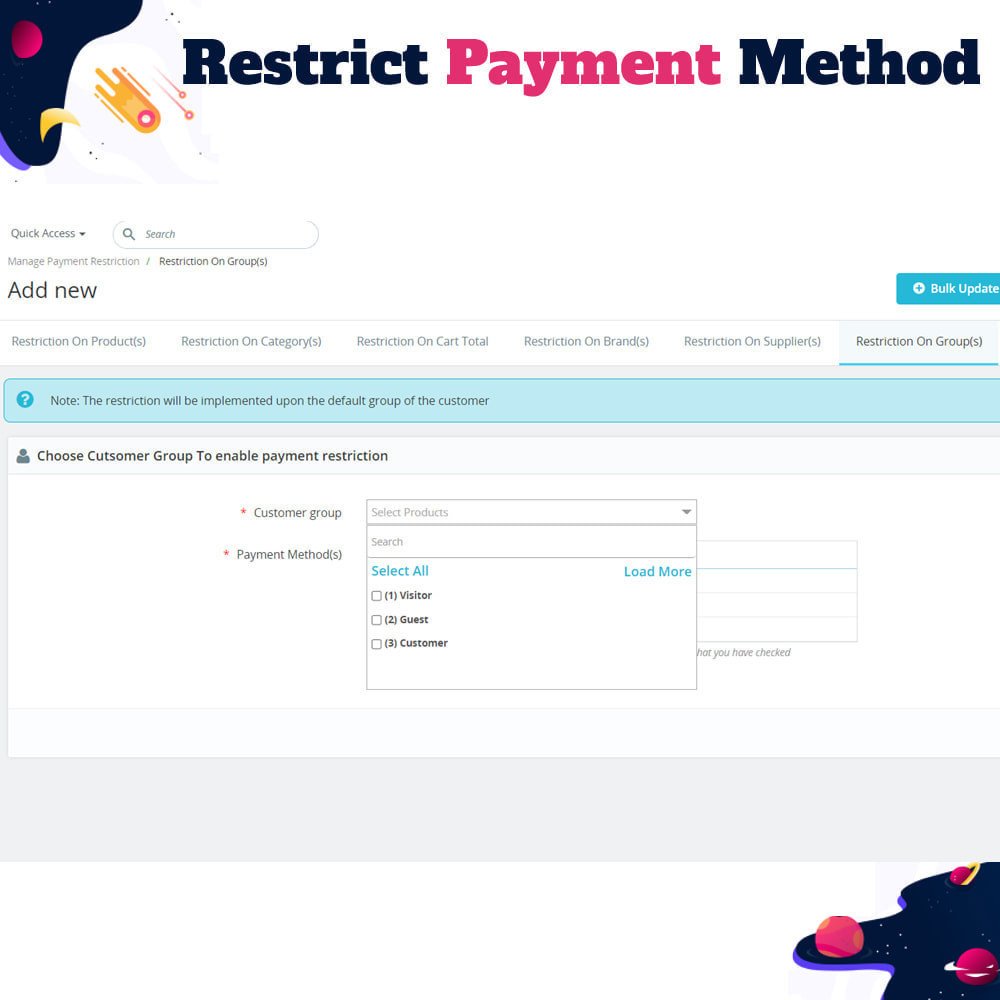
- Customize available payment methods for different customer groups like B2B or VIP customers.
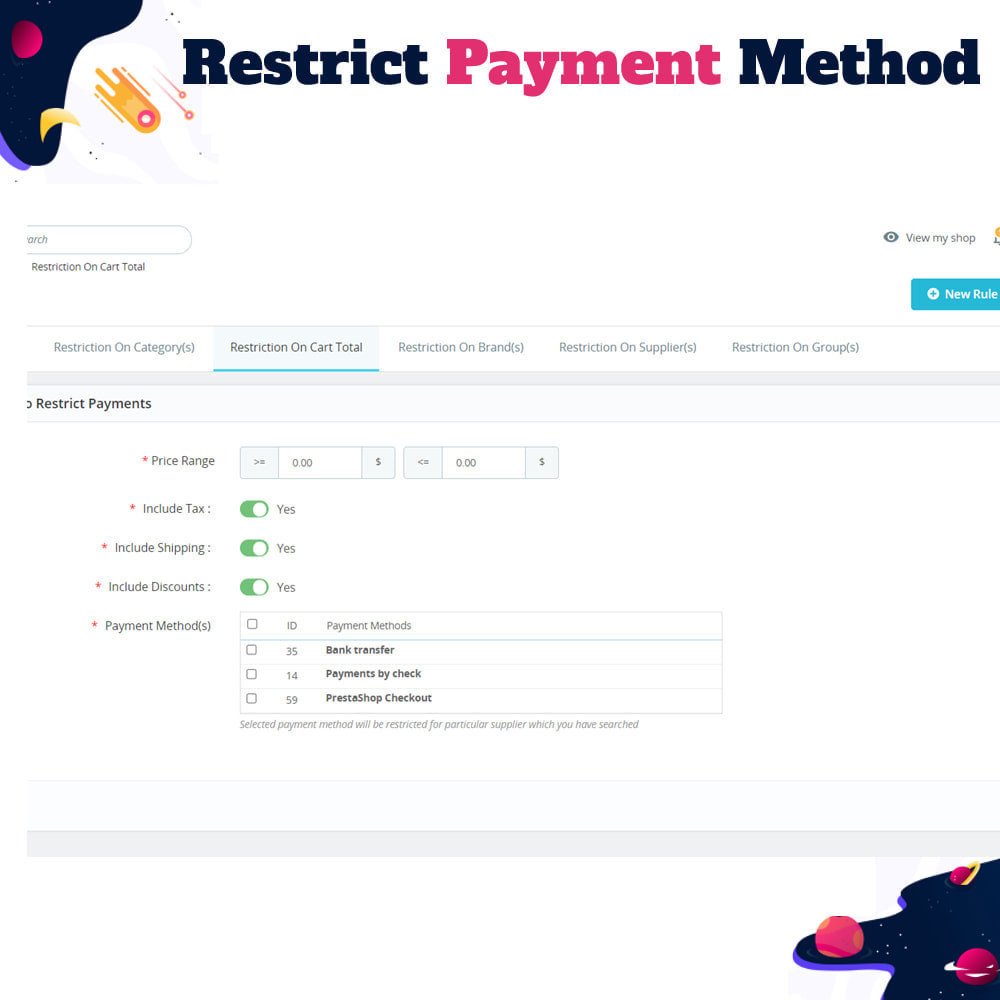
- Restrict or allow payment options based on the total cart value, including options to consider or exclude tax, shipping, or discounts.
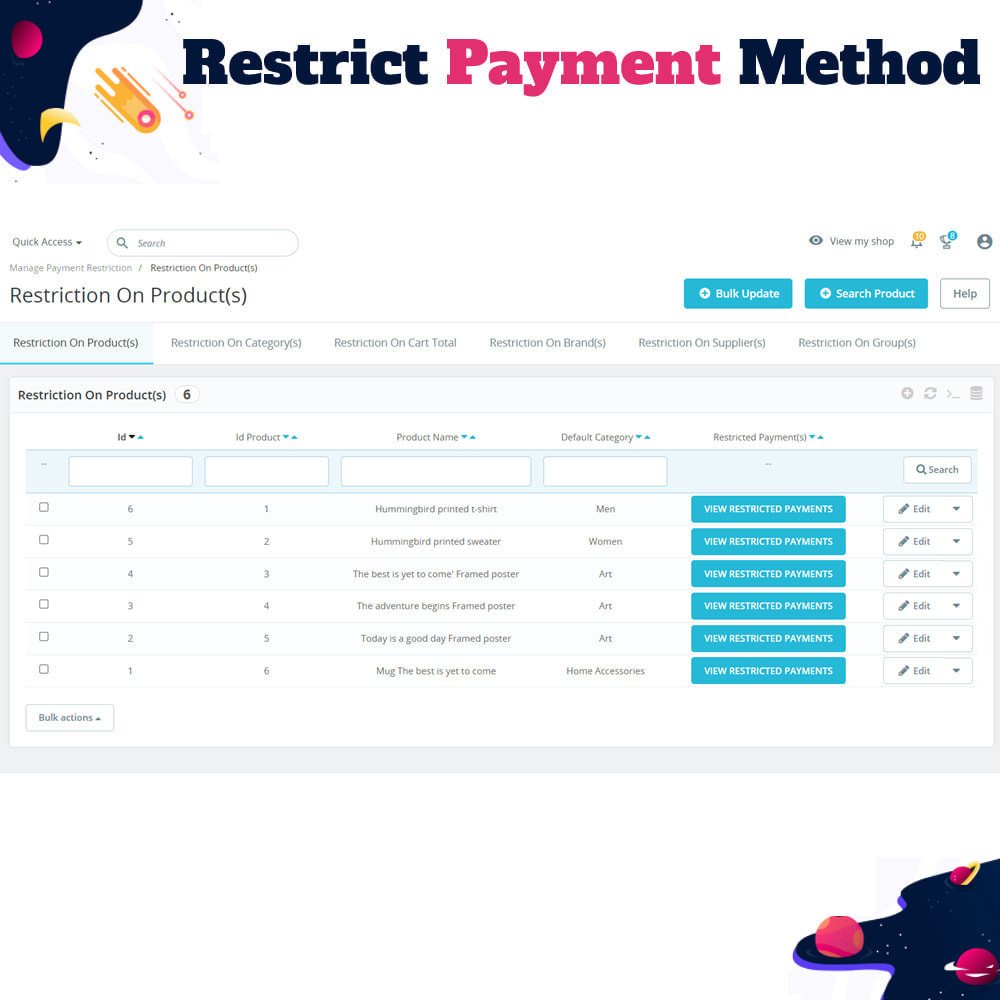
- Use bulk update features to quickly apply restrictions across many products, brands, suppliers, or groups.
- Fully compatible with PrestaShop’s multi-shop functionality, allowing consistent rules across stores.
- Supports multi-language environments for international customers.
- Simple installation and configuration with user-friendly admin interface for managing all restriction rules.
- Restrict payment methods based on specific products.
- Limit payment options for entire product categories.
- Control available payment methods by product brand.
- Set restrictions based on product suppliers.
- Customize payment methods per customer group.
- Create rules based on total cart value, with options to include/exclude tax, shipping, and discounts.
- Bulk update multiple products, categories, brands, suppliers, or customer groups in one click.
- Fully compatible with PrestaShop 8.x.x and Multi-Shop environments.
- Supports Multi-Language configurations.
- Easy-to-use configuration panel for setting and managing restriction rules.
Provides a personalized checkout experience by showing only relevant payment methods.
Helps enforce business policies like prepaid-only for high-risk or high-value products.
Reduces customer confusion and improves conversion rates by simplifying payment choices.
Supports advanced segmentation by tailoring payment options to customer groups.
Enables precise control over payment methods for different brands, categories, or suppliers.
Enhances operational flexibility with cart value-based rules.
Saves time with bulk update functionality for mass rule application.
Fully supports multi-shop setups, ensuring consistent rules across all stores.
Improves user experience with multilingual compatibility.
Easy setup and management from the PrestaShop back office, no coding required.
- Go to your PrestaShop back office.
- Navigate to Modules > Module Manager.
- Click on "Upload a module" and upload the module ZIP file.
- Once uploaded, click "Install" to add the module to your store.
- After installation, go to the module’s configuration page.
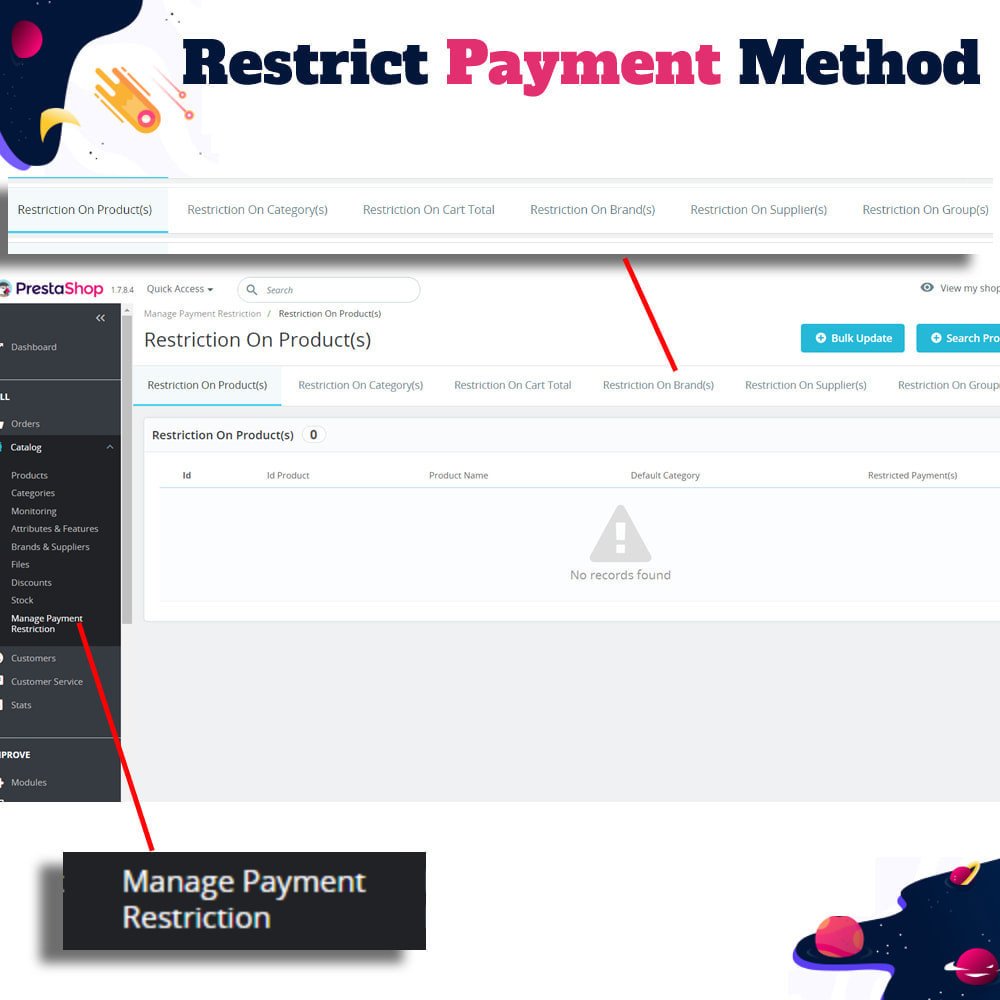
- Set up restriction rules based on products, categories, brands, suppliers, customer groups, or cart value.
- Use the bulk update feature to quickly apply rules to multiple items.
- Save your settings and clear the cache if necessary.
- Test the checkout process to confirm restrictions are applied as expected.
- The module is now active and ready to control payment method visibility on your store.
Can I restrict multiple payment methods for a single product?
Is the module compatible with PrestaShop Multishop?
Can I apply restrictions to a group of products at once?
Will this module work with third-party payment gateways?
Can I base restrictions on total cart value with or without taxes and shipping?
Does this module support multi-language stores?
Can I restrict payment methods based on customer groups like wholesalers or VIPs?
Will the module hide the restricted payment methods automatically at checkout?
Do I need to edit any core files to use this module?
Is technical support available after purchase?
Customer reviews
Top reviews
Mia Torres
Elijah Lewis
Isaac Gray
Natalie Martinez
Operational Benefits of Restrict Hide Payment Method Module

Rule Flexibility

Bulk Management

Policy Enforcement

Checkout Optimization

Time Efficiency

User Control
Core Features of Restrict Hide Payment Method
Product-Based Restrictions
Restrict specific payment methods for selected products to enforce targeted rules, such as allowing only prepaid options for high-value or fragile items.
Category-Level Control
Define payment method visibility based on product categories, tailoring checkout options to product types for a more structured shopping experience.
Brand & Supplier Filters
Set payment restrictions based on product brand or supplier, giving merchants advanced control over payment visibility across different sources and labels.
Customer Group Rules
Customize payment methods shown at checkout for specific customer groups like wholesale, retail, or VIP, offering a more personalized experience.
Cart Value Conditions
Restrict or allow payment methods based on total cart value, with flexible options to include/exclude tax, shipping, and discounts in rule conditions.
Bulk Update Functionality
Easily apply payment restrictions to multiple products, categories, brands, or groups in one click, saving time and simplifying large-scale updates.
Power Up Your
rESTASHOP Store — We Handle It All