- Home
- PrestaShop
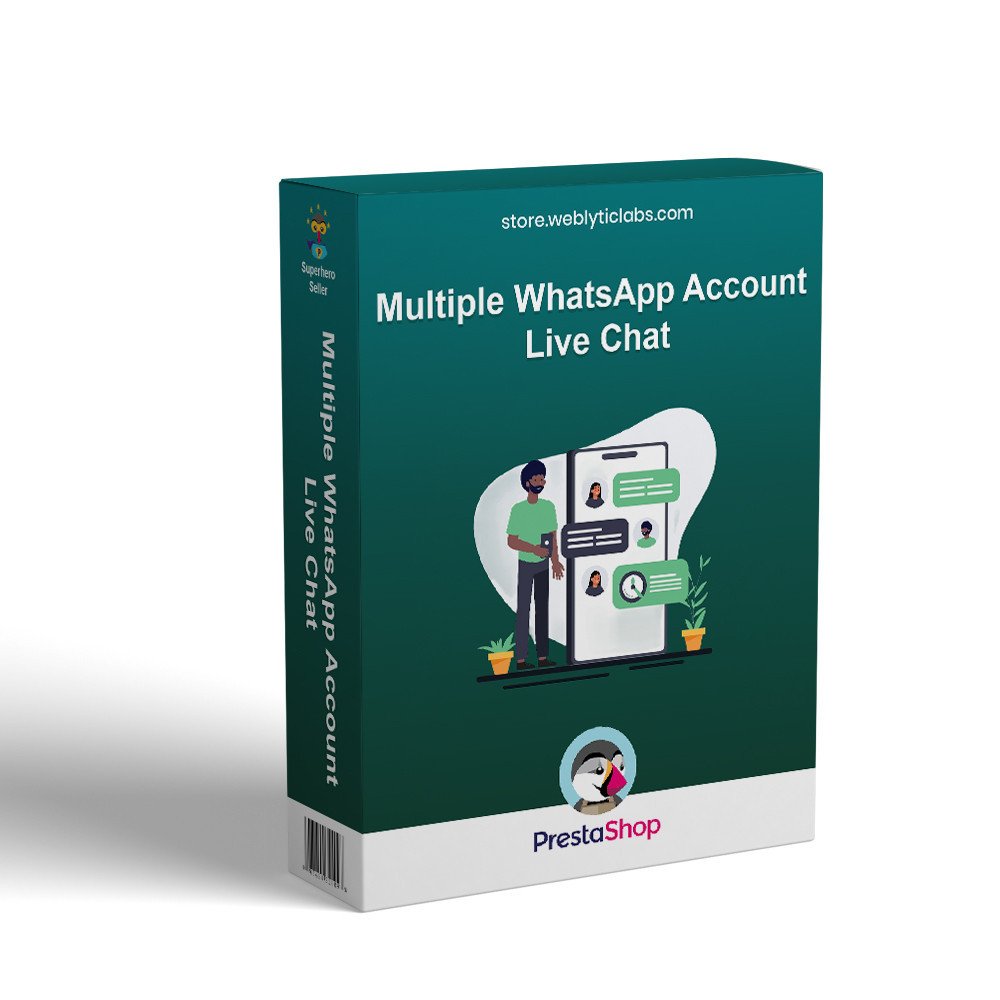
- Prestashop Multiple WhatsApp Account - Live Chat
Prestashop Multiple WhatsApp Account - Live Chat
Add multi-agent WhatsApp chat to your PrestaShop store. Let customers contact sales, order, or tech support instantly with smart targeting, availability control, and floating chat access.
Prestashop Multiple WhatsApp Account - Live Chat
Add multi-agent WhatsApp chat to your PrestaShop store. Let customers contact sales, order, or tech support instantly with smart targeting, availability control, and floating chat access.
10-day module exchange guarantee
Enables instant communication with customers through WhatsApp, helping resolve queries quickly and guiding them toward making a purchase decision without delay.
Minimizes cart abandonment by addressing customer doubts in real time, ensuring they don’t leave the store due to unanswered questions or confusion.
Connects customers directly with the appropriate support team or department, improving efficiency and ensuring accurate assistance every time.
Saves valuable time for store owners by automating responses and maintaining continuous communication availability, even during busy hours.
Builds strong customer trust by displaying real agent profiles along with their online status, creating a transparent and reliable support experience.
Increases overall sales by accelerating the decision-making process during the pre-purchase stage with instant responses and guidance.
Reduces dependency on emails and phone calls by handling order, shipping, and delivery queries directly via WhatsApp chat.
Supports high-value B2B and VIP customers by assigning dedicated agents, ensuring personalized communication and better relationship management.
Acts as an effective lead generation tool by capturing customer inquiries and contact details, even outside regular business hours.
Provides full administrative control with an easy-to-use back-office system for managing agents, chats, and configurations efficiently.
Enhances customer satisfaction by delivering faster response times and reducing waiting periods for support.
Helps distribute workload efficiently among multiple agents, improving team productivity and preventing support bottlenecks.
Strengthens brand credibility by offering a professional and modern live chat experience that meets customer expectations.
Multiple WhatsApp agent integration allowing customers to choose and connect with the most relevant support representative based on their needs.
Customizable chat button design and placement to match store branding and improve visibility across different pages.
Department-wise agent assignment to route customer queries to sales, support, billing, or other specific teams automatically.
Real-time online/offline status display for each agent to ensure customers connect only with available representatives.
Pre-filled WhatsApp messages to help customers start conversations quickly with predefined queries or product details.
Mobile-friendly and fully responsive design ensuring seamless communication across all devices including smartphones and tablets.
Advanced scheduling options to display chat availability based on business hours or agent working shifts.
Multi-language support to communicate with customers in their preferred language and improve global user experience.
Integration with product and cart pages to allow customers to inquire about specific products directly from the store.
Easy back-office management panel to add, edit, or remove agents and configure chat settings without technical knowledge.
Option to show different agents for different countries, customer groups, or store views for better targeting.
GDPR-friendly configuration ensuring customer data privacy and compliance with data protection regulations.
Quick enable/disable functionality to control chat visibility anytime based on business requirements.
Analytics and tracking support to monitor customer interactions and improve communication strategies over time.
Increases conversion rates by engaging customers at the right moment and helping them make faster purchase decisions.
Reduces cart abandonment significantly by resolving last-minute doubts before customers leave the checkout process.
Improves overall customer experience through quick, convenient, and familiar WhatsApp communication.
Saves operational costs by reducing the need for large customer support teams and minimizing call handling.
Enhances response speed, ensuring customers get instant answers instead of waiting for email replies.
Builds stronger customer relationships through personalized, one-on-one conversations with real agents.
Boosts customer trust and confidence by providing transparent and accessible support channels.
Streamlines communication by centralizing customer queries into a single, easy-to-manage platform.
Helps capture more leads by engaging visitors even when they are not ready to purchase immediately.
Increases customer retention by providing consistent and reliable post-purchase support.
Improves team productivity by distributing queries efficiently among multiple agents.
Reduces workload on traditional support channels like phone and email.
Supports business growth by enabling scalable communication as customer traffic increases.
Download the module ZIP file from your account or marketplace where you purchased it.
Log in to your PrestaShop admin panel and navigate to Modules > Module Manager.
Click on the Upload a module button and select the downloaded ZIP file.
Wait for the installation process to complete automatically.
Once installed, click on the Configure button to access the module settings.
Add your WhatsApp agents by entering their names, phone numbers, and profile details.
Assign agents to specific departments such as Sales, Support, or Billing if needed.
Configure display settings like chat button position, design, and visibility across pages.
What does the WhatsApp Chat module do?
Can I add multiple WhatsApp agents?
Can I set working hours for chat availability?
Is the chat feature mobile-friendly?
Can I customize the chat button design?
Does it support multiple languages?
Can customers send pre-filled messages?
Is coding knowledge required to use this module?
Does this module help reduce cart abandonment?
Can I enable or disable the module anytime?
Customer reviews
Operational Benefits of Multiple WhatsApp Account - Live Chat Module

Faster Support

Higher Conversions

Quick Responses

Lead Generation

Better Engagement
.png)
Sales Growth
Core Features of Multiple WhatsApp Account - Live Chat Module
Multi-Agent Support
Easily add and manage multiple WhatsApp accounts, allowing customers to connect with the right agent or department for faster and more accurate assistance.
Department-Based Routing
Assign agents to specific departments such as sales, support, or billing, ensuring customer queries are directed to the most relevant team without confusion.
Real-Time Availability Status
Display live online or offline status of each agent so customers can instantly see who is available and choose the best person to start a conversation.
Customizable Chat Button
Fully customize the WhatsApp chat button design, position, and style to match your store branding and improve visibility across all pages.
Pre-Filled Messages
Set predefined WhatsApp messages to help customers initiate conversations quickly with relevant details, reducing effort and improving communication speed.
Smart Scheduling System
Configure working hours and agent availability schedules so the chat option appears only during business hours or when support is active.
Power Up Your
rESTASHOP Store — We Handle It All