.png)


PrestaShop Make Old Items New Again
The Make Old Items New Again Module for PrestaShop allows merchants to alter product creation dates, thereby reintroducing older products as new within the store catalog. This boosts the visibility of these items and potentially increases sales.
The Make Old Items New Again Module for PrestaShop allows merchants to alter product creation dates, thereby reintroducing older products as new within the store catalog. This boosts the visibility of these items and potentially increases sales.
 Return policy
10-day module exchange guarantee
Easily revitalize older inventory by changing product creation dates, making long-listed items appear brand-new to customers and drawing renewed interest.
Improve product visibility by repositioning them higher in the catalog and category listings, ensuring they capture shoppers’ attention more effectively.
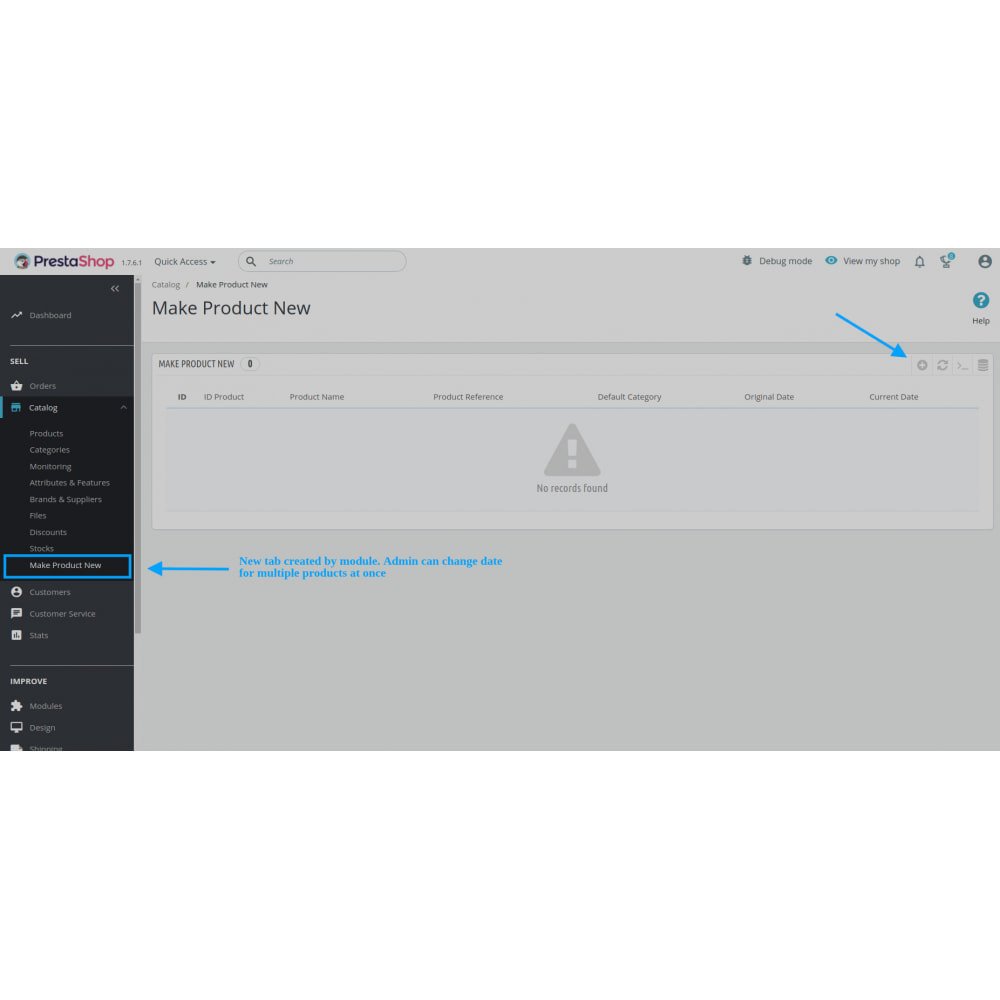
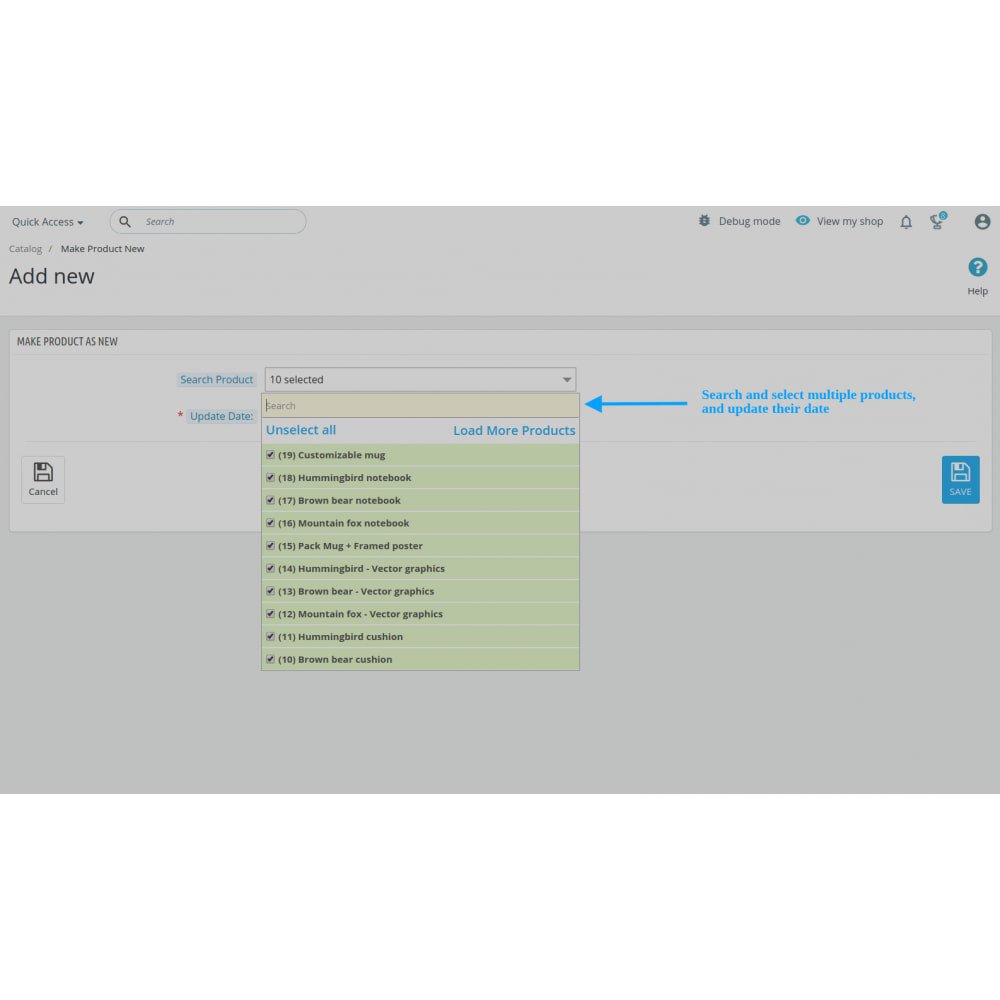
Save valuable time with bulk update functionality, allowing you to change the creation dates of multiple products in one simple action.
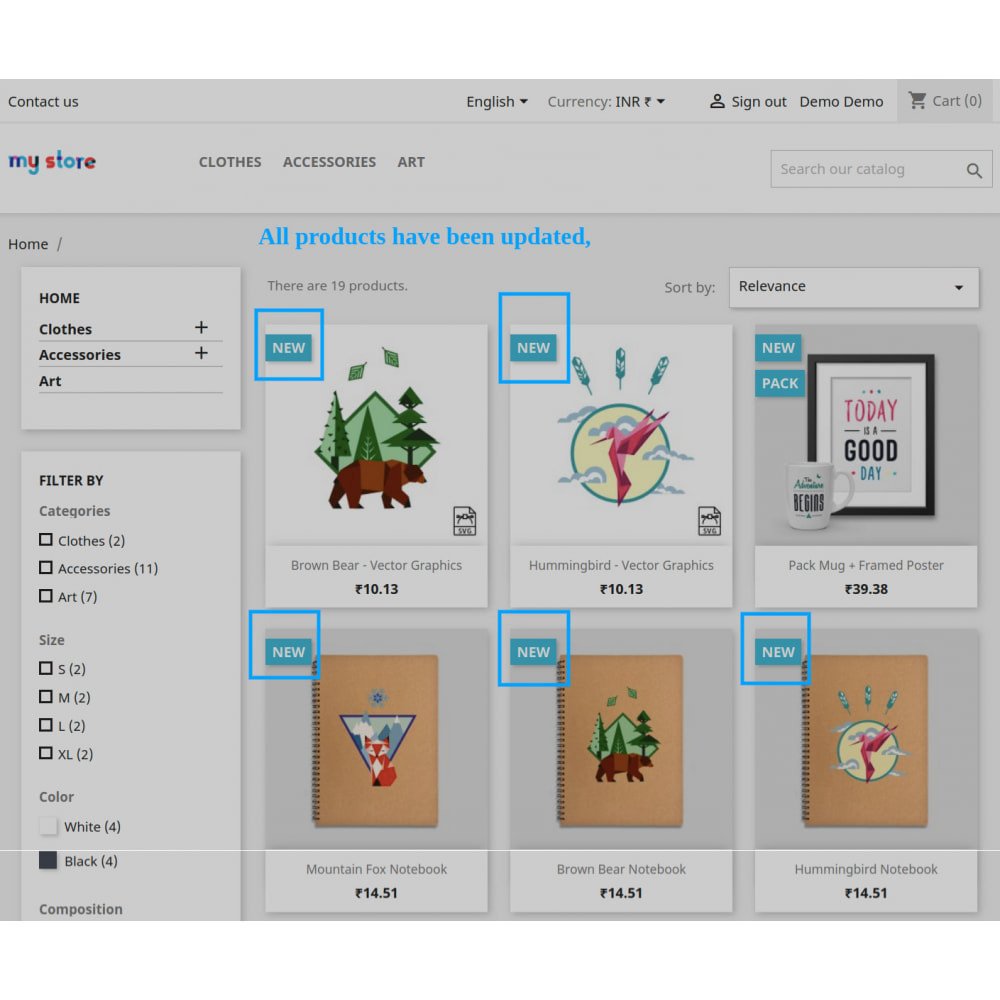
Maintain a constantly fresh and appealing “New Products” section on the homepage, enticing customers with what looks like a regularly updated selection.
Enjoy full compatibility with PrestaShop’s multi-store setup, enabling you to manage date updates seamlessly across different storefronts from one place.
Provide a localized experience for shoppers by using the built-in multi-language support to ensure the feature works perfectly across various languages.
Start using the module immediately after installation, with no additional configuration or technical setup required to begin refreshing your catalog.
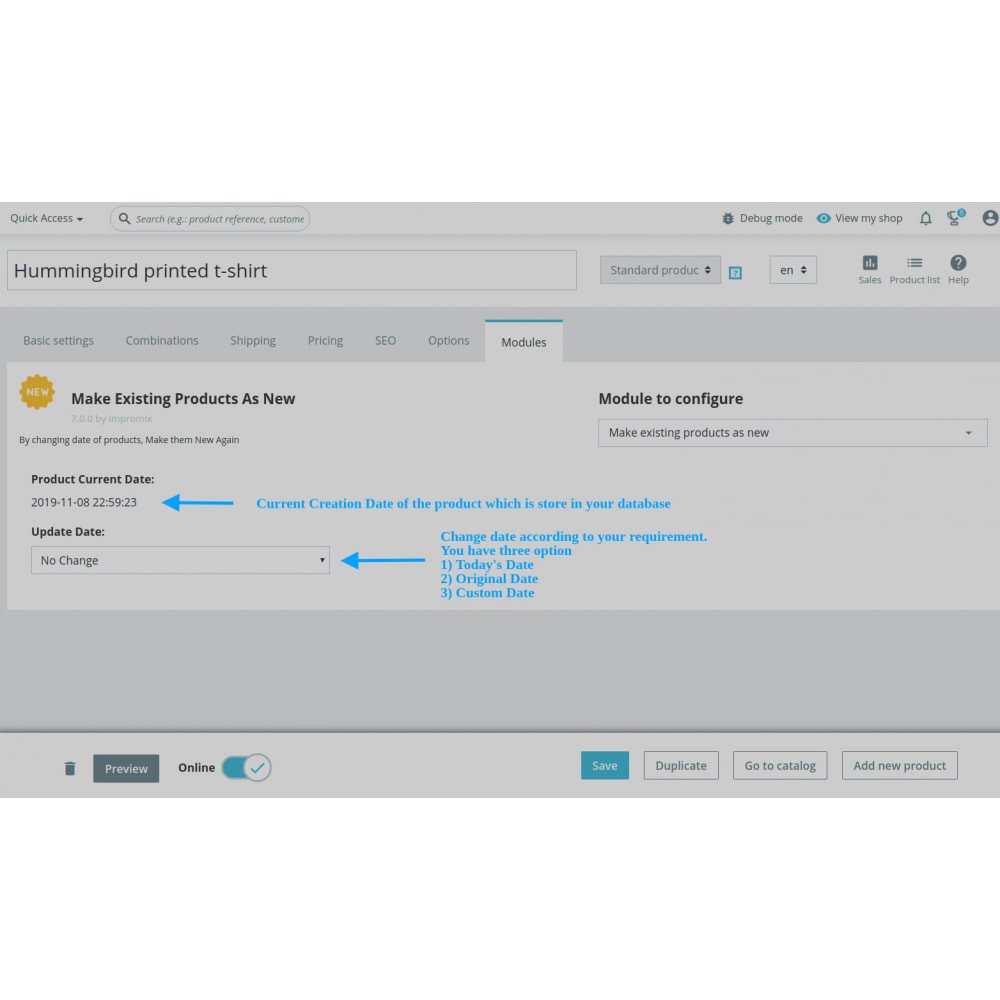
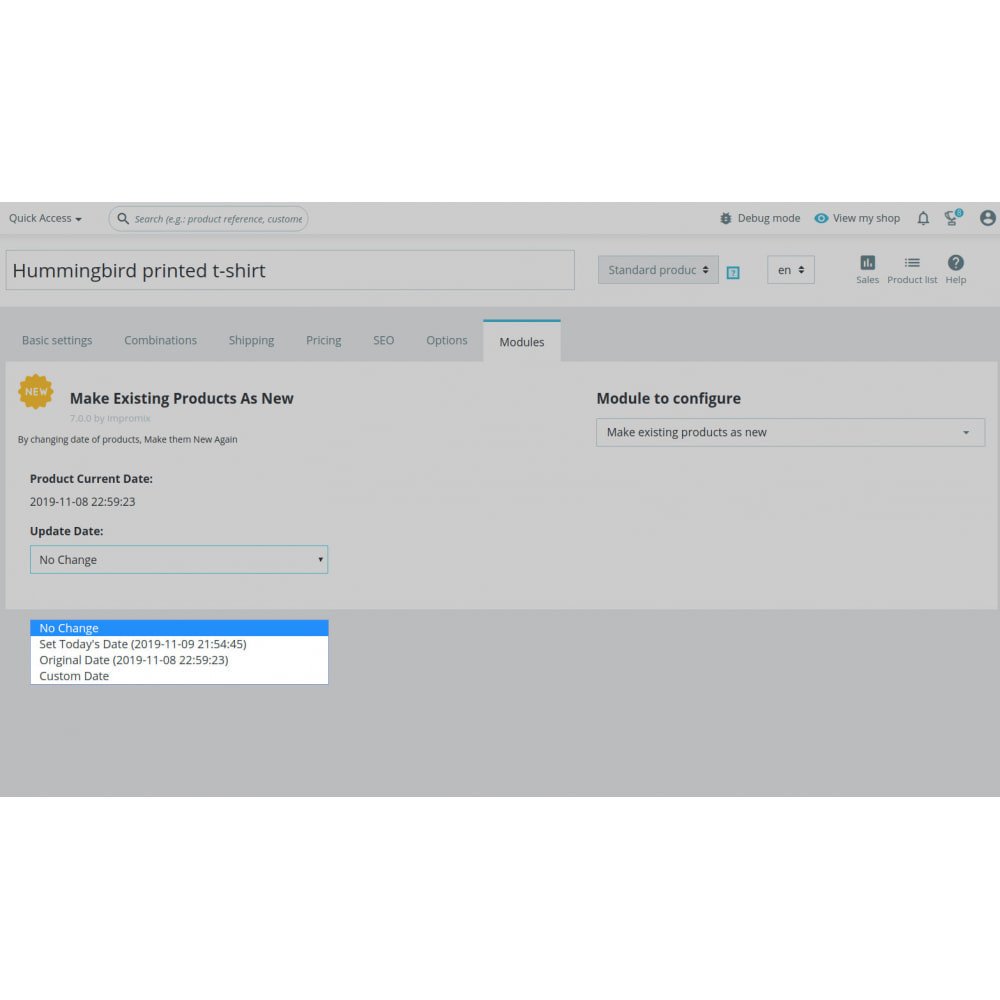
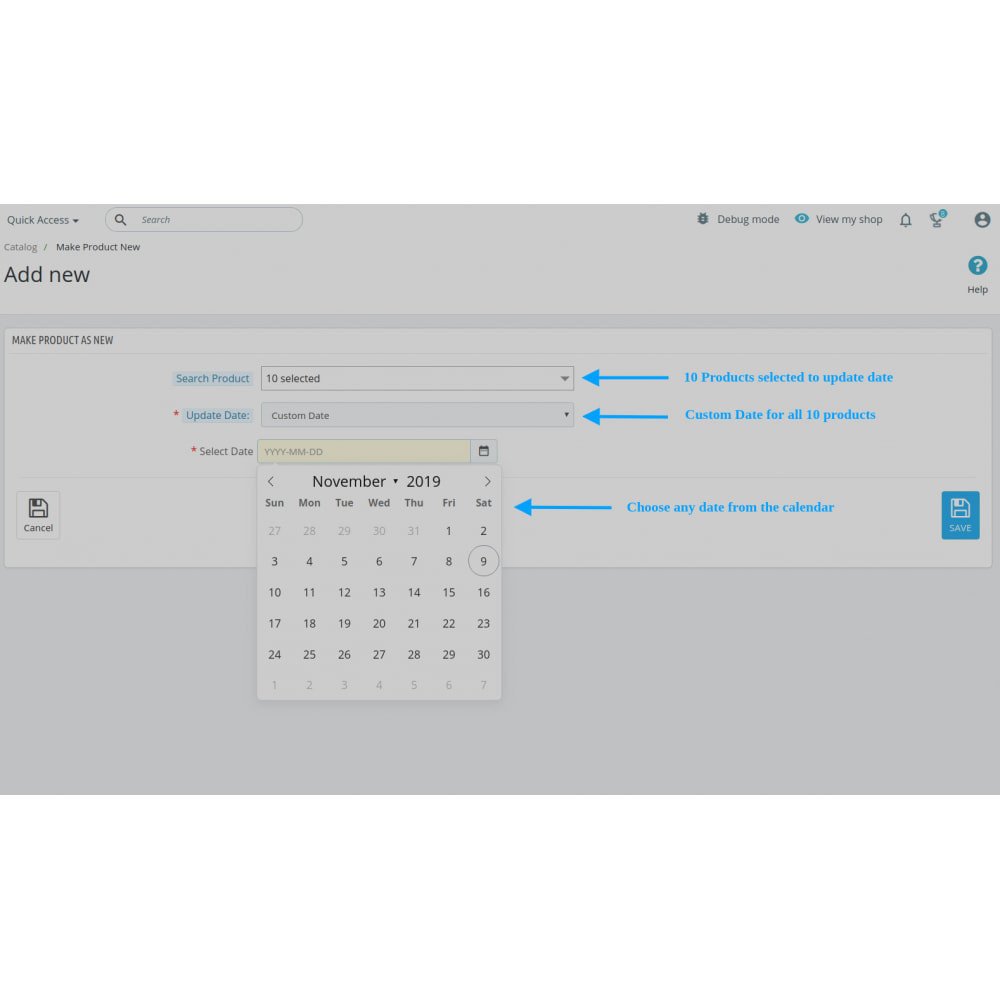
Select from flexible date options, including today’s date, the original listing date, or any custom date, giving you control over product presentation.
Encourage more frequent customer returns by creating the perception of a constantly updated and dynamic store environment.
Integrate seamlessly with PrestaShop’s native product management interface, keeping your workflow smooth and avoiding the need for complex changes.
Change product creation dates to make old items appear new.
Reposition products higher in category and homepage listings.
Bulk update multiple products in one action.
Keep the “New Products” section fresh and appealing.
Fully compatible with multi-store environments.
Supports all PrestaShop-supported languages.
No configuration required after installation.
Flexible date selection: today, original, or custom.
Encourages repeat visits with refreshed product offerings.
Seamless integration with PrestaShop’s native workflow.
Refreshes store appeal by keeping the catalog looking lively without adding new stock.
Boosts product exposure, increasing the chances of older items being noticed and purchased.
Saves time and effort by allowing quick updates to multiple products with bulk actions.
Enhances customer experience by showing a constantly changing selection of “new” items.
Drives repeat visits by encouraging shoppers to return often to see updated listings.
Maximizes the value of existing inventory, helping clear old stock without heavy discounts.
Offers flexible control over how and when products appear as new.
Supports global operations with seamless multi-language and multi-store compatibility.
Requires zero learning curve, installing and working instantly without technical steps.
Improves sales opportunities by keeping products relevant in search and category views.
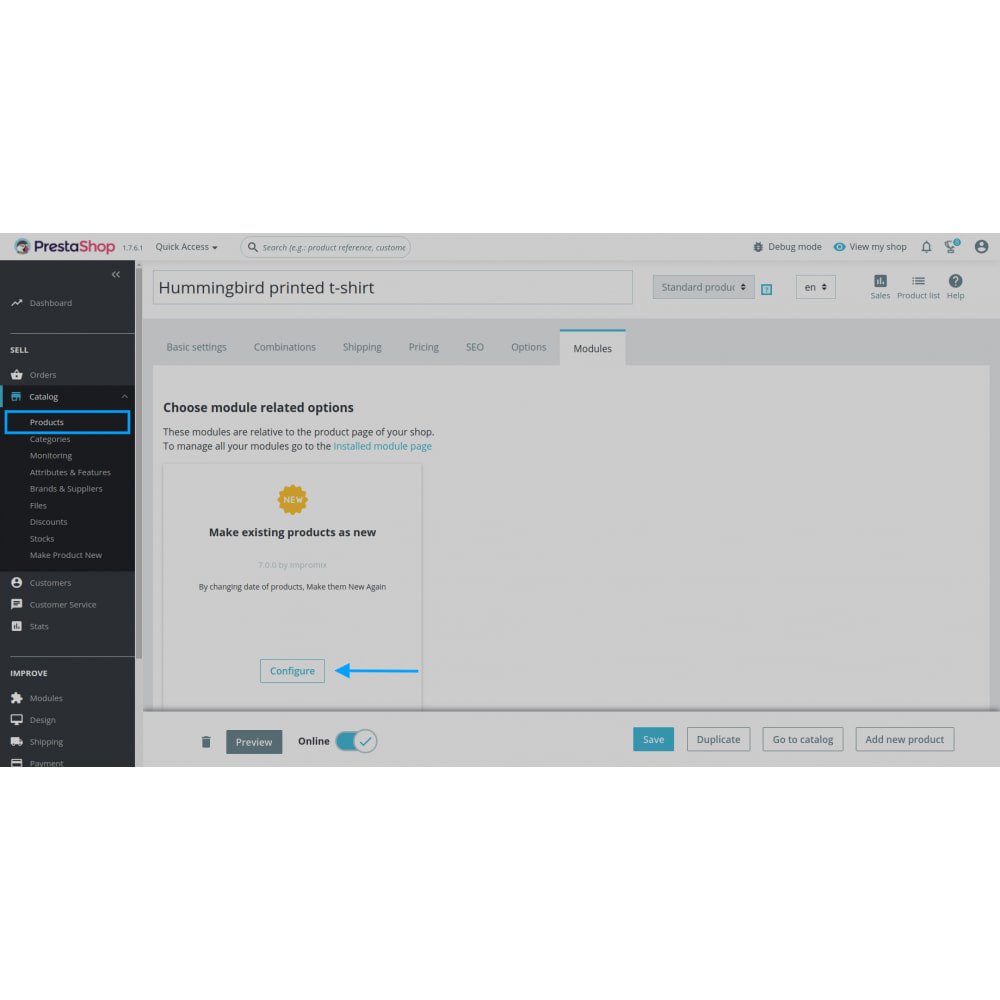
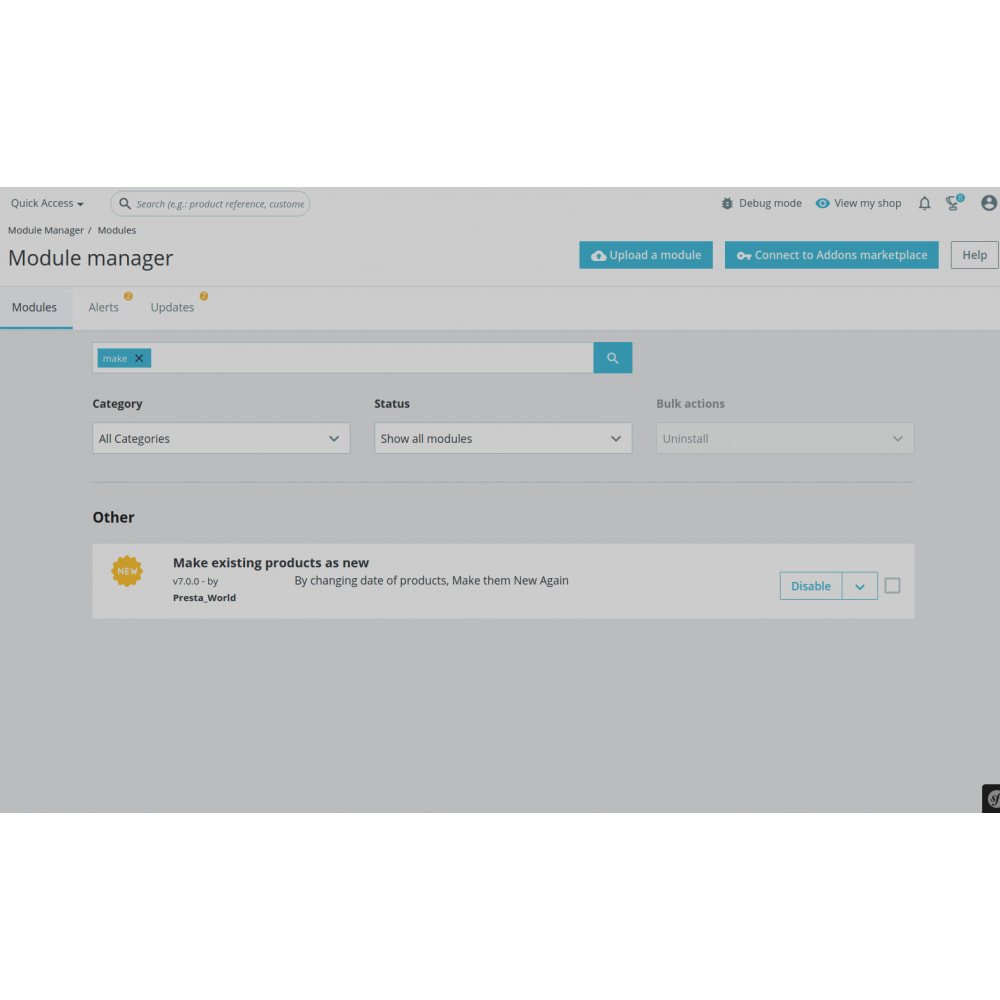
Download the module zip file and install it via the PrestaShop back office.
No additional configuration is required after installation.
Navigate to the Product Catalog and open the product you want to update.
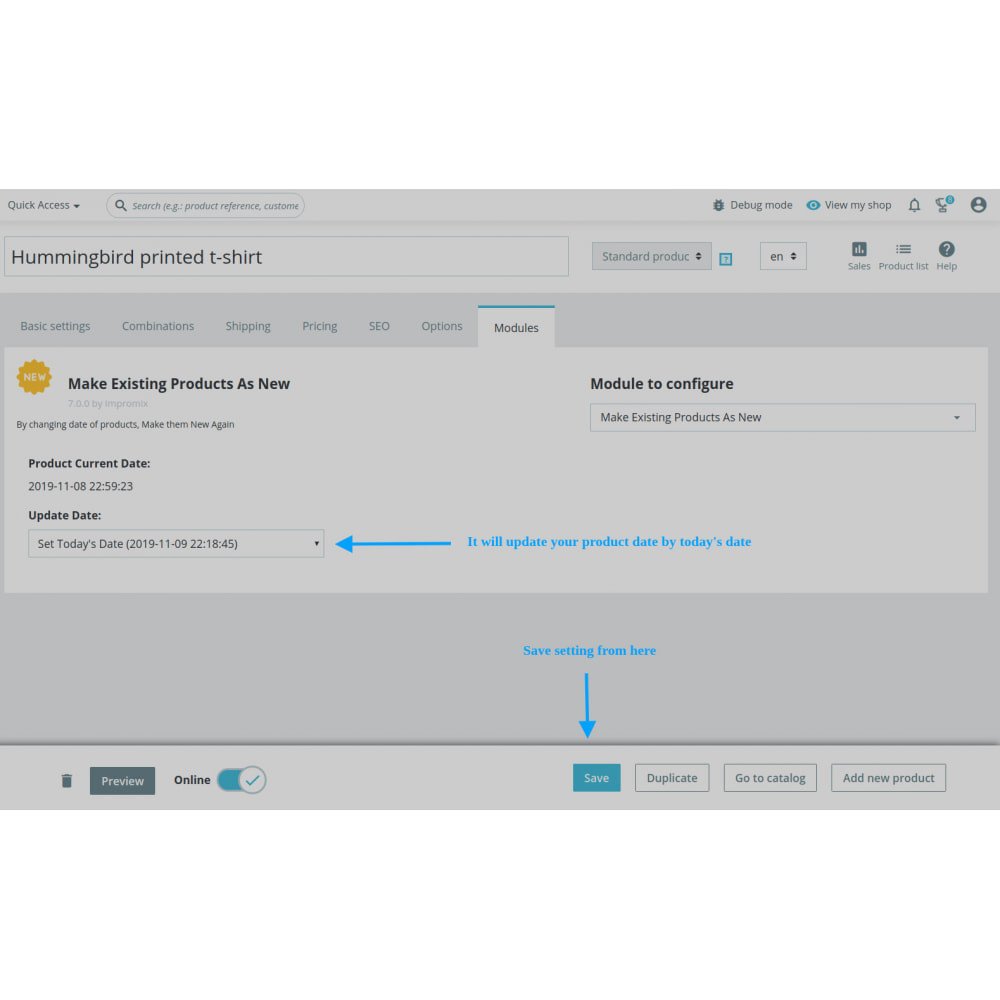
Choose the desired creation date option: today’s date, original date, or a custom date.
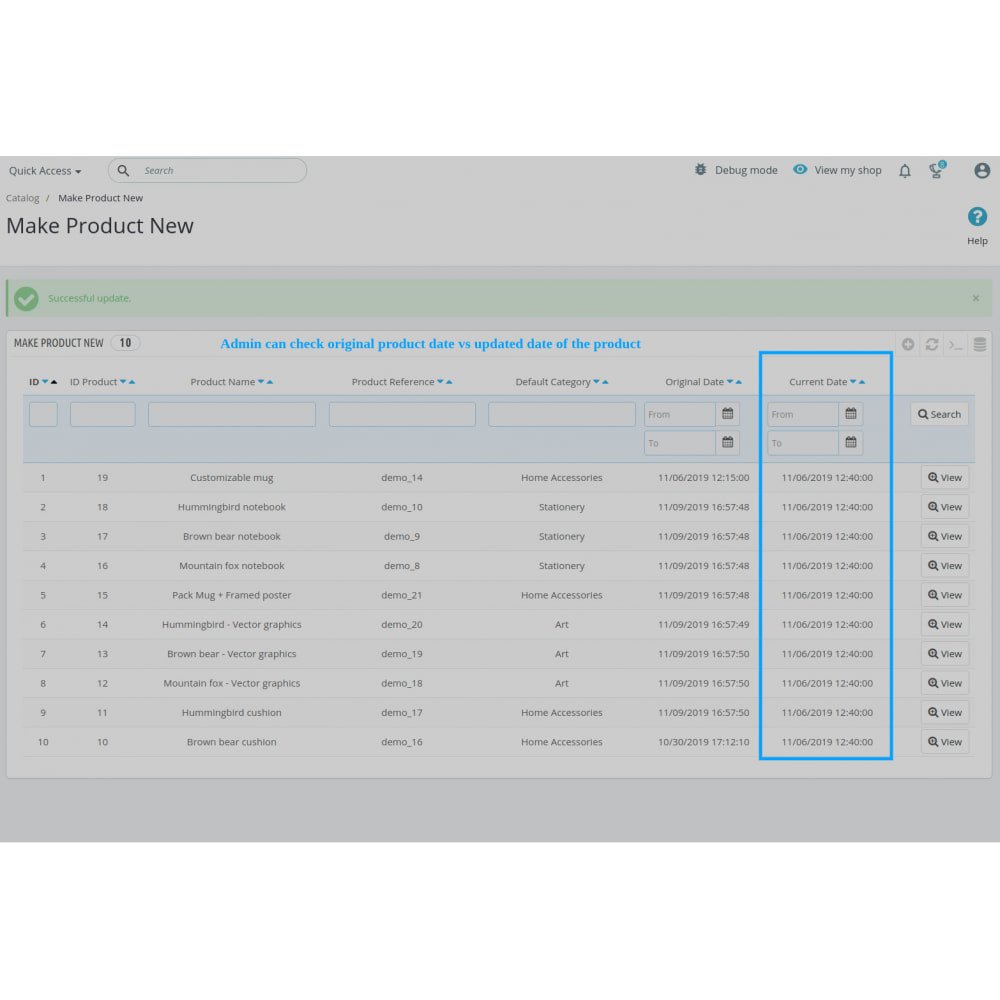
Save the settings to update the product creation date immediately.
For multiple products, use the bulk update feature to apply changes at once.
The updated products will now appear as “new” across your store, including homepage and category listings.
Works seamlessly in multi-store setups; repeat the process for other stores if needed.
Supports multi-language environments; ensure product updates are reflected in all relevant languages.
Once configured, the module runs smoothly without further intervention.



 rESTASHOP Store — We Handle It All