- Home
- PrestaShop
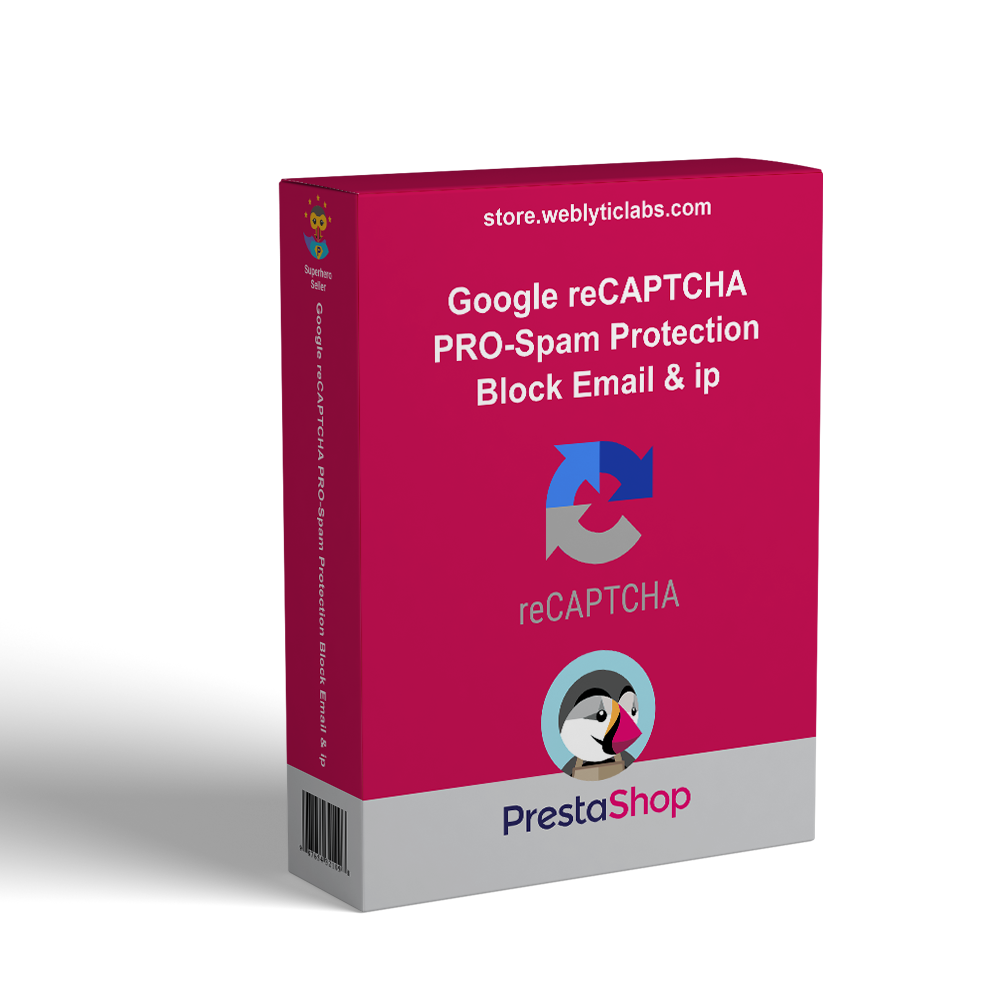
- PrestaShop Google reCAPTCHA PRO- Spam Protection Block Email & IP
PrestaShop Google reCAPTCHA PRO- Spam Protection Block Email & IP
The Google reCAPTCHA Module for PrestaShop serves as a powerful anti-spam solution, allowing merchants to safeguard their online stores from malicious activities while ensuring a smooth user experience for genuine customers.
PrestaShop Google reCAPTCHA PRO- Spam Protection Block Email & IP
The Google reCAPTCHA Module for PrestaShop serves as a powerful anti-spam solution, allowing merchants to safeguard their online stores from malicious activities while ensuring a smooth user experience for genuine customers.
10-day module exchange guarantee
Compatible with the latest version of PrestaShop, enabling easy implementation of Google reCAPTCHA on multiple site forms.
Prevents automated bots from submitting false or harmful requests by adding security challenges.
Simple integration with no complex configuration needed, making setup quick and hassle-free.
Allows customization of where and how reCAPTCHA appears to balance user experience and security.
Fully supports multiple languages to serve a diverse customer base effectively.
Enhances security, giving customers confidence that their personal information and transactions are protected.
Provides a user-friendly experience by minimizing delays or complications for genuine users completing forms.
Builds trust as customers recognize the store’s commitment to protecting their accounts and data.
Installation involves uploading the module, customizing settings, selecting the reCAPTCHA version, and generating keys.
Enables blacklisting of specific IP addresses and email addresses to restrict unwanted access.
Includes testing on the front end to confirm proper CAPTCHA functionality on all selected forms.
Easy integration with a straightforward and intuitive setup process that requires no technical knowledge or complex configurations, enabling merchants to quickly activate reCAPTCHA protection.
Fully customizable placement and appearance of Google reCAPTCHA on a variety of site forms such as contact, registration, login, and checkout, allowing merchants to tailor security measures to their specific needs.
Complete multilingual support to effectively cater to a diverse, global customer base by displaying reCAPTCHA challenges in multiple languages based on user preferences.
Provides robust and effective protection against spam submissions and automated bot attacks, significantly reducing fraudulent or malicious requests that could harm your site.
Allows administrators to easily blacklist specific IP addresses and email addresses to block repeat offenders or suspicious users, improving overall site safety and control.
Fully compatible with the latest PrestaShop versions, ensuring seamless operation and integration without risking site conflicts or outdated components.
Implements a user-friendly CAPTCHA experience designed to minimize friction, allowing legitimate customers to complete forms quickly and without unnecessary delays or frustration.
Supports multiple versions of Google reCAPTCHA, including v2 and invisible reCAPTCHA, offering flexible security options depending on merchant preference and site requirements.
Works seamlessly across critical areas of your website including contact forms, user registration, login pages, and checkout processes, protecting all points where data is collected from visitors.
Performs real-time validation of form submissions to ensure interactions are genuine and not generated by automated scripts or bots, enhancing trust in submitted data.
Includes automatic updates to the module for continuous improvements, security patches, and compatibility enhancements, reducing the need for manual maintenance.
Built to be lightweight and optimized for fast loading times, ensuring that adding reCAPTCHA does not negatively impact your website’s overall performance or user experience.
Provides detailed logging and monitoring features that track blocked IPs and spam attempts, giving merchants insight into potential security threats and patterns.
Offers the option to enable or disable reCAPTCHA on specific pages or forms, giving merchants granular control over where the protection is applied according to their business needs.
Designed with a fully responsive layout to ensure that reCAPTCHA functions smoothly and displays correctly on all devices, including desktops, tablets, and mobile phones.
Provides enhanced security by protecting your website from spam, bots, and malicious attacks, ensuring a safer environment for both merchants and customers.
Builds customer trust by demonstrating a commitment to safeguarding personal data and transaction information through reliable anti-spam measures.
Improves user experience by using well-implemented CAPTCHA challenges that are easy for genuine users to complete without causing frustration or delays.
Reduces the volume of fake registrations, contact form submissions, and fraudulent orders, helping to maintain the integrity of your customer database.
Saves time and resources by minimizing manual efforts required to filter out spam or suspicious activities, allowing your team to focus on genuine customer interactions.
Helps maintain website performance and reliability by blocking unwanted automated traffic that could otherwise overload your servers or slow down your site.
Enhances overall business reputation by preventing spam and fraudulent activity, making your store appear more professional and trustworthy to visitors.
Offers peace of mind knowing that your online store is protected by Google’s industry-leading reCAPTCHA technology, trusted by millions of websites worldwide.
Supports compliance with data protection standards by preventing abuse and unauthorized access attempts on sensitive forms and customer information.
Provides flexibility and control with blacklist features that allow you to block problematic IPs and emails, proactively managing potential threats.
Ensures accessibility for a wide audience through multilingual support, so customers worldwide can interact with your site’s forms smoothly and securely.
Increases conversion rates by reducing false negatives and unnecessary CAPTCHA challenges, allowing real customers to complete transactions effortlessly.
Facilitates smoother customer onboarding by preventing spammy or bot-created accounts, improving the quality of your user community.
Download the module zip file from the source or marketplace where it is provided.
Log in to your PrestaShop back office using your administrator credentials.
Navigate to the “Modules” or “Module Manager” section from the main dashboard menu.
Click on the “Upload a Module” button, then select the downloaded zip file from your computer to upload it.
Once uploaded, locate the module in the list and click the “Install” button to begin the installation process.
After installation completes, access the module’s configuration page to customize settings according to your store’s needs.
Choose the version of Google reCAPTCHA you want to use (for example, v2 or invisible) based on your preference and compatibility.
Generate the necessary site key and secret key from the Google reCAPTCHA admin console and enter these keys into the module’s settings.
Configure which forms and pages will display the reCAPTCHA challenge, such as contact forms, login, registration, or checkout pages.
Add any IP addresses or email addresses to the blacklist that you want to block from accessing your site or submitting forms.
Save all configuration settings and clear your PrestaShop cache if necessary to apply changes immediately.
Test the reCAPTCHA on the front end by submitting forms to ensure it appears correctly and functions as expected across all selected areas.
Monitor module logs and blocked attempts periodically to ensure ongoing protection and adjust settings if needed.
What is Google reCAPTCHA PRO - Spam Protection Block Email & IP?
Which PrestaShop versions are compatible with this module?
How do I generate the reCAPTCHA keys needed for the module?
Can I customize where reCAPTCHA appears on my site?
Is the module multilingual?
Can I block specific IP addresses or email addresses?
Does this module support invisible reCAPTCHA?
Will this module affect my website’s loading speed?
How can I test if reCAPTCHA is working correctly?
What should I do if reCAPTCHA fails to load on my site?
Customer reviews
Top reviews
Victoria Clark
Victoria Clark
Operational Benefits of Google reCAPTCHA PRO- Spam Protection Block Email & IP

Enhanced Security

Spam Prevention

User Trust

Resource Saving

Performance Stability

Fraud Reduction
Core Features of Google reCAPTCHA PRO- Spam Protection Block Email & IP
Easy Integration
Simple setup with no technical hassle, allowing quick activation of Google reCAPTCHA on multiple forms to protect your PrestaShop store efficiently.
Customizable Placement
Choose where reCAPTCHA appears, including contact, login, registration, and checkout forms, to balance user experience and strong spam protection
Multilingual Support
Fully supports multiple languages, displaying CAPTCHA challenges in users’ preferred language for a seamless global customer experience.
Blacklist Management
Easily block specific IP addresses and email addresses to prevent access by suspicious or repeat offenders, enhancing site security.
Multiple reCAPTCHA Versions
Supports both visible and invisible reCAPTCHA versions, giving merchants flexible options to implement the best security method for their store.
Lightweight and Optimized
Designed for fast loading and minimal impact on website performance, ensuring your site remains quick and responsive for all users.
Power Up Your
rESTASHOP Store — We Handle It All