- Home
- PrestaShop
- PrestaShop Resend Order Confirmation Mail
PrestaShop Resend Order Confirmation Mail
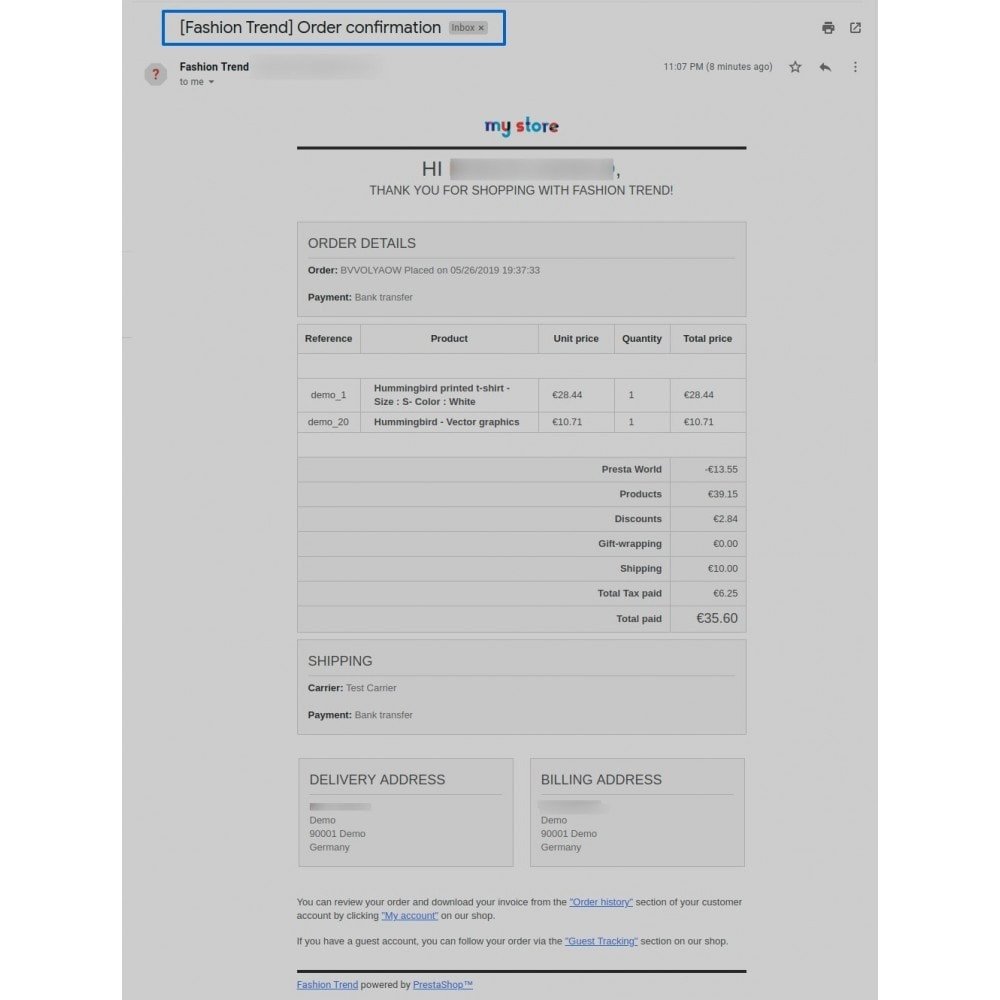
The Resend Order Confirmation Mail Module for PrestaShop provides merchants with the ability to efficiently re-send order confirmation emails to customers, enhancing communication and overall customer service.
PrestaShop Resend Order Confirmation Mail
The Resend Order Confirmation Mail Module for PrestaShop provides merchants with the ability to efficiently re-send order confirmation emails to customers, enhancing communication and overall customer service.
10-day module exchange guarantee
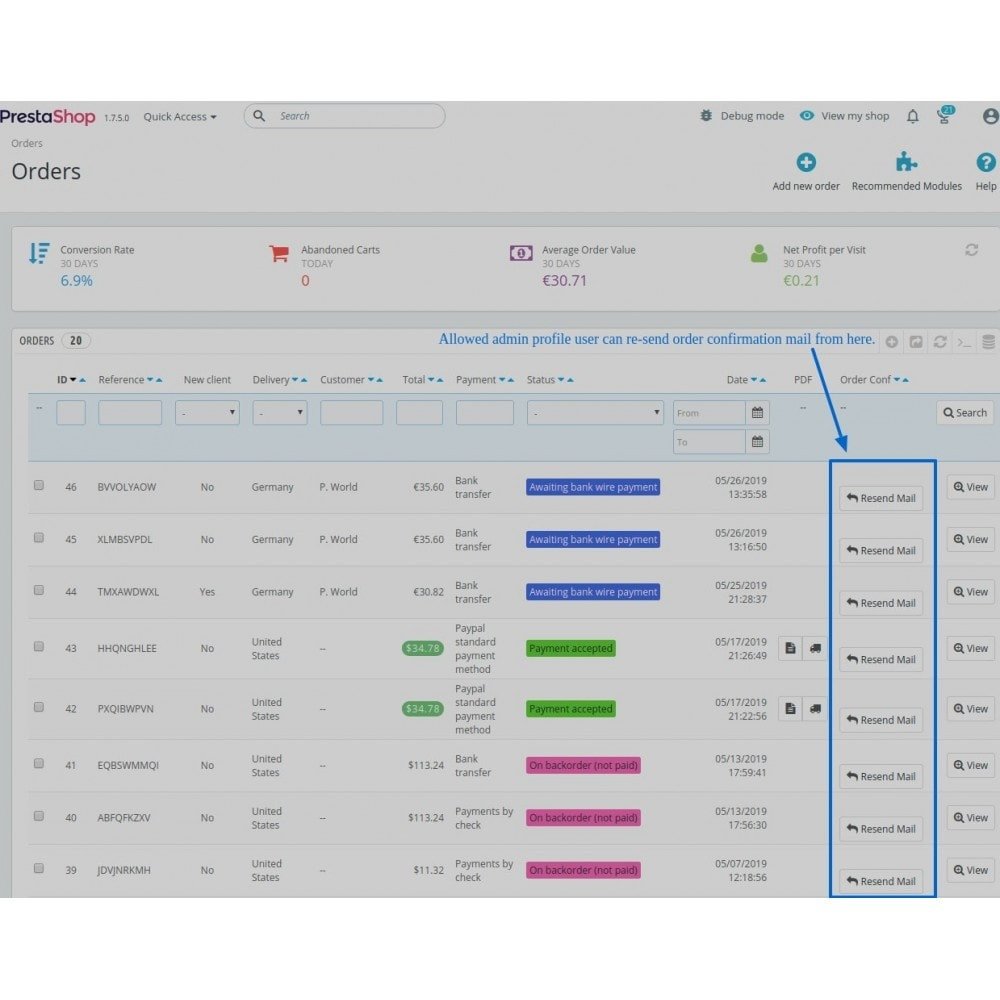
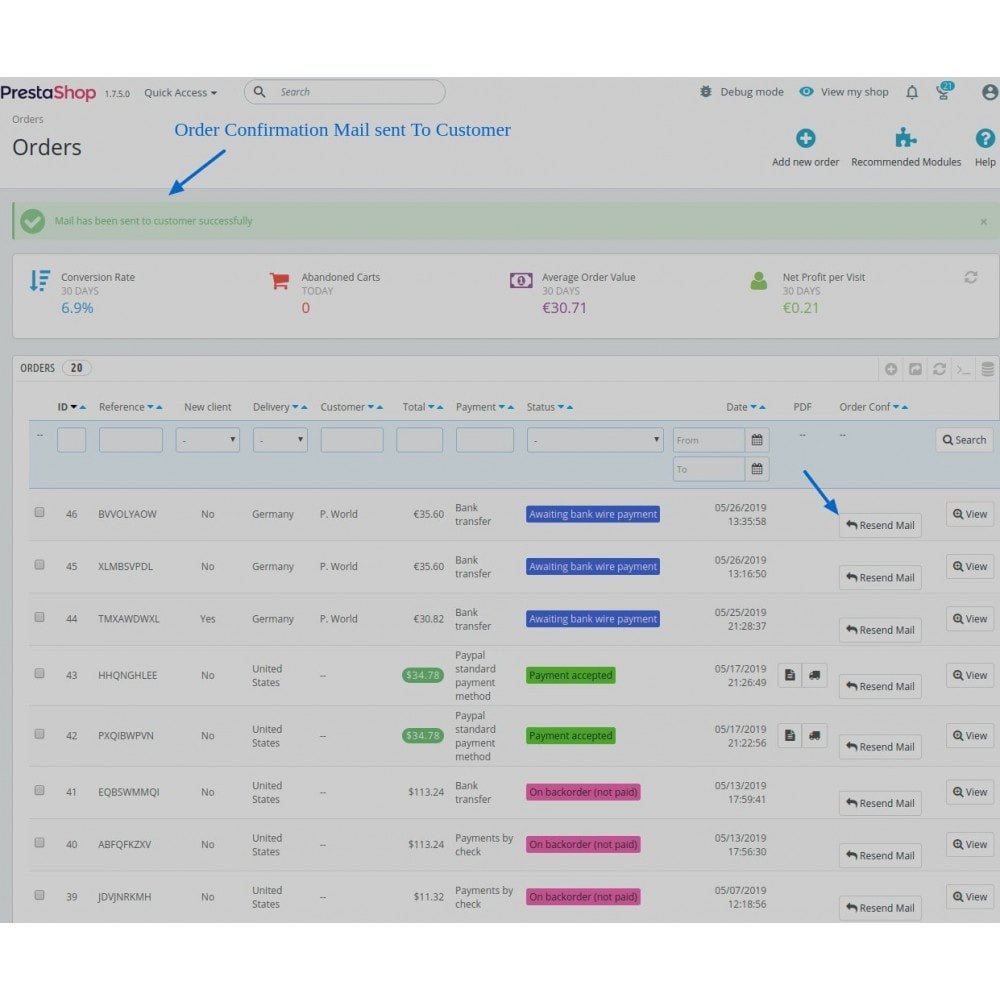
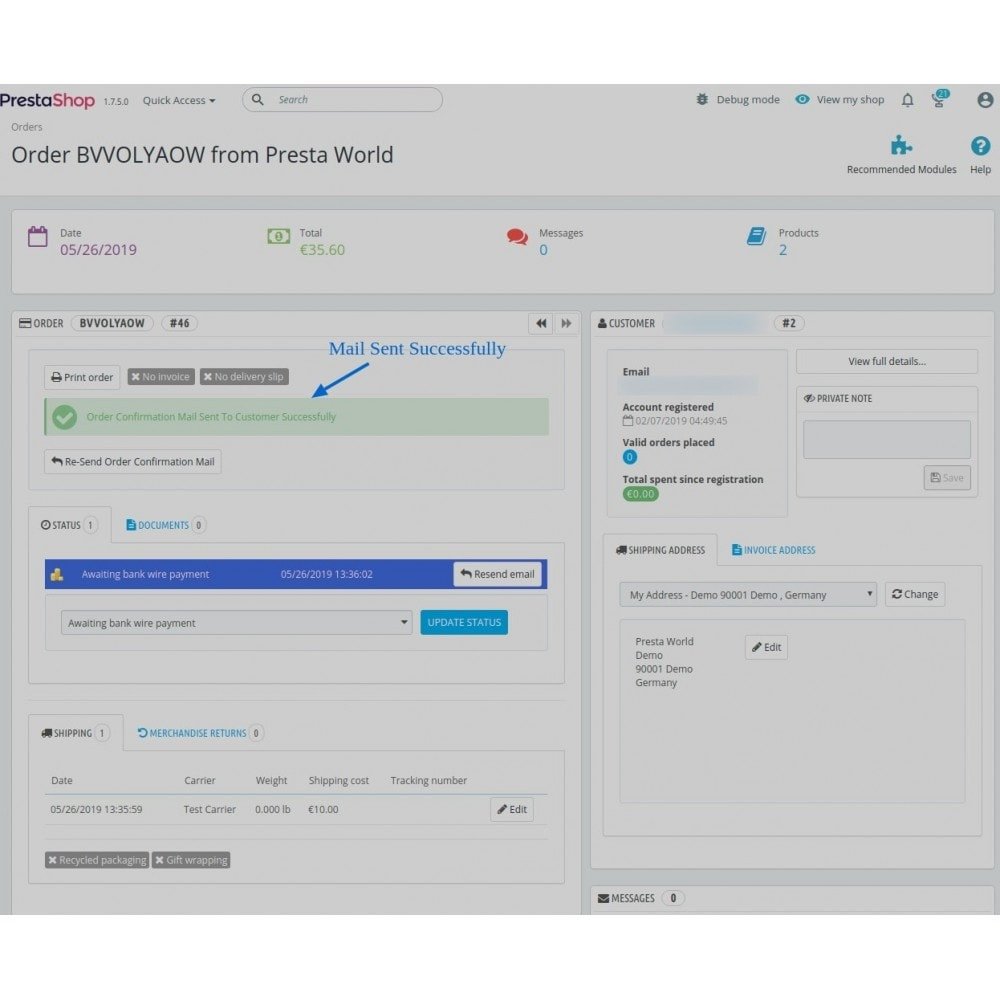
- Instantly resend order confirmation emails from the order list or order detail page with a single click.
- Super Admins can manage which admin profiles have access to the resend email functionality.
- Option to show or hide the resend button on the order list page for better control.
- Customers can request order confirmations again, ensuring they always have access to their order details.
- Quickly respond to customer queries about missing or deleted confirmation emails.
- Fully compatible with the latest PrestaShop versions for seamless integration.
- Simple installation process allows the module to be set up in just a few steps.
- User-friendly design requires no technical expertise to configure and use.
- Helps build customer trust through transparent and reliable communication.
- One-click resend option from order list and order detail pages.
- Admin permission control for email resend functionality.
- Toggle visibility of the resend button on the order list page.
- Fully compatible with the latest PrestaShop versions.
- Lightweight and easy-to-install module.
- No technical skills required for setup or use.
- Enhances customer communication and satisfaction.
- Works seamlessly with existing order management flow.
- Reduces support requests related to missing emails.
- Improves customer trust and post-purchase experience.
- Ensures customers always have access to their order confirmation details.
- Enhances customer satisfaction with fast, reliable communication.
- Reduces customer support workload by allowing quick resend of emails.
- Builds trust through transparent post-purchase communication.
- Encourages repeat purchases by improving the overall shopping experience.
- Empowers store admins with better control over email communication.
- Saves time with a one-click resend function.
- Minimizes frustration from lost or undelivered order emails.
- Increases operational efficiency in order management.
- Strengthens customer relationships through consistent service.
- Download the module ZIP file to your computer.
- Log in to your PrestaShop back office.
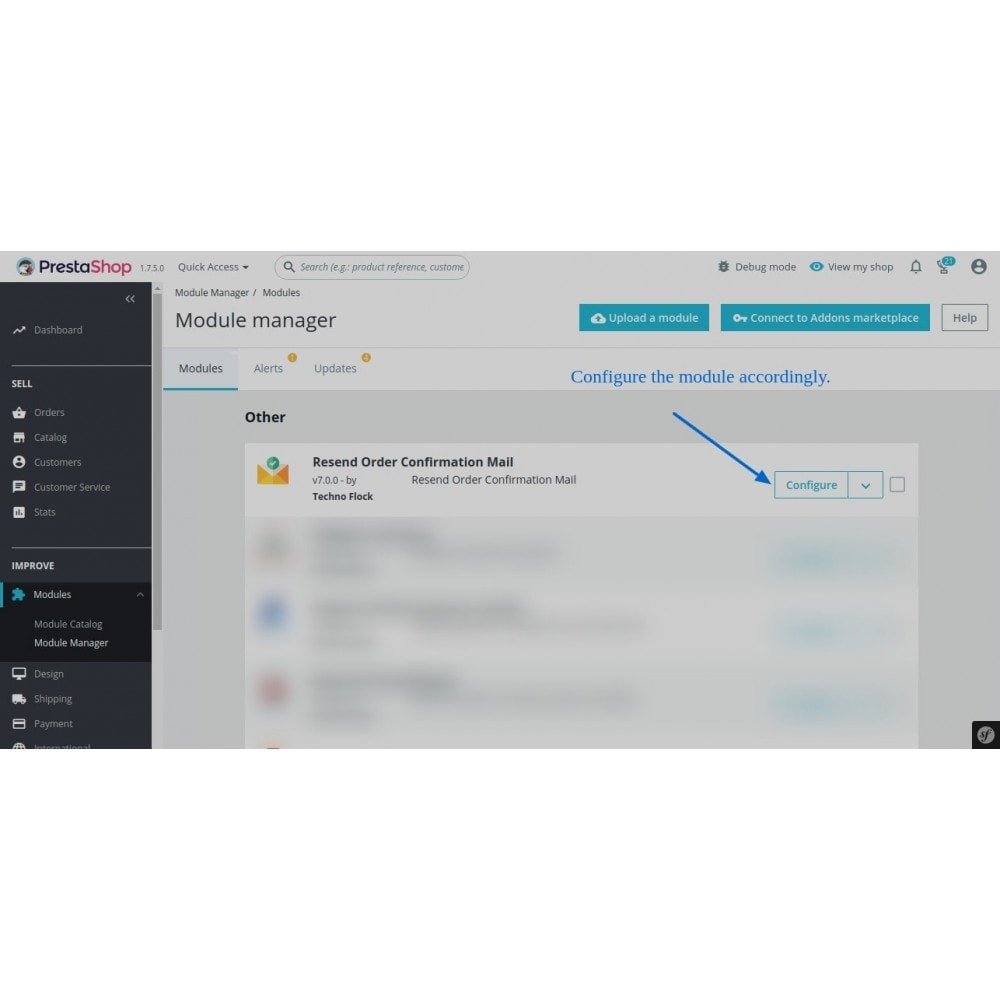
- Navigate to Modules > Module Manager.
- Click on "Upload a module" and select the ZIP file.
- Wait for PrestaShop to upload and validate the module.
- Once uploaded, click the "Install" button.
- After installation, go to the module configuration if needed.
- The resend order confirmation feature is now active.
- Use the resend button from the order list or order detail page.
- Assign permissions to other admin profiles if required.
What does this module do?
Is it compatible with the latest PrestaShop version?
Can I choose who can resend emails?
Can I hide the resend button on the order list?
Does it send a new confirmation or the original one?
Is installation easy?
Can customers request a resend themselves?
Will it interfere with other email modules?
Do I need to configure anything after installing?
Is there support for multi-store?
Customer reviews
Top reviews
James Evans
James Evans
Operational Benefits of Resend Order Confirmation Mail Module

Faster Communication

Admin Control

Time Saving

Easy Installation

Reduced Support

Improved Efficiency
Core Features of Resend Order Confirmation Mail Module
One-Click Resend
Easily resend order confirmation emails directly from the order list or order detail page with a single click, saving time and effort for admins.
Admin Permissions Control
Super Admins can assign or restrict resend email access to specific admin profiles, ensuring only authorized users can perform sensitive actions.
Customizable Button Visibility
Choose whether to display the resend button on the order list page, offering flexible control over how and where the feature is used.
Customer Email Assurance
Resending confirmations ensures customers always have access to their order details, improving trust and enhancing post-purchase experience.
Quick and Easy Installation
Install the module in just a few steps through the back office by uploading the ZIP file—no technical knowledge or extra configuration required.
Seamless PrestaShop Integration
The module is fully compatible with the latest versions of PrestaShop, ensuring smooth integration without conflicts or additional dependencies.
Power Up Your
rESTASHOP Store — We Handle It All