.png)


PrestaShop Abandoned Cart Email Reminder
Boost your sales with our Abandoned Cart Email Module for PrestaShop. Automatically send reminder emails to recover lost carts and enhance conversion rates. Easy to set up, this tool is designed to help you retain customers and increase your revenue.
Boost your sales with our Abandoned Cart Email Module for PrestaShop. Automatically send reminder emails to recover lost carts and enhance conversion rates. Easy to set up, this tool is designed to help you retain customers and increase your revenue.
 Return policy
10-day module exchange guarantee
Identifies and tracks customers who abandon their carts without completing the checkout.
Sends automatic email reminders to re-engage potential buyers.
Allows full customization of email content, timing, and sender information.
Integrates seamlessly with PrestaShop’s default cart and customer system.
Supports both guest and registered customer carts.
Handles multi-language and multi-currency environments.
Works with multi-store setups for individual store targeting.
Displays analytics and reports for recovery performance.
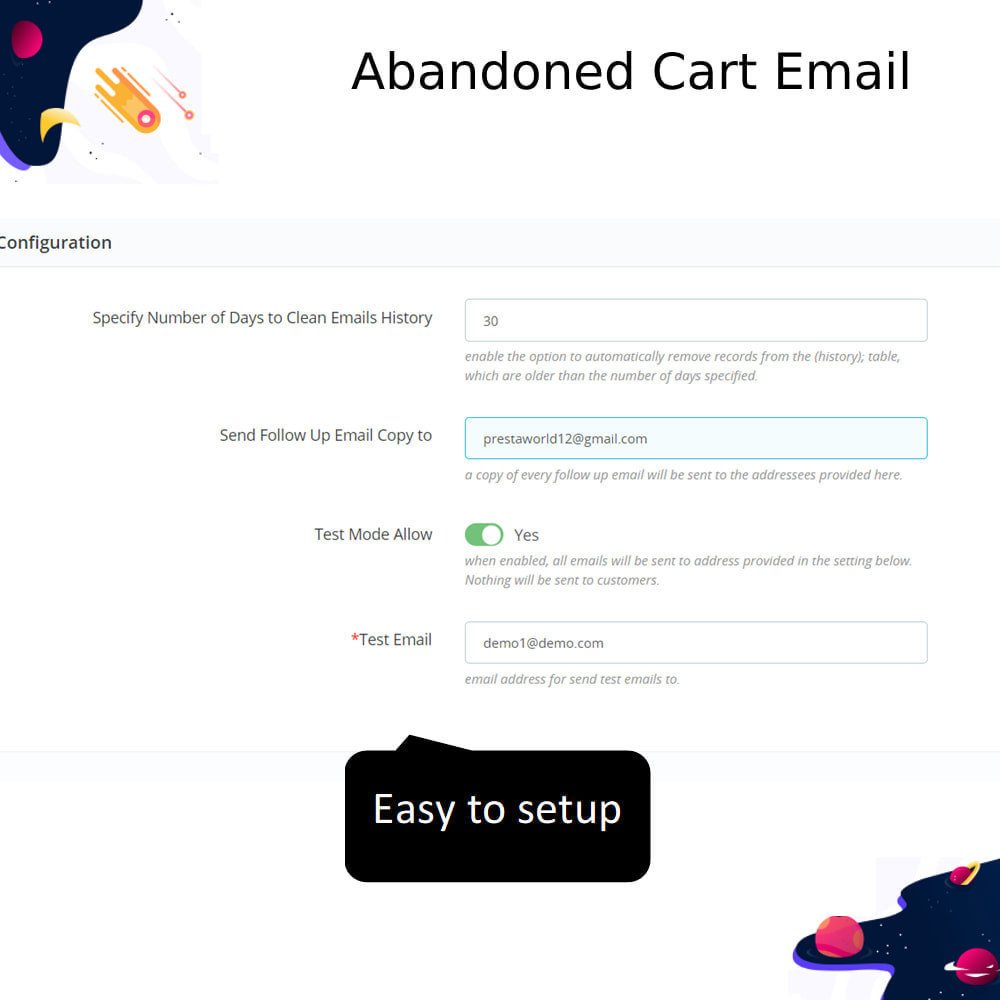
Easy configuration via an intuitive admin interface.
Built to comply with GDPR and data protection standards.
Send reminder emails automatically after a cart is left without checkout.
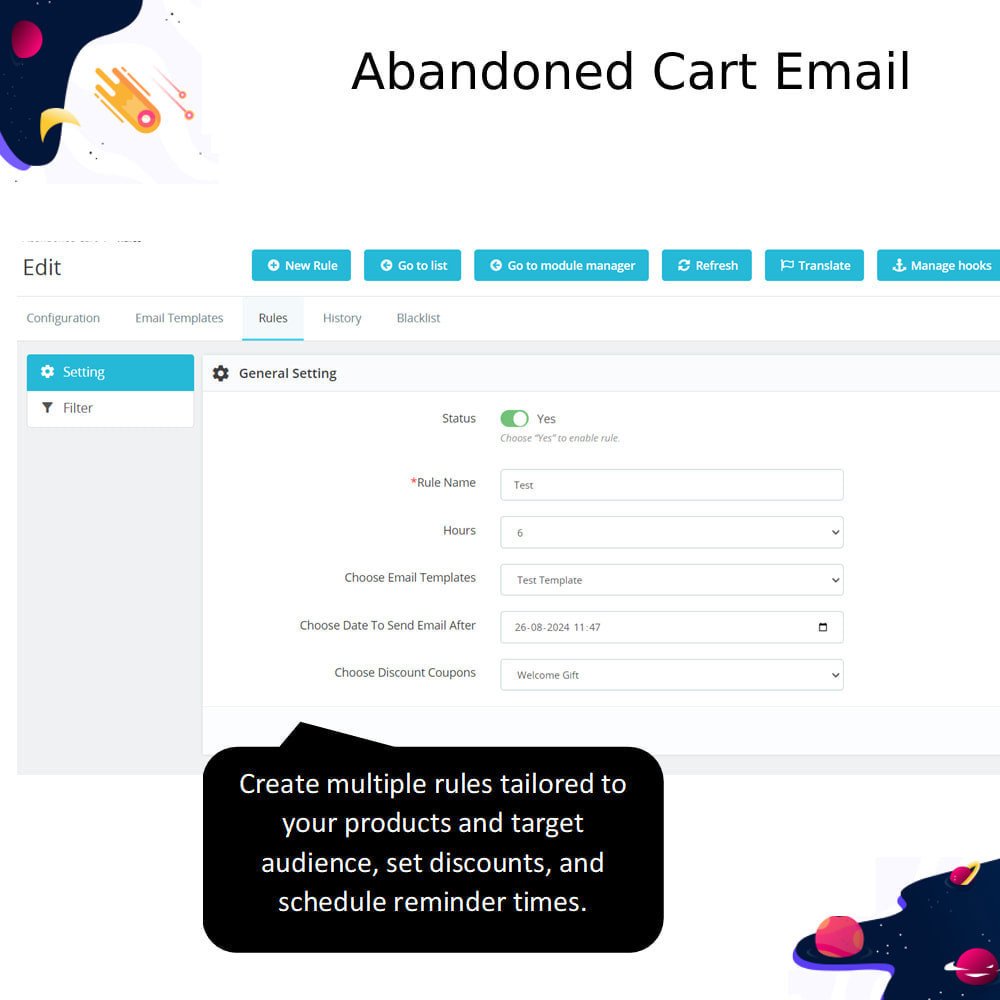
Send more than one reminder email at different time intervals.
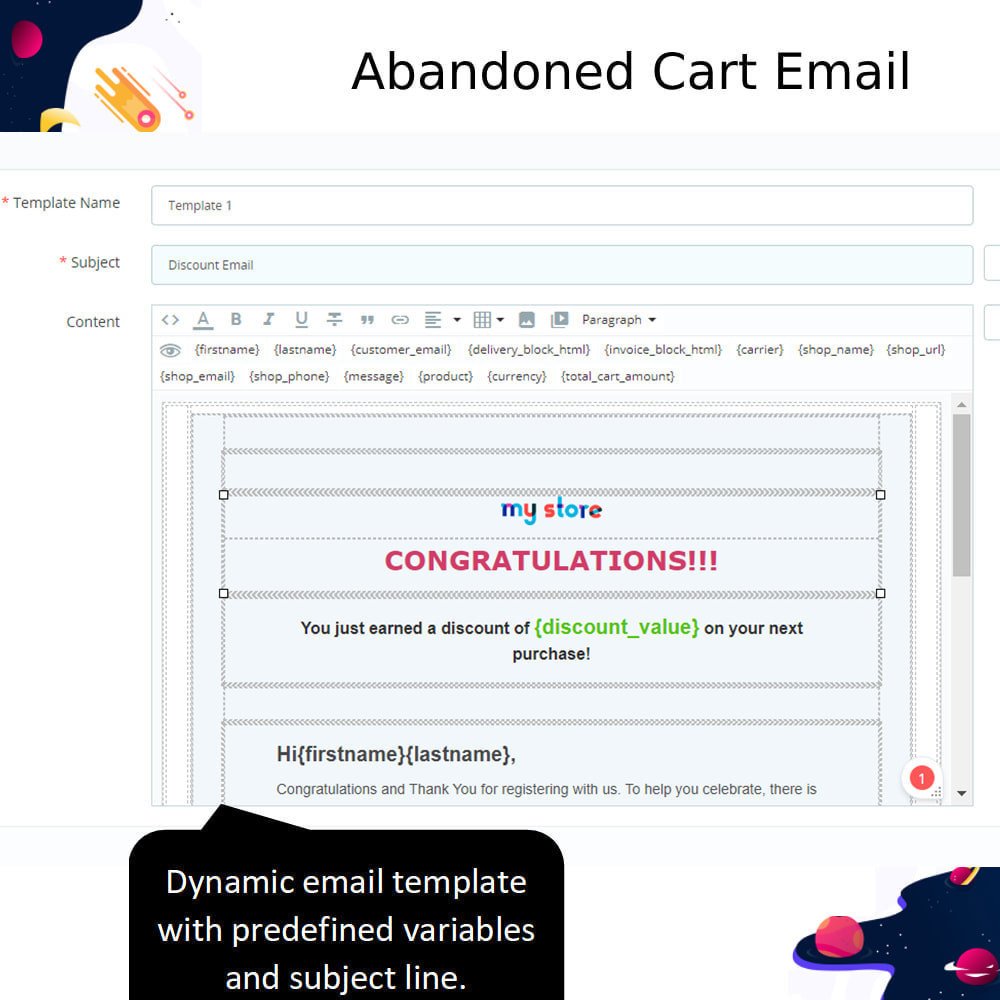
Customize the email message and subject easily from the admin panel.
Add a link in the email that takes the customer back to their cart.
Show the products left in the cart directly in the email.
Use customer details like name and cart total in the email for a personal touch.
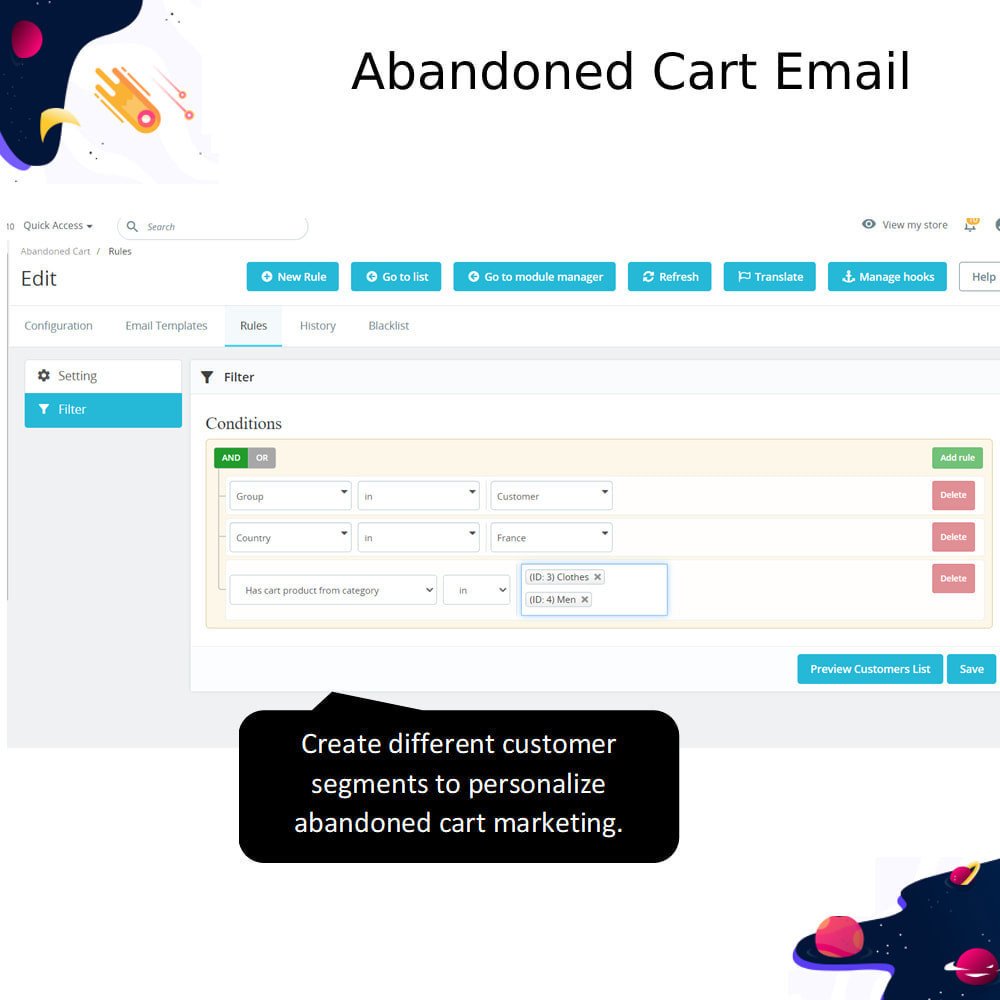
Choose who should not receive reminder emails (e.g., admins or testers).
See reports on how many carts were recovered and how many emails were opened.
Manually send a reminder email from the cart list if needed.
Check logs to see when emails were sent and if they were delivered.
Significantly reduces cart abandonment rate.
Increases overall sales and revenue with no manual intervention.
Builds customer trust and improves brand recall.
Re-engages undecided customers with timely nudges.
Saves marketing time through full automation.
Helps store owners understand user drop-off points in the purchase journey.
Improves email marketing efficiency with personalized content.
Enables data-driven decisions with performance tracking.
Enhances customer satisfaction by reminding them of pending purchases.
Quick return on investment with minimal configuration effort.
Log in to your PrestaShop admin panel.
Go to Modules > Module Manager.
Click on the “Upload a module” button at the top right.
Choose the ZIP file of the module from your computer.
Wait for PrestaShop to upload and install the module.
Once installed, click the “Configure” button.
Set how long to wait before sending reminder emails (e.g., 1 hour, 24 hours).
Customize the email message, subject, and design.
Choose how many emails to send and when.
Save your settings — you're done!


 rESTASHOP Store — We Handle It All