WooCommerce venue booking
Turn courts, turfs, and pitches into products with native cart and checkout.
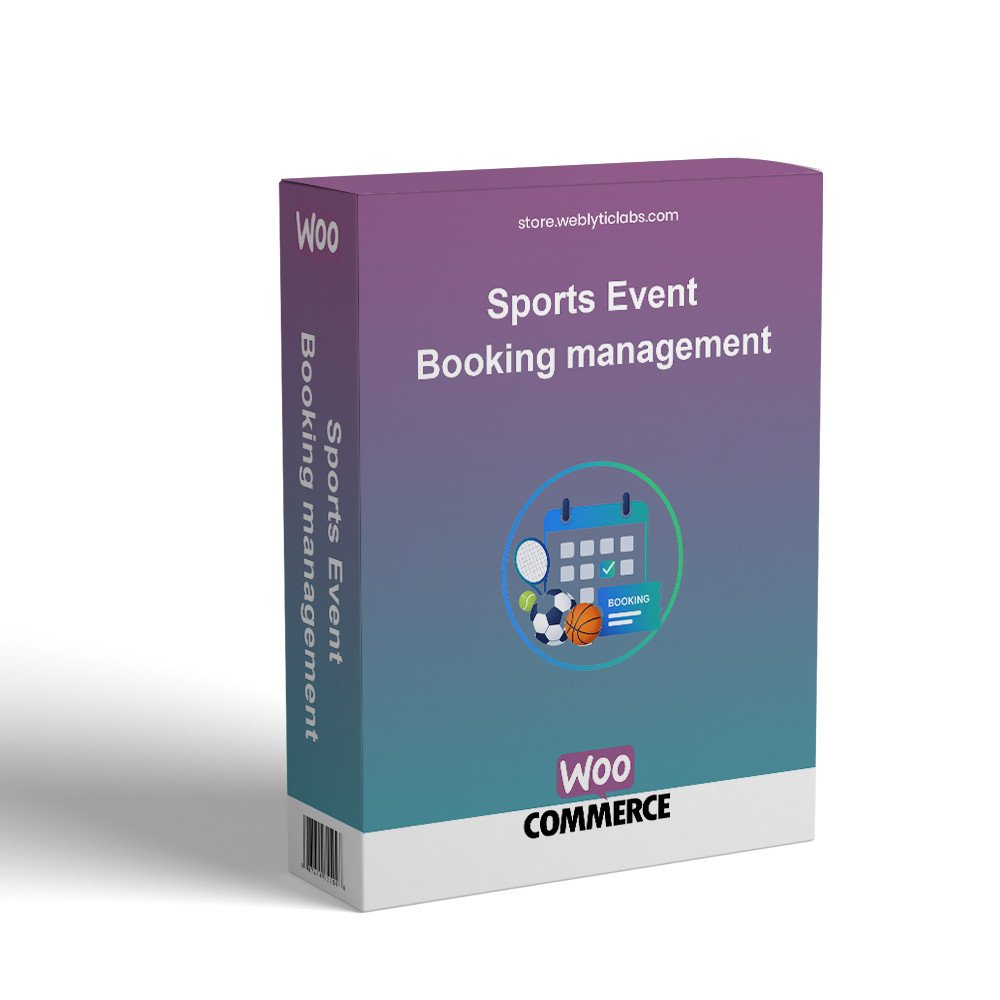
Weblytic Sports Booking turns courts, turfs, and pitches into WooCommerce products so customers can pick a date, choose a live time slot, and pay with your existing checkout. Club managers get weekend and peak pricing, cart holds, check-in, waitlists, a live courts board, plus tournaments, teams, and standings — all from one WordPress admin, with a booking calendar that keeps its look across themes.
Turn courts, turfs, and pitches into products with native cart and checkout.
Customers pick a date and available slot; hours, duration, buffer, and working days stay in sync.
Set weekend, holiday, and peak-hour rates without extra plugins.
Unpaid slots stay held until checkout, then pay with any WooCommerce gateway.
Check-in, waitlist, live courts board, gate PIN, and no-show tracking in one admin.
Run knockout or league events with fixtures, results, standings, and My Teams.
My Account bookings, cancel, notes, player names, and calendar (.ics) download.
Isolated calendar and widgets keep the same look across WordPress themes.
Upload and install the module ZIP from your back office Modules page.
Open the module configuration and enter the required credentials or options.
Enable the feature for your shop / front office and save.
Test the workflow, then start using WooCommerce Sports Booking Management Pl on your store.