Partial payment workflow
Allows eligible orders to use a partial-payment approach, helping merchants collect an initial amount while managing the remaining order balance separately.
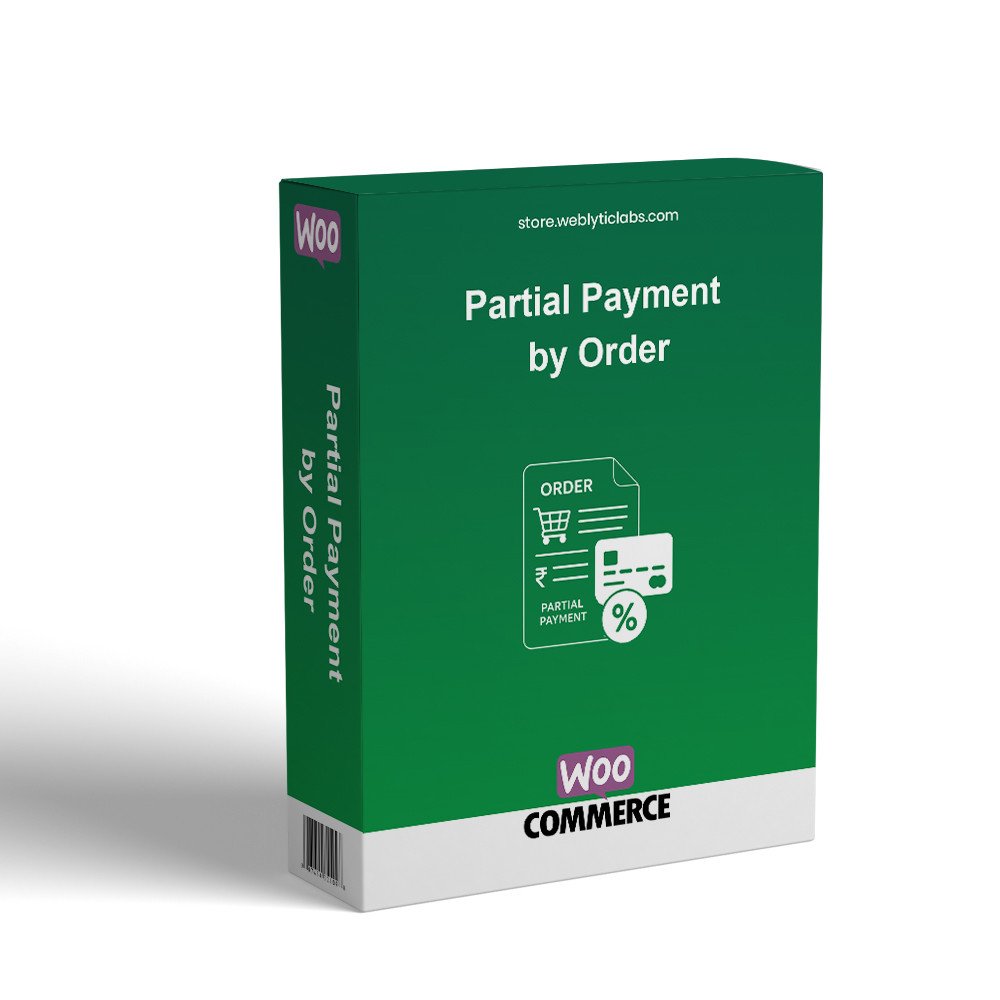
WooCommerce Partial Payment by Order Plugin helps merchants offer customers a flexible way to pay for eligible orders instead of requiring the full amount upfront. It is suitable for stores selling higher-value products, pre-orders, bookings, custom orders, or products where staged payment can make purchasing more manageable.
Allows eligible orders to use a partial-payment approach, helping merchants collect an initial amount while managing the remaining order balance separately.
Supports stores that need customers to pay only part of an order initially, making larger purchases easier to manage.
Keeps partial-payment information associated with the relevant WooCommerce order, giving administrators a clearer view of the payment arrangement.
Gives customers a more flexible purchasing option when a store chooses to offer partial payment for applicable orders.
Helps store administrators manage orders involving partial payments through the familiar WooCommerce order-management workflow.
Provides a practical payment option for products and orders where asking customers to pay the complete amount upfront may be less convenient.
Sign in to your WordPress dashboard and navigate to Plugins → Add New → Upload Plugin.
Upload the plugin ZIP file, install it, and activate the plugin from the WordPress Plugins page.
Open the plugin settings and configure the available partial-payment options according to your store's payment workflow.
Create a test purchase and verify that the configured partial-payment process and resulting WooCommerce order behave as expected.