

Multiple selling units
Configure products to be offered according to practical commercial quantities, helping B2B customers order products using units, boxes, or packs.
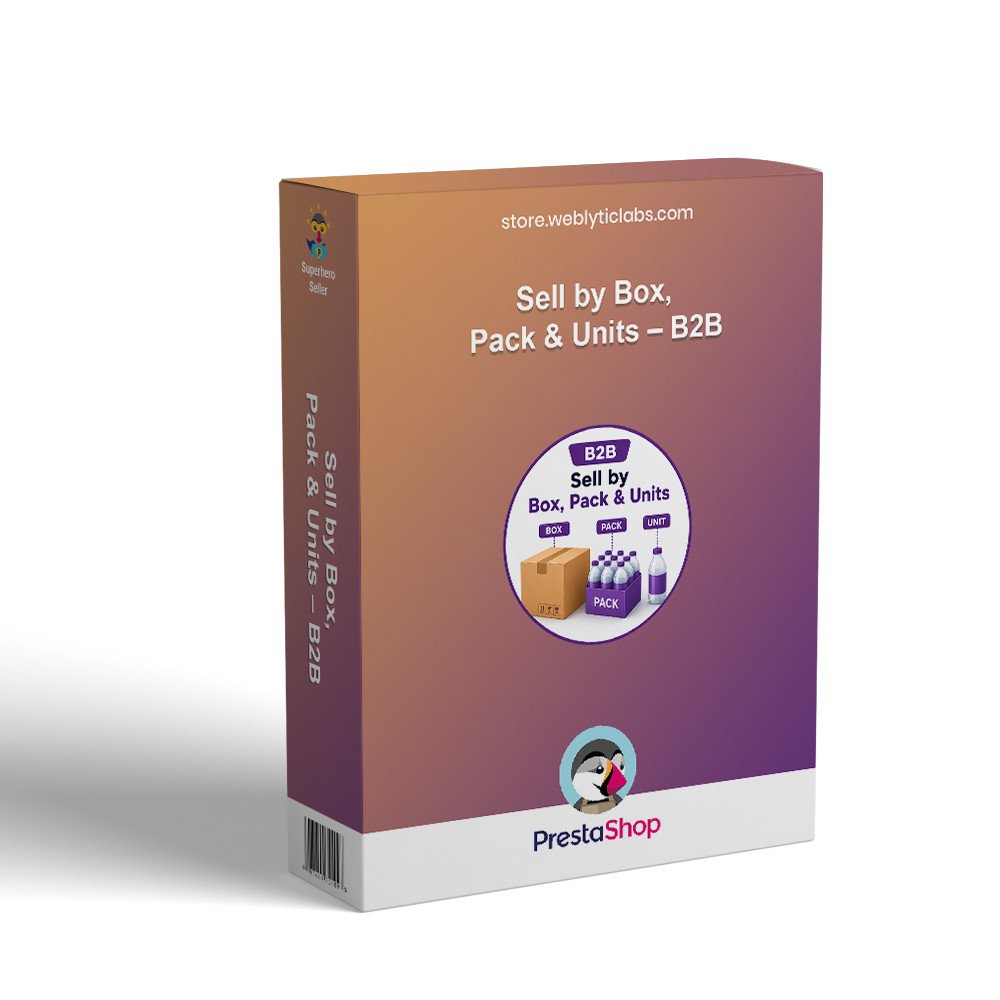
Sell products by unit, pack, or box with flexible bulk ordering. Apply discounts, and smart rules based on packaging, quantity, and customer groups.
PrestaShop Sell by Box, Pack & Units – B2B helps merchants sell products according to different commercial quantities, such as individual units, boxes, or packs. It is designed for B2B stores and businesses that need more practical quantity-based purchasing while keeping product ordering clear for professional customers.
Configure products to be offered according to practical commercial quantities, helping B2B customers order products using units, boxes, or packs.
Support box-oriented purchasing for products commonly supplied in predefined quantities, making larger orders easier to represent in the storefront.
Allow products to be presented around pack quantities, helping customers understand the quantity they are purchasing before adding products to their cart.
Maintain individual-unit purchasing where appropriate, giving merchants flexibility to sell products according to their actual commercial requirements.
Structure product purchasing around common business buying patterns, helping professional customers place orders using quantities that match their operational needs.
Present purchasing quantities in a more understandable way so customers can distinguish between individual units, packs, and boxes when ordering products.
Screenshots coming soon.
Upload the module ZIP through Modules > Module Manager in your PrestaShop back office.
Locate the Sell by Box, Pack & Units module and select Install to make its quantity-selling functionality available.
Open the relevant product settings and configure the available selling quantity options according to your B2B purchasing requirements.
Save the product configuration, review its storefront quantity presentation, and verify that customers can order using the configured commercial quantities.



