

Bill of Materials Management
Create detailed BOMs for products by defining required components, quantities, and manufacturing requirements from a centralized interface.
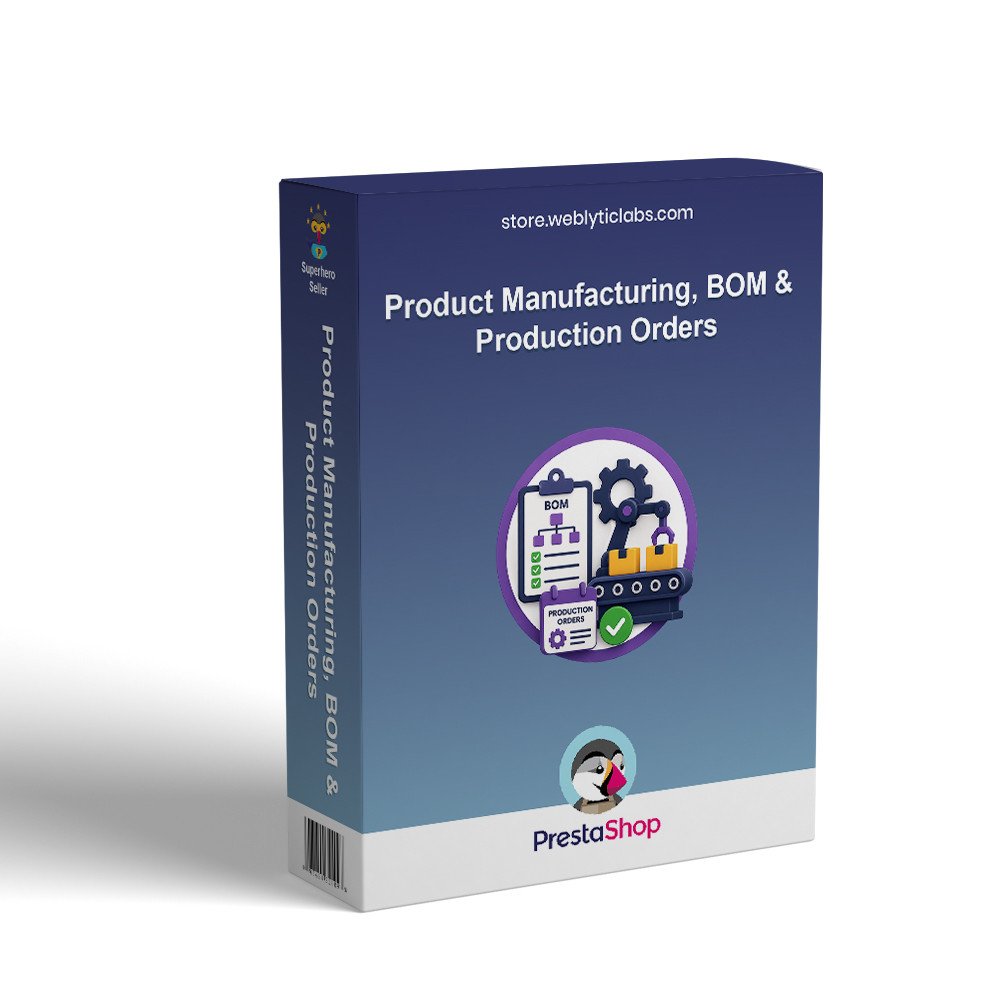
Add manufacturing to PrestaShop with BOM, production orders, and make-to-order automation. Convert components into finished products, manage stock updates, and track production workflows directly from your store.
Bring complete manufacturing capabilities to PrestaShop with BOM management, production orders, and Make-To-Order automation. Manage components, production workflows, stock updates, costs, and delivery estimates directly from your store without relying on external ERP software.
Create detailed BOMs for products by defining required components, quantities, and manufacturing requirements from a centralized interface.
Automatically create production orders when product stock is insufficient and manage the complete workflow from draft to completion.
Support both stock-based production and Make-To-Order workflows with customer-facing production messages, production times, and estimated delivery information.
Validate component availability, detect material shortages, manage consumption, and automatically update component and finished-product stock after production.
Schedule production dates, define production times and minimum quantities, and calculate manufacturing costs using component and additional expenses.
Monitor production performance through a centralized dashboard with production reports, order tracking, stock insights, and detailed manufacturing analytics.
Screenshots coming soon.
Download the manufacturing module ZIP file from your account or the marketplace where you purchased it.
Log in to your PrestaShop Admin Panel and navigate to Modules → Module Manager.
Click Upload a Module and select the downloaded ZIP file from your computer.
Click Install and wait for PrestaShop to complete the installation process.
Open the module configuration and set your preferred production, stock, consumption, costing, and notification settings.
Create BOMs for your products by adding the required components, quantities, production time, and other manufacturing details.
Enable your preferred production mode, such as stock-based manufacturing or Make-To-Order, and configure automatic production order rules.
Create a test production order, verify component consumption and stock updates, and then start managing your manufacturing operations directly from PrestaShop.



