.png)

Magento Rule Based Product Extra Tabs
The Product Tabs serves as a comprehensive solution for optimizing product recommendations and creating engaging content blocks around upsells and cross-sells. With the ability to utilize customer behavior and preferences, you can enhance the likelihood of additional purchases effectively.
The Product Tabs serves as a comprehensive solution for optimizing product recommendations and creating engaging content blocks around upsells and cross-sells. With the ability to utilize customer behavior and preferences, you can enhance the likelihood of additional purchases effectively.
 Return policy
10-day module exchange guarantee
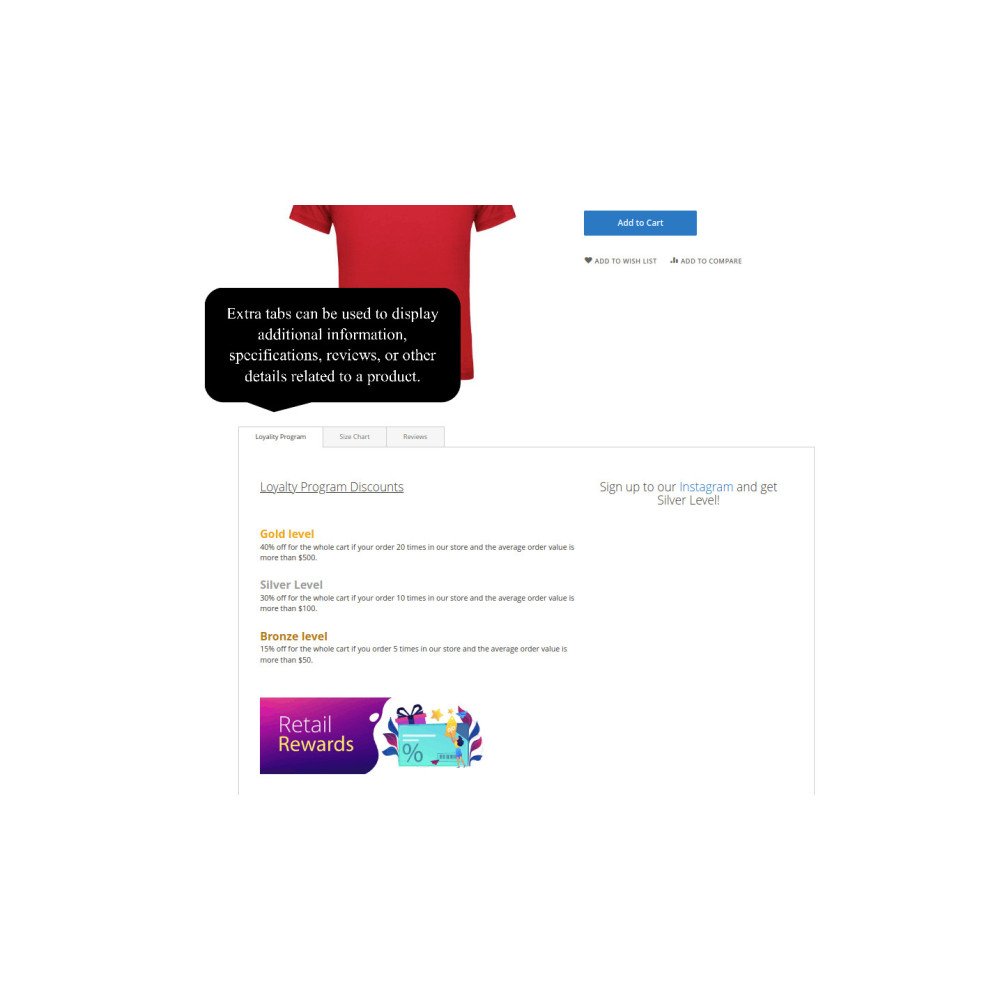
Create custom product tabs tailored to customer needs
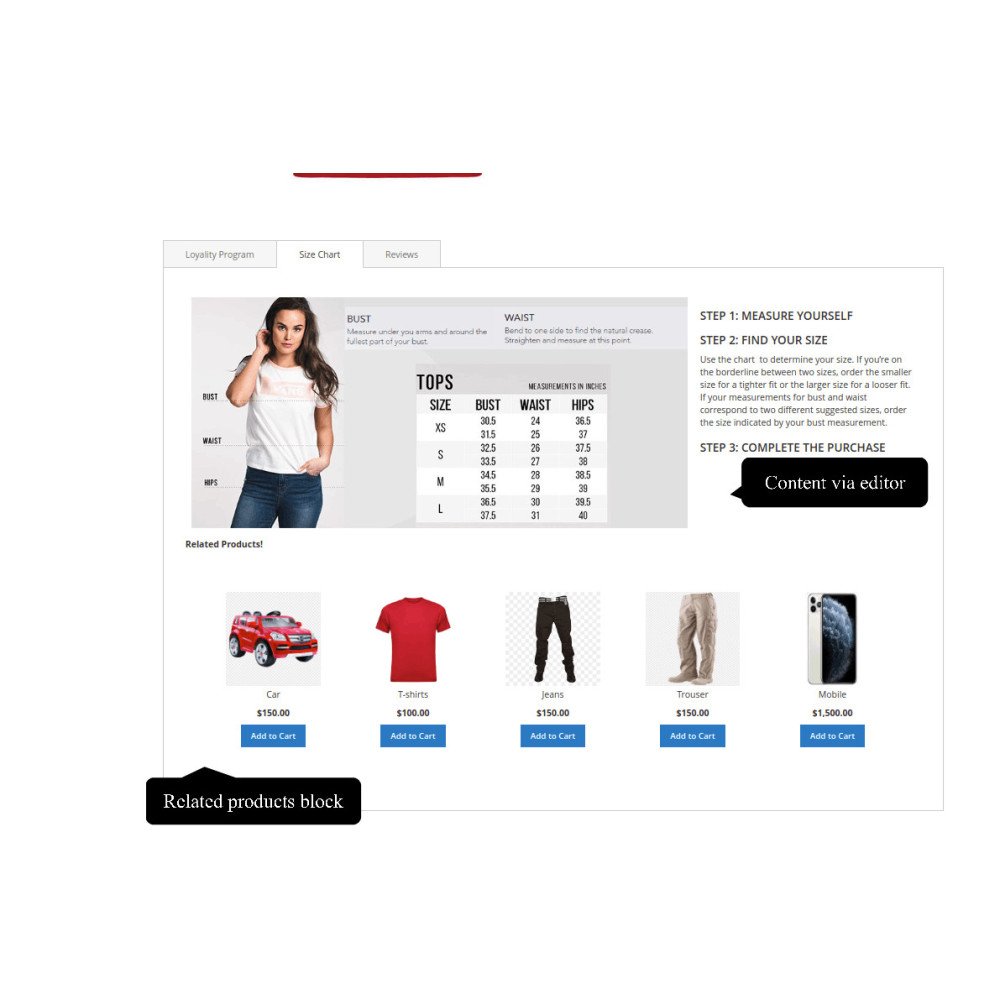
Add images, videos, widgets, and FAQs directly into tabs
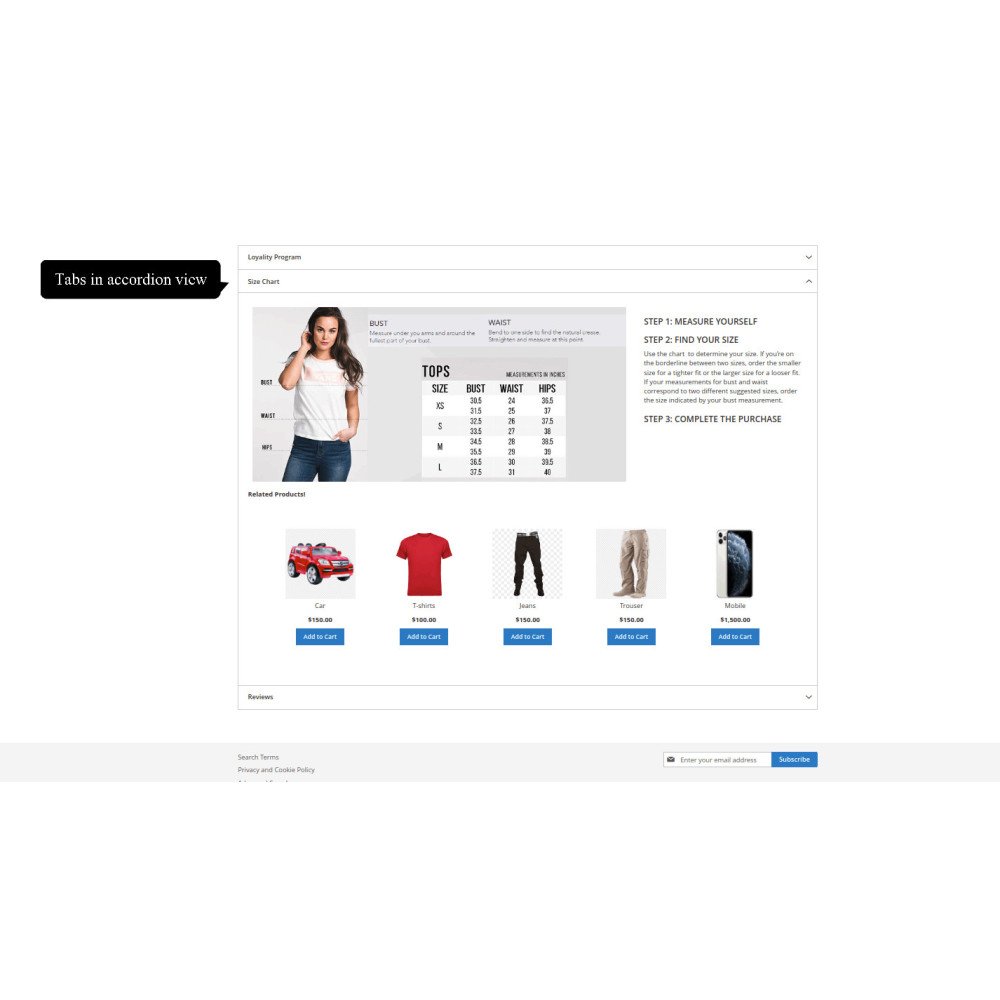
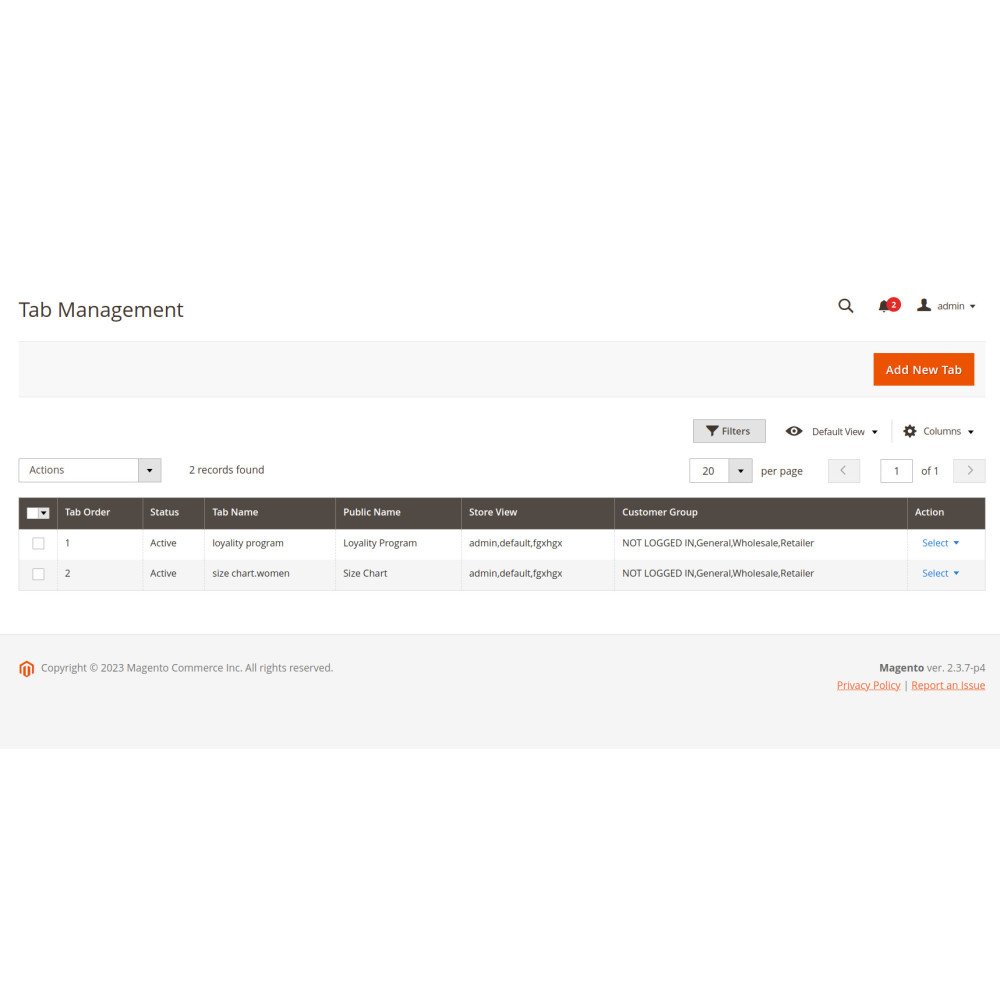
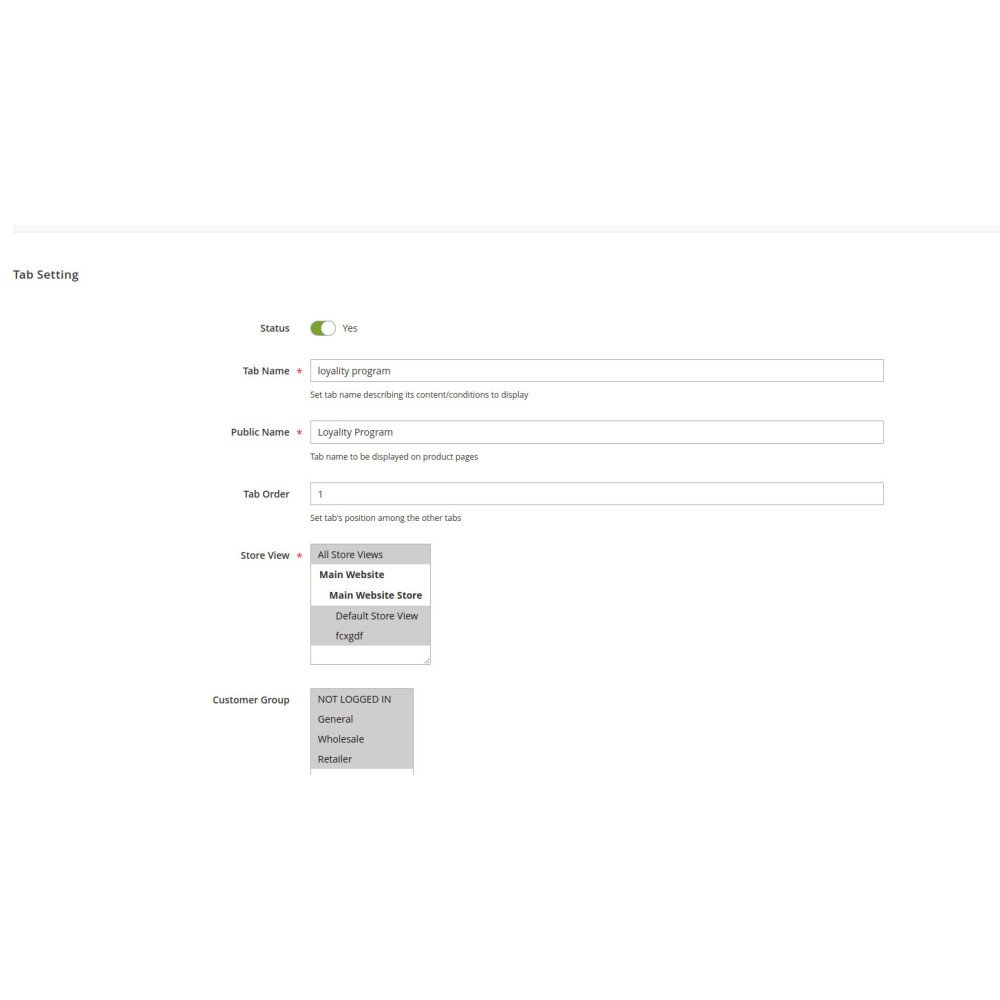
Control tab names, visibility, and display order easily
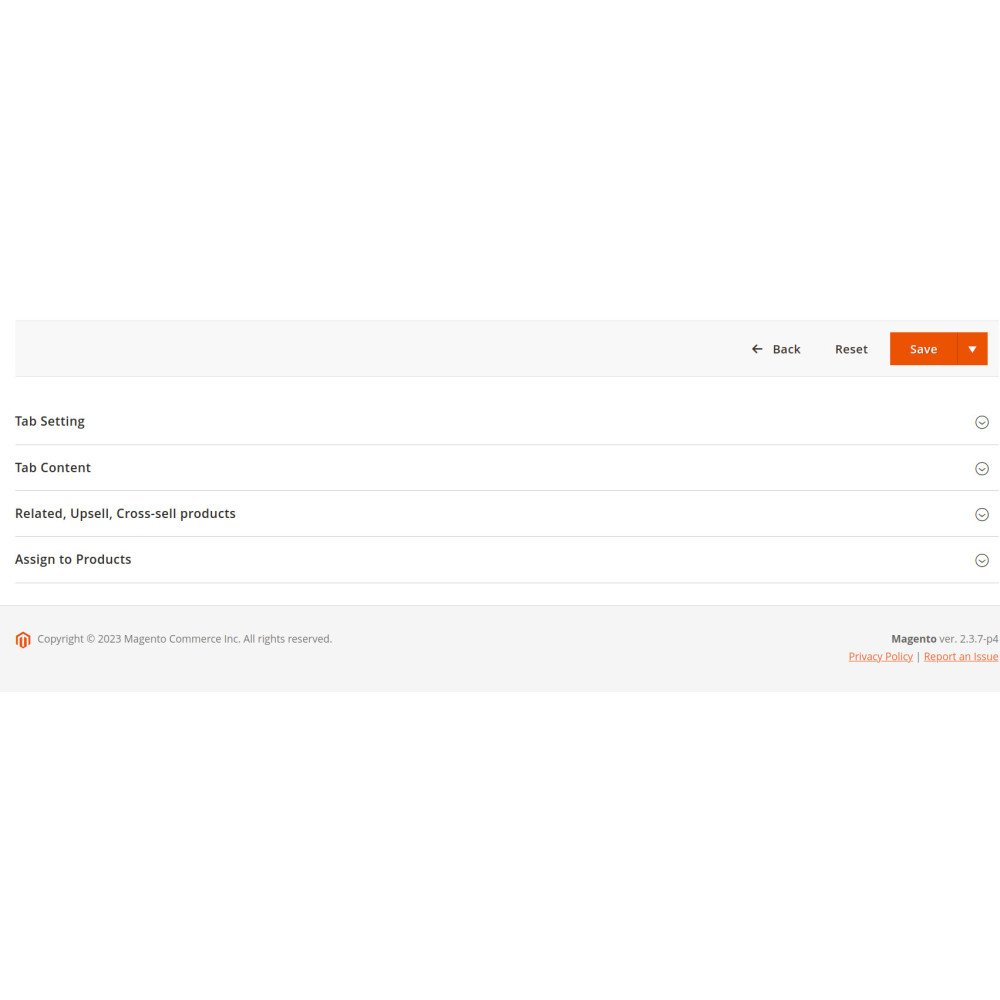
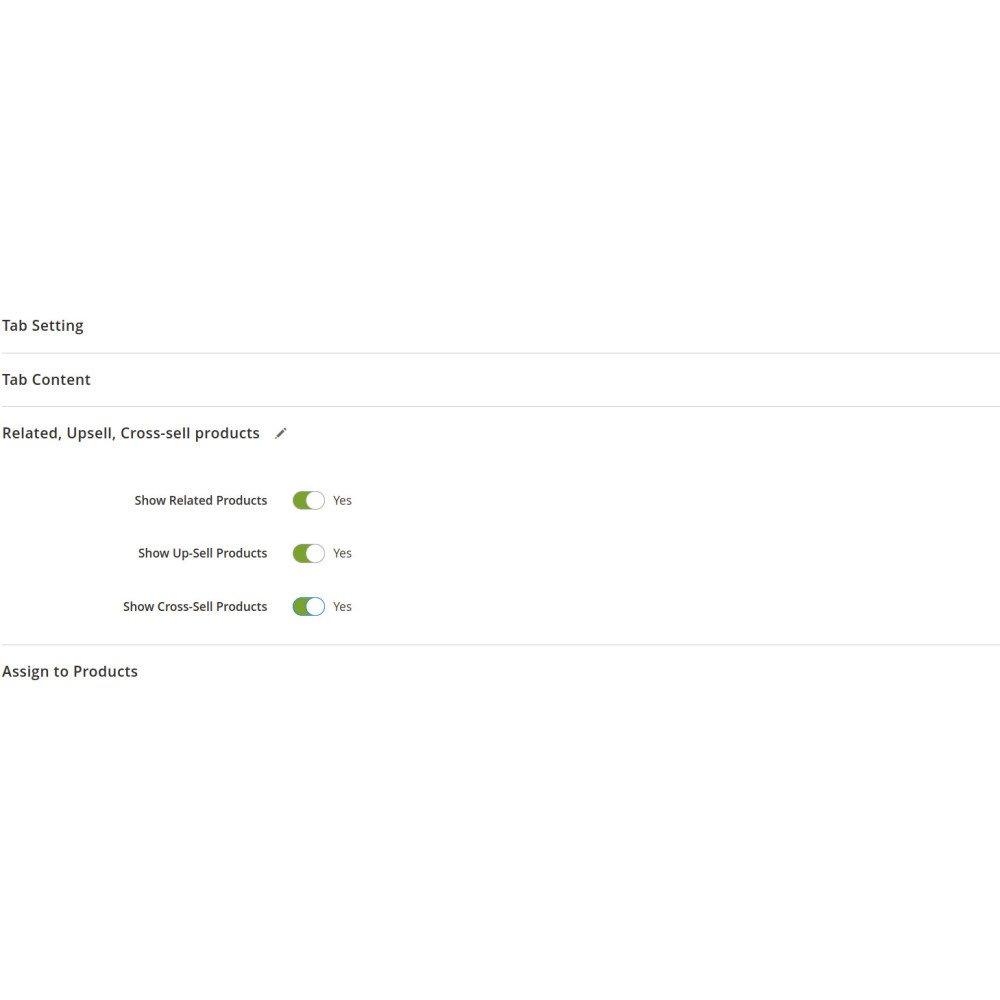
Showcase upsells, cross-sells, and related product widgets
Personalize tabs by customer groups for higher relevance
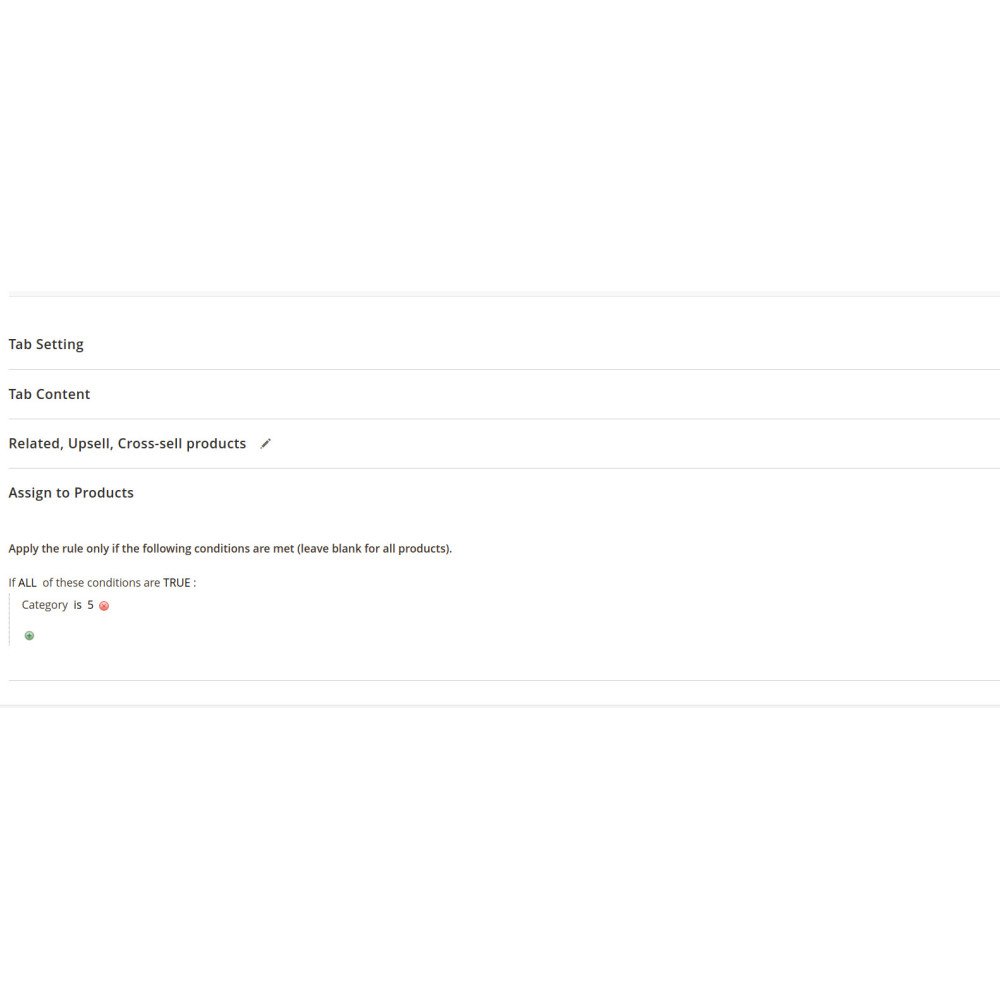
Customizable product tabs with predefined rules
Rename, hide, or modify default Magento product tabs
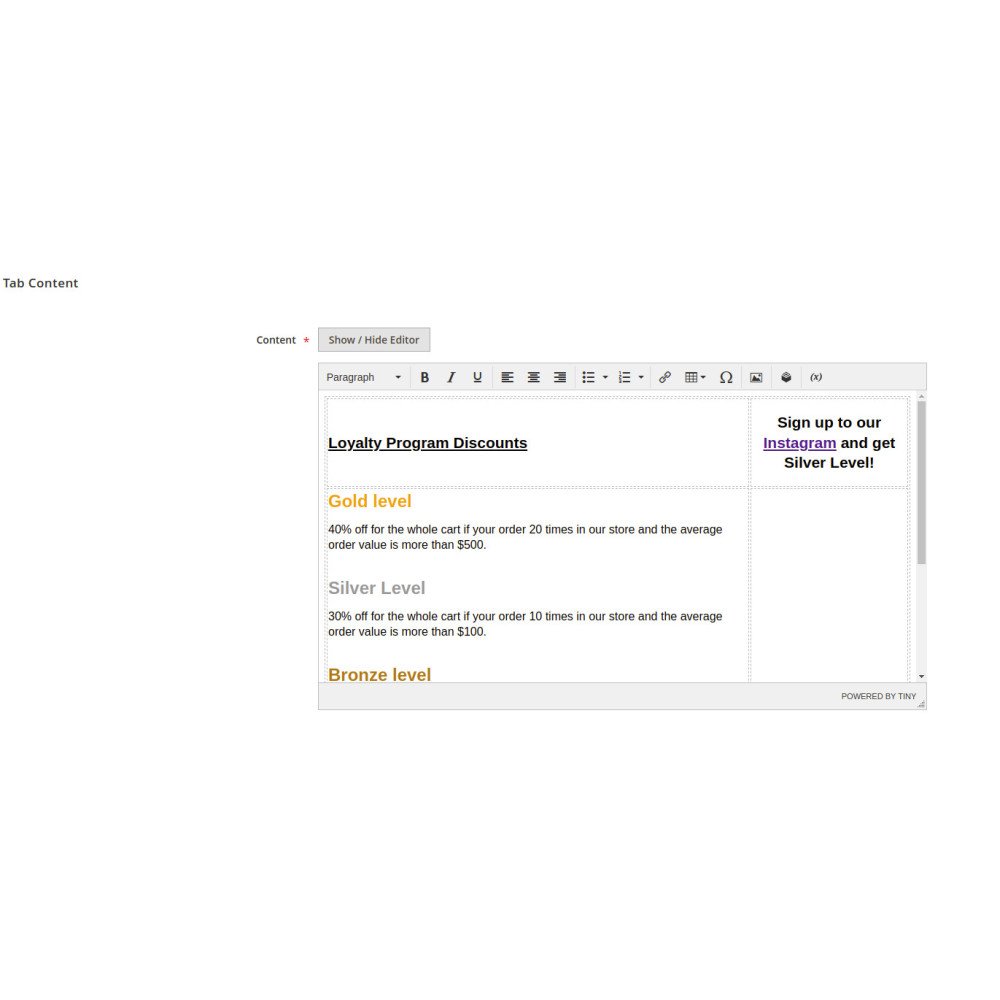
Add dynamic content with WYSIWYG editor
Custom tab ordering for relevant content display
Interactive content with images, videos, and widgets
Built-in support for upsells, cross-sells, and related items
Drive upsell and cross-sell opportunities with dynamic tabs
Reduce sales staff workload with automated content rules
Improve product insights through analytics and reporting
Access detailed, interactive product information in one place
Enjoy clearer purchase decisions with FAQs, reviews, and guides
View targeted content based on customer type (retail/wholesale)
Download the extension package and upload files to Magento root directory.
Open terminal in Magento root and run:
php bin/magento setup:upgrade
php bin/magento setup:di:compile
php bin/magento setup:static-content:deploy -f
php bin/magento cache:flush
Log in to Magento admin panel.
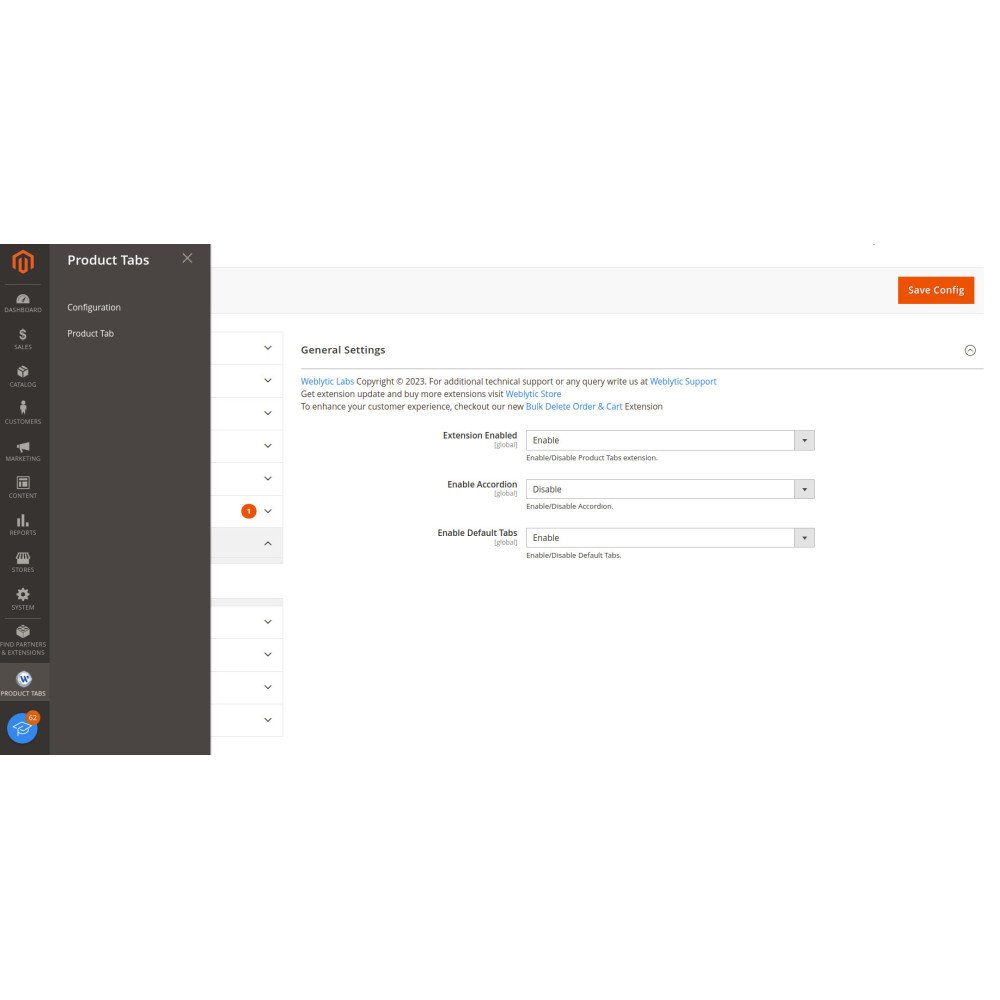
Navigate to Stores > Configuration > Product Extra Tabs.
Configure tab rules, content, and display settings.
Save and test new product tabs on your storefront.






 Magento Experience — Scalable, Secure, and Built to Grow